A woska take on a thread by rari.
Read the original on X (Twitter)Prompting an agent gets you one attempt. A loop gets you a result that's already been checked, fixed, and re-checked before it ever reaches you. That distinction — first raised publicly by builders comparing notes on how they actually use coding agents day to day — is becoming the real dividing line between people who use AI casually and people who run it as infrastructure.
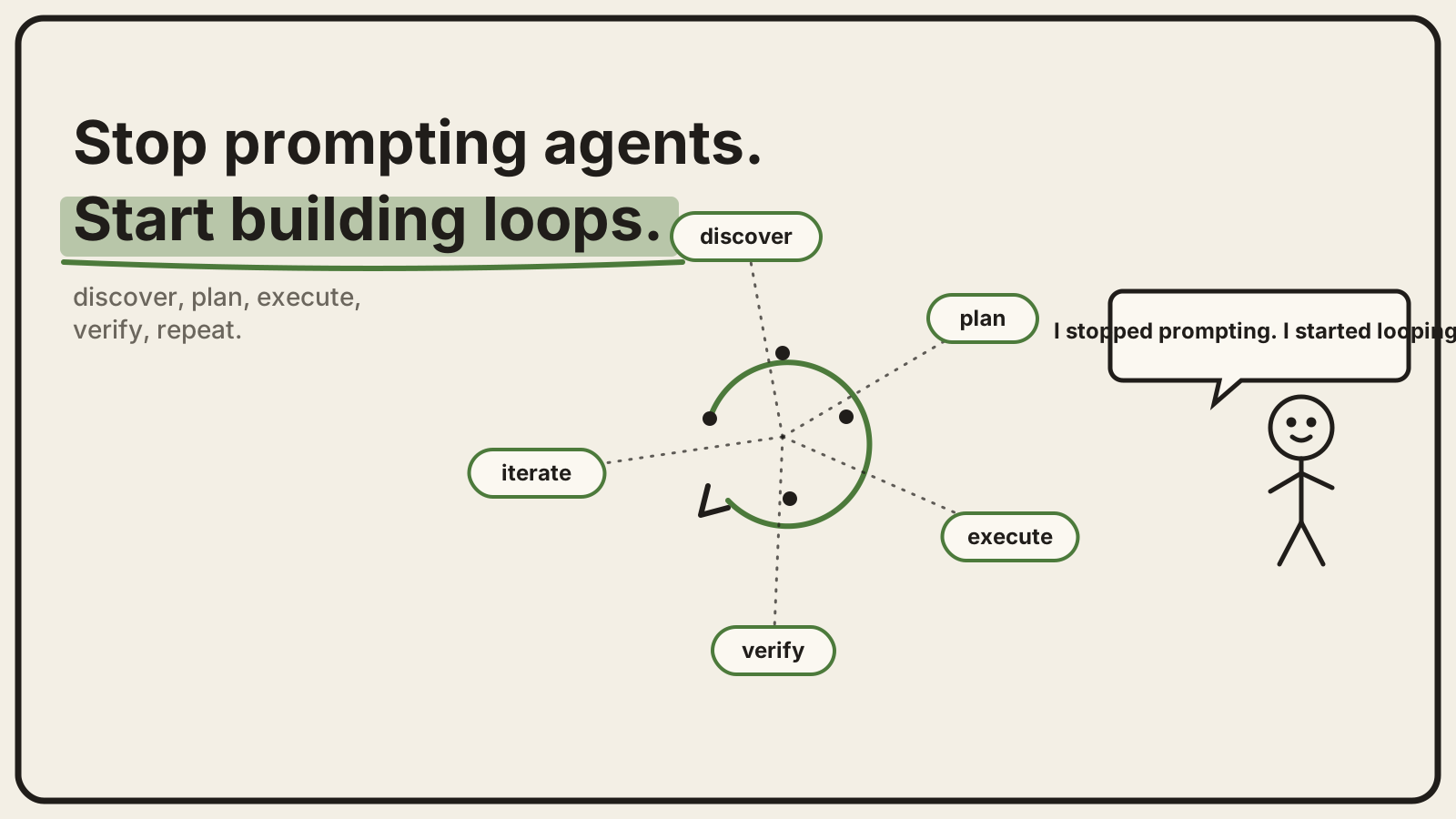
The habit most people never break
The default way almost everyone uses an AI agent looks like this: type a task, wait for an answer, read it, spot what's wrong, and type a follow-up. Repeat until it's good enough. It works. It also means a human is sitting in the loop for every single cycle, which puts a hard ceiling on how much the agent can actually do without you.
A loop removes the human from the middle of that cycle — not from the decision of what the loop should do, but from babysitting each individual attempt. You set the goal and the rules once; the loop keeps working until the output actually meets them.
What a loop is made of
Strip away the tooling and every working loop reduces to five steps: figure out what's needed, plan the approach, do the work, check whether it's actually right, and — if it isn't — go again with what was learned. The "check" step is the one people skip when they first try this, and it's the one that matters most. Without a real verification step, a loop just repeats the same mistake faster instead of converging on a correct answer.
In practice, the checker is often a second agent — or a different prompt to the same model — deliberately kept separate from the one that produced the work. An agent reviewing its own output tends to be generous with itself for the same reason a writer is a poor editor of their own first draft: it already believes the reasoning that produced the mistake.
Two shapes, and a real tradeoff
Loops come in two rough sizes. A single-agent loop is one agent drafting, checking, and revising its own narrow task — a bug fix, a summary, a piece of copy. A fleet loop is bigger: one coordinating agent breaks a larger goal into pieces and hands each piece to a specialist, the way a small team would split up a project.
There's also a distinction in how tightly the loop is scoped. An open loop gives the agent a broad goal and lets it figure out the path, which can surface things a narrower brief would have missed — but it can also wander, burn budget chasing dead ends, and produce output that technically works but misses the actual point. A closed loop — clear goal, defined steps, a real stop condition — is slower to set up and far cheaper to run predictably. Most people are better served starting closed and only opening things up once the checking step has proven itself.
The part that doesn't show up in the demo
The reason more people aren't already doing this isn't that the idea is hard to explain. It's that a loop calling several agents to draft, verify, and revise work can run through a genuinely large number of tokens on a single task — and every retry, every self-correction, every extra verification pass adds to that bill. A loop that seems cheap in a five-minute demo can get expensive fast once it's running daily against real, messy inputs.
That's the actual reason cheap, large-context models matter here: not as a nice-to-have, but as the thing that decides whether running a loop every day is a normal part of how you work or an expensive experiment you quietly stop running after a week.
Where this leaves prompting
None of this makes writing a good prompt pointless — a loop is still built out of prompts, just prompts aimed at specific stages (plan this, verify that) instead of one prompt aimed at the whole problem. The shift is in what you're designing: not the single best instruction, but the system that keeps working after the first instruction turns out to be incomplete, which — for anything more involved than a one-off question — it usually is.
If you're already running tasks through Claude Code or a similar coding agent, the smallest version of this to try is the cheapest one: add one automated check after the agent's next task, and have it retry on failure before it hands the result back to you. That's a loop. Everything past that is scale.
*Read the original thread this piece is based on: rari on X.*
Source: rari · X (Twitter)
Read the original