VoiceOS is worth it once you want more than dictation: it drafts, edits, and runs multi-step automations across your Mac or Windows apps from natural speech, with a confirmation step before it actually takes action. That confirmation step is the detail that matters most — voice-driven automation only becomes trustworthy once you can see what it's about to do before it does it, rather than hoping it interpreted you correctly.
If pure dictation accuracy is all you need — no automation, no multi-step actions — see how it compares to Wispr Flow and Superwhisper below.
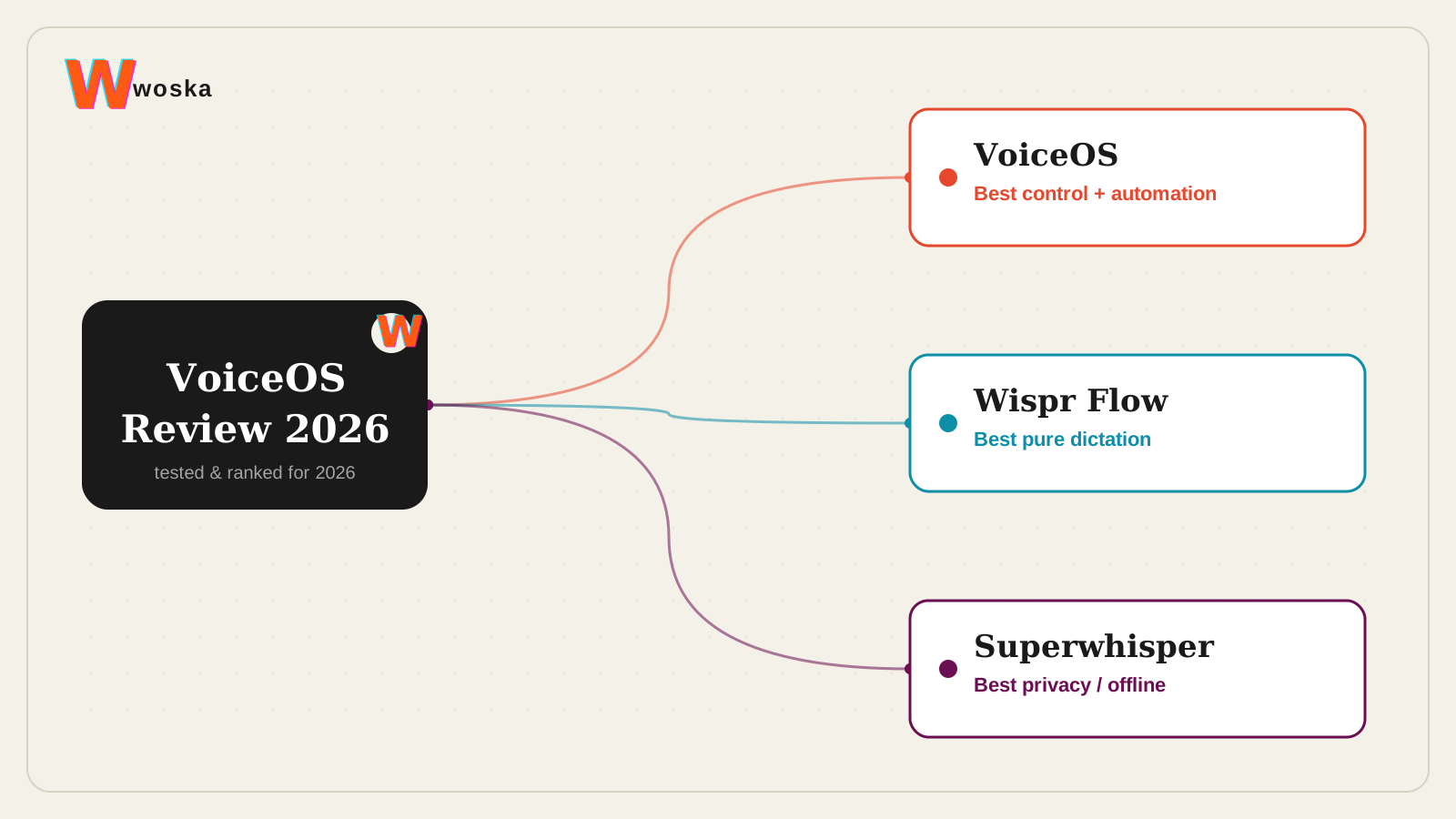
What VoiceOS actually does
VoiceOS listens system-wide across your Mac or Windows apps, turning speech into clean text the way a dictation tool does, but goes further into running multi-step actions — drafting a message, opening an app, executing a small workflow — from a spoken instruction. Before it acts, it shows a confirmation step, which is what separates "voice control" from "voice automation that might do the wrong thing."
Where it wins, and where it doesn't
It wins clearly once your use case is bigger than dictation: hands-free multi-step tasks, drafting across apps, small automations triggered by speech rather than clicking through several steps yourself. The confirmation step makes that trust gap smaller than it would otherwise be for voice-driven action.
It loses ground on pure dictation quality against specialists. Wispr Flow is widely rated the best pure dictation experience — roughly 4x typing speed with strong punctuation and formatting cleanup — for people who only need speech-to-text, not automation. Superwhisper wins for privacy-conscious users specifically, with offline processing options VoiceOS and Wispr Flow's cloud-based models don't offer.
Open Wispr Flow → · Open Superwhisper →
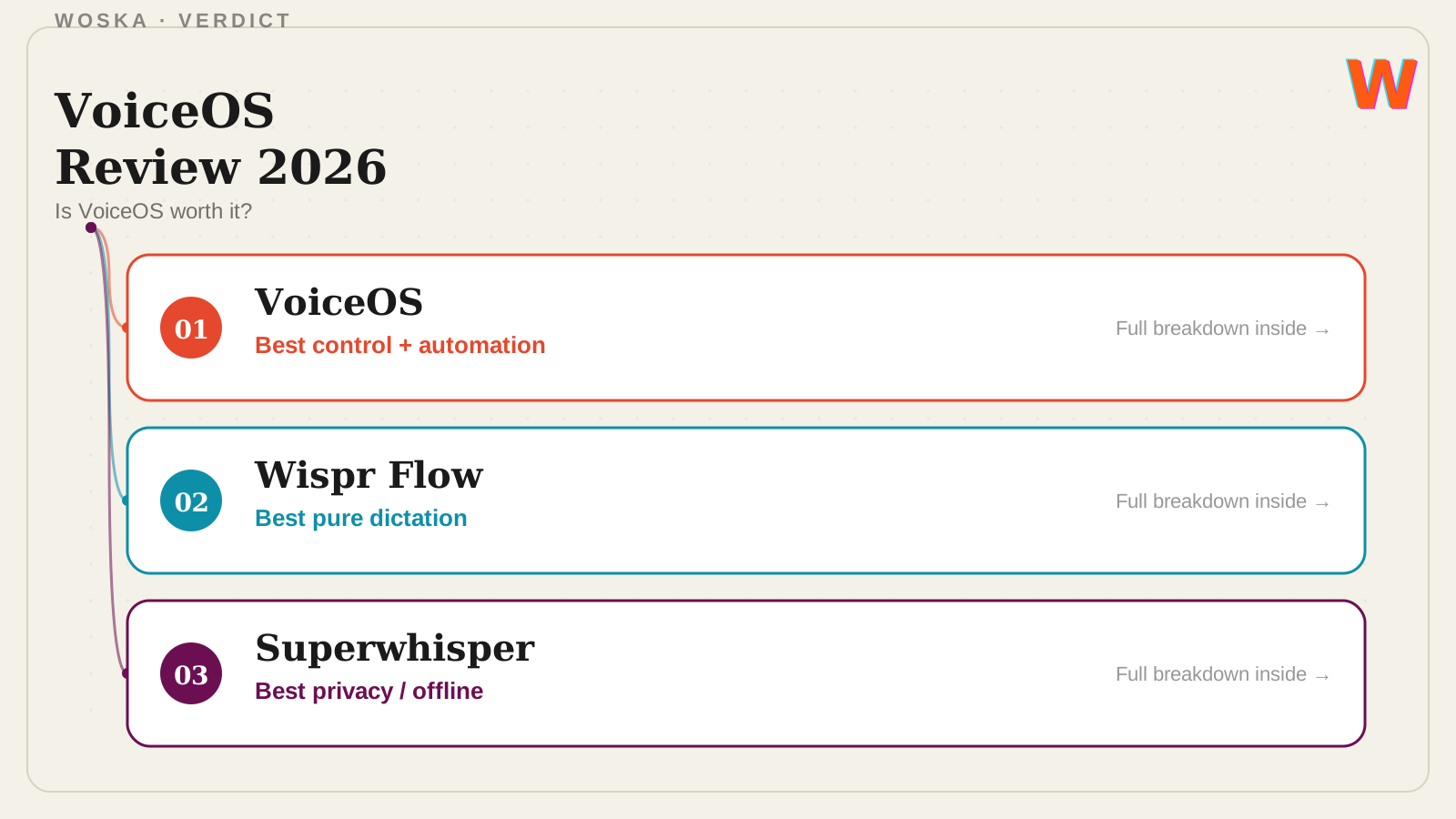
Quick comparison
| Tool | Starting price | Core job | Best fit |
|---|---|---|---|
| VoiceOS | Free tier, from $12/mo | voice control + multi-step automation | Wanting actions, not just dictated text |
| Wispr Flow | Free tier, from $12-15/mo | pure voice dictation | Best raw dictation speed and accuracy |
| Superwhisper | Free tier, freemium | private, offline-capable dictation | Privacy and offline requirements |
Should you use it?
Use VoiceOS if you want speech to trigger real actions across your apps, not just fill a text field. Use Wispr Flow if dictation speed and accuracy is genuinely all you need. Use Superwhisper if keeping audio processing offline and private is a hard requirement.
FAQ
Is it safe to let VoiceOS take actions on my computer automatically? VoiceOS shows a confirmation step before executing multi-step actions specifically to address this — review what it's about to do before confirming, especially for anything involving sending messages or changing settings.
Does VoiceOS work as well as a dedicated dictation app for plain text? It covers dictation as part of its feature set, but if plain dictation speed and accuracy is your only need, dedicated tools like Wispr Flow are more narrowly optimized for exactly that.
Can VoiceOS work offline? No — like Wispr Flow, VoiceOS's speech processing runs in the cloud. Superwhisper is the option here if offline processing is a requirement.
What platforms does VoiceOS support? VoiceOS works system-wide across both Mac and Windows, unlike some dictation tools that are Mac-first or missing one platform entirely.
Related guides
- Best AI Voice Control Tool for Your Computer in 2026
- Best AI Dictation Tool in 2026
- Best AI Browser Agent in 2026
- Explore Productivity tools
*Ratings and pricing reviewed monthly. Last updated August 2026.*
Bogdex · Founder & editor, woska
Bogdex builds and curates woska, testing AI tools against real workflows to judge which ones actually save time rather than which have the longest feature list.