Comet wins for all-round research with the strongest source citations, MultiOn wins for actually completing multi-step web tasks — clicking, filling forms, checking out — with minimal supervision, and HyperWrite wins for combining browsing with an AI writing assistant in one tool. An AI browser agent goes further than a chat sidebar: instead of just answering questions about a page, it can navigate, click, and act across tabs on your behalf.
If you specifically want an agent for coding rather than general web tasks, see Best Autonomous AI Coding Agent instead.
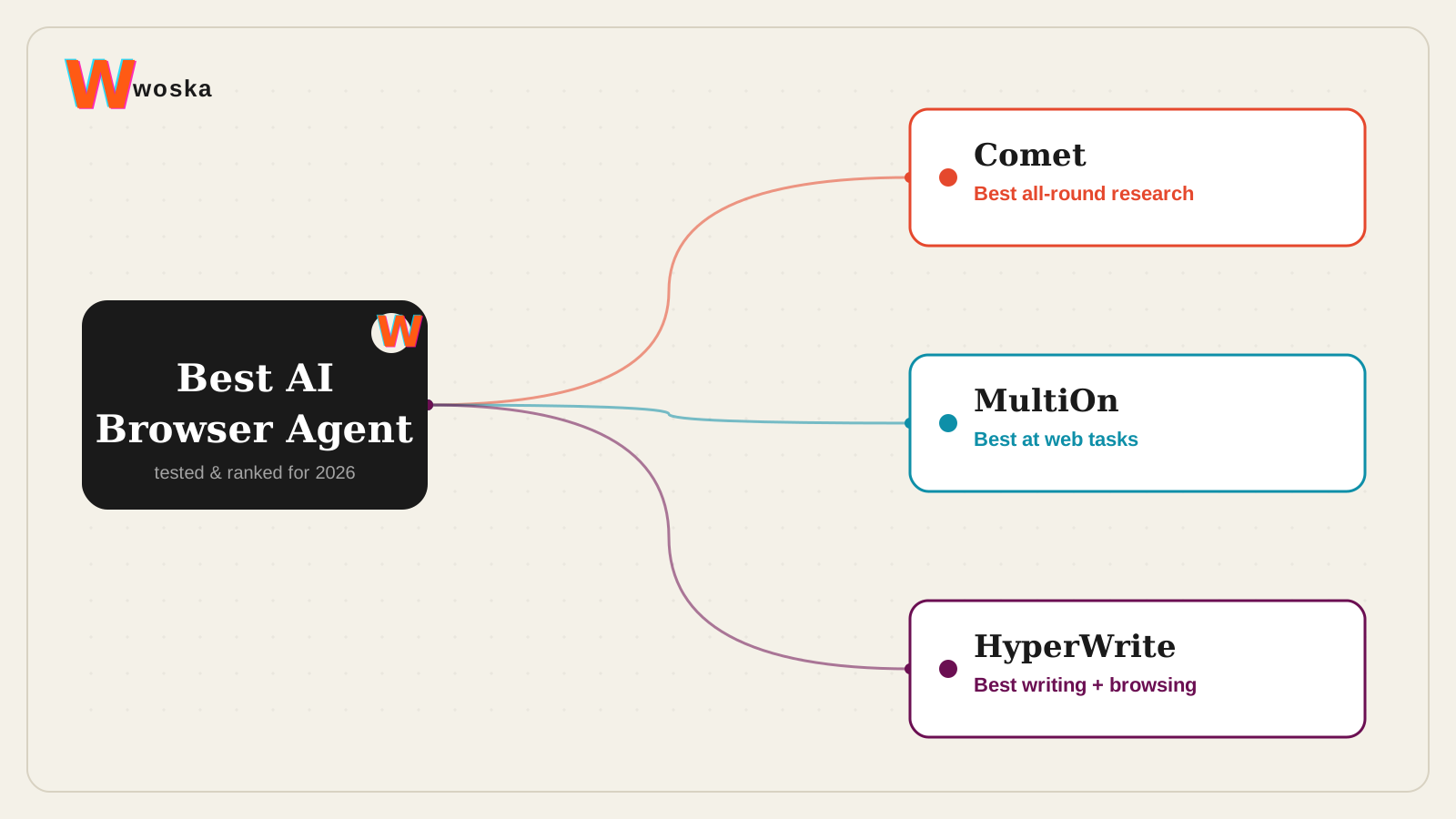
The three, in one line each
Comet, from Perplexity, is the AI-native browser built around research, synthesis, and cited answers across open tabs — the strongest pick when the job is understanding something, not just clicking through it.
MultiOn is a browser agent that takes plain-language instructions and executes them directly — filling forms, navigating multi-step flows, completing purchases — with the most hands-off completion of real tasks among the three.
HyperWrite pairs its AI writing assistant with a browser agent that can search and complete web tasks, useful if you'd rather have one tool than separate writing and browsing agents.
Where each one actually wins
Comet rewards research-heavy work — competitive analysis, due diligence, anything where you need a defensible, cited answer pulled from multiple sources across tabs. MultiOn rewards repetitive multi-step web tasks where the value is in not doing the clicking yourself: form fills, bookings, and structured web actions. HyperWrite rewards people whose work mixes writing and browsing throughout the day, since switching between one tool for drafting and another for web actions is exactly what it avoids.
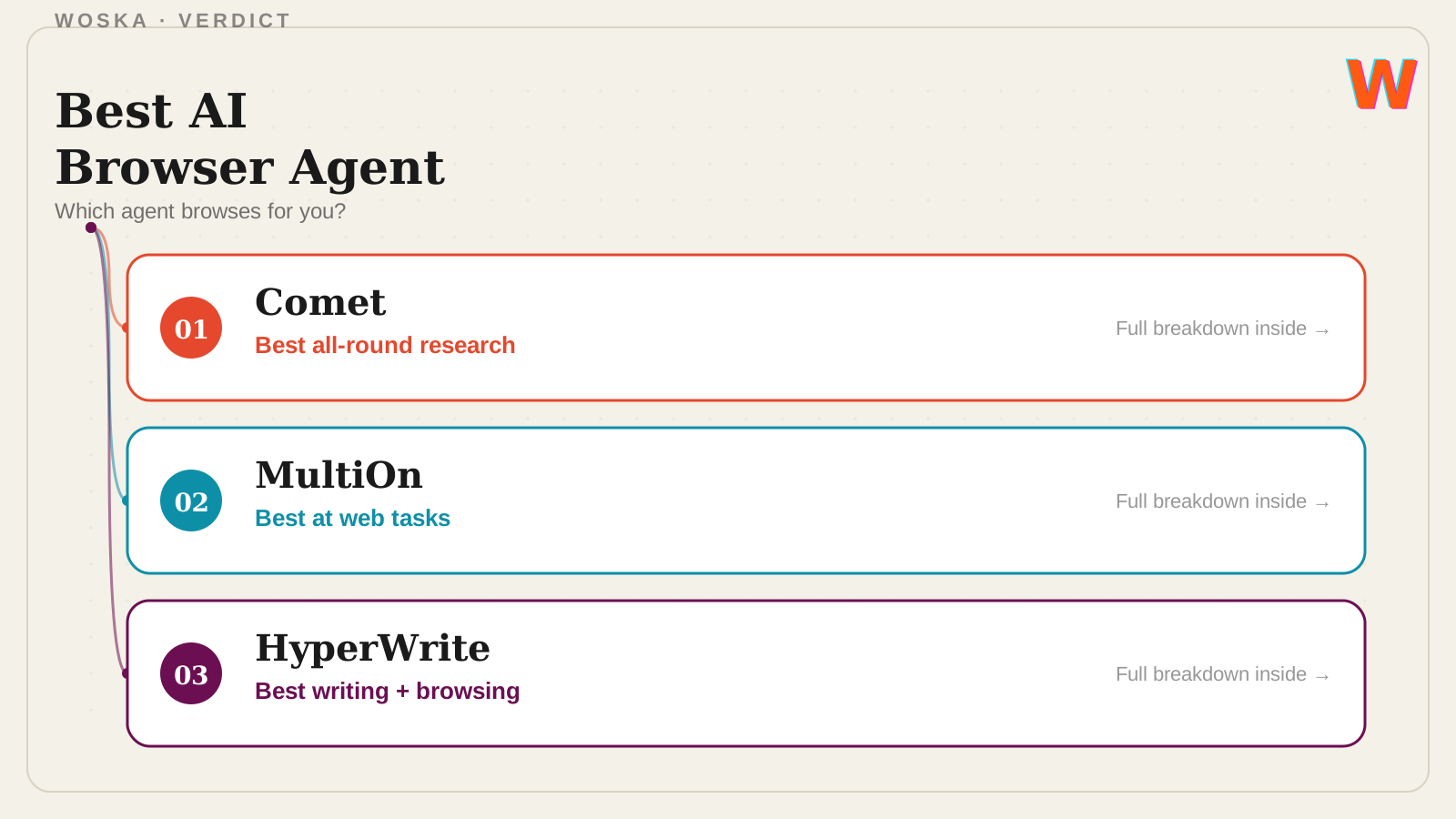
Quick comparison
| Tool | Starting price | Core job | Best fit |
|---|---|---|---|
| Comet | Free | AI-native research browser | Cited, multi-source research |
| MultiOn | Free tier, API for developers | autonomous web-action agent | Completing multi-step web tasks |
| HyperWrite | Free tier, from $20/mo | writing assistant + browser agent | Combining drafting and browsing in one tool |
Which one should you use?
Use Comet as your default browser if research and synthesis are most of what you do online. Use MultiOn when you specifically want to delegate a repetitive multi-step web task rather than research a question. Use HyperWrite if you want writing help and browser actions available from the same tool without switching context.
FAQ
Is it safe to let a browser agent click through forms and checkouts on its own? Treat any autonomous web-action agent the way you'd treat a new employee doing something for the first time — review what it's about to do on anything involving payment or account changes, since these agents can misread a page and take the wrong action.
Do I have to replace my current browser to use these? Comet is a full standalone browser, so yes for that one. MultiOn and HyperWrite are largely available as extensions or agent modes that work alongside your existing browser instead of replacing it.
Which is free to use? Comet is free. MultiOn's consumer extension is also free, with a separate paid API tier for developers. HyperWrite has a free tier with paid plans for heavier use.
Can these agents handle logins and passwords safely? Most browser agents work within your existing logged-in session rather than handling raw credentials themselves, but you should still avoid pointing any of them at anything highly sensitive (banking, medical records) until you've tested it on lower-stakes tasks first.
Related guides
- Part of our complete guide: AI Coding & Developer Tools
- Best AI Note-Taking Tool in 2026
- Best Autonomous AI Coding Agent in 2026
- Best AI Tool to Chat With PDFs in 2026
- Explore Productivity tools
*Ratings and pricing reviewed monthly. Last updated August 2026.*
Bogdex · Founder & editor, woska
Bogdex builds and curates woska, testing AI tools against real workflows to judge which ones actually save time rather than which have the longest feature list.