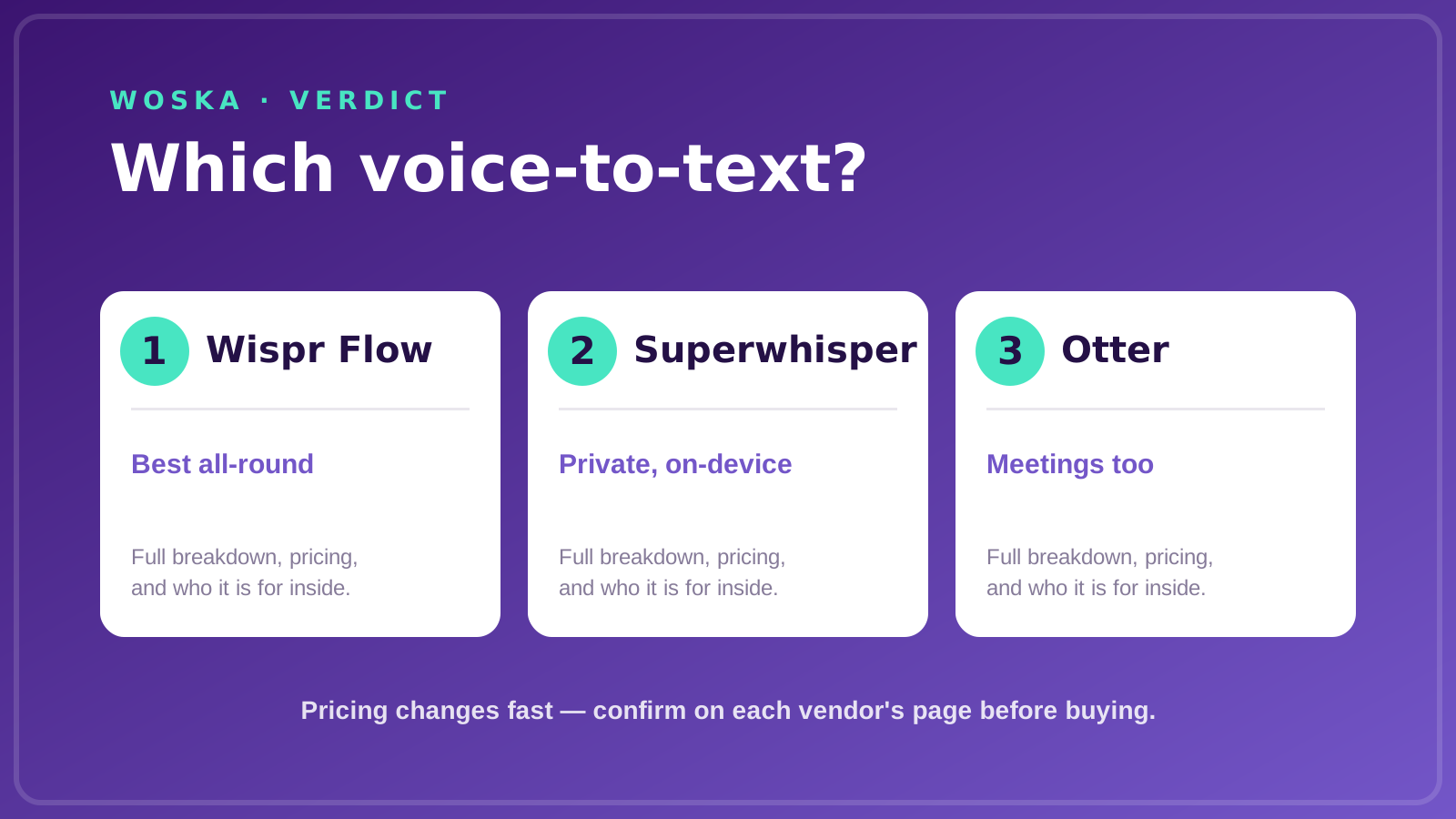
Wispr Flow is the best AI dictation tool for most people in 2026 because it turns messy speech into clean, punctuated text anywhere you type, across Mac, Windows, iOS, and Android. Superwhisper is the pick when privacy matters and audio cannot leave your device, and Otter is better when what you really need is meeting capture, not a voice keyboard.
Modern dictation is not the old "transcribe exactly what I said." The good tools remove filler words, add punctuation, and adapt tone to the app you are writing in. That cleanup is the whole reason to use one.
Why Wispr Flow is the strongest starting point
Wispr Flow is the most polished general-purpose voice keyboard in 2026. You speak, and it drops clean text into whatever field has focus — an email, a doc, a chat box, a code comment. Filler words vanish, punctuation lands in the right place, and the tone shifts to match where you are typing.
It works across Mac, Windows, iOS, and Android, so your dictation habit follows you between devices rather than living in one app. For anyone who thinks faster than they type, that is the fastest path from thought to text.
Start here unless privacy rules or meeting capture point you elsewhere.
Pricing: Around $15/mo or $144/year for Pro. Always confirm the live vendor page before buying because AI products often change credits, limits, and plan names.
When Superwhisper is the better choice
Superwhisper runs Whisper models entirely on-device, so your audio never touches the cloud. For healthcare, legal, or any sensitive work where recordings cannot leave the machine, that is not a nice-to-have — it is the requirement.
It is also the cheaper monthly option and offers a lifetime licence, though the price of that licence rose sharply in 2026. Choose Superwhisper when privacy or a one-time purchase matters more than cross-platform reach.
When Otter belongs on the shortlist
Otter is a different tool that people reach for by mistake. It is built for meetings — live transcription, speaker labels, summaries, searchable notes — not for dictating text into arbitrary apps.
If your real need is capturing calls and turning them into notes and action items, Otter is the right pick and a voice keyboard is not. If you want to talk instead of type everywhere else, it is the wrong one. Know which job you are hiring for.
What to weigh before choosing
- Cloud versus on-device. Cloud tools (Wispr Flow) are more capable and cross-platform; on-device (Superwhisper) keeps audio private. Regulated work usually forces this choice.
- Dictation versus meetings. A voice keyboard and a meeting note-taker are different products. Otter is the latter; do not expect it to type into your editor.
- Accuracy on your vocabulary. All the leading tools clear 95% in good conditions, but technical or domain terms vary. Test with your real jargon before committing.
- The devices you actually use. Cross-platform reach only matters if you dictate on more than one device. If you live on one Mac, an on-device tool loses nothing.
Quick comparison
| Tool | Starting price | Core job | Use it when |
|---|---|---|---|
| Wispr Flow | ~$15/mo | clean dictation anywhere | You want a fast cross-platform voice keyboard |
| Superwhisper | ~$9.99/mo | private on-device dictation | Audio cannot leave your machine |
| Otter | Freemium | meeting transcription | You need calls captured, not a keyboard |
How to choose
If you just want to talk instead of type, start with Wispr Flow — it is the most capable general voice keyboard and works everywhere you do. Switch to Superwhisper if privacy rules or an on-device requirement apply. Reach for Otter only when the actual job is meetings, where a voice keyboard would not help at all.
The best dictation tool is the one whose output you paste without cleaning up.
FAQ
How accurate is AI dictation in 2026? The leading tools clear 95% accuracy in good audio conditions. The gaps show up on technical vocabulary, accents, and noisy rooms, so test with your own speech and jargon rather than trusting a headline number.
Is on-device dictation more private? Yes. On-device tools like Superwhisper process audio locally, so recordings never reach a server, which is why they suit regulated or sensitive work. Cloud tools are more capable but send audio out for processing.
Can I use dictation for coding? Yes, though results depend on the tool's handling of symbols and technical terms. Some dictation apps are tuned for code specifically; if that is your main use, test symbol-heavy input before committing.
Is Otter a dictation tool? Not really. Otter is a meeting transcription and notes tool, not a voice keyboard for typing into arbitrary apps. If you want to dictate text everywhere, choose Wispr Flow or Superwhisper instead.
Related guides
- Part of our complete guide: AI Productivity & Personal Tools
- Best AI tool for meeting transcription
- Best AI tool for text to speech
- Explore Productivity tools
- All woska guides
*Ratings and pricing reviewed monthly. Last updated July 2026.*
Bogdex · Founder & editor, woska
Bogdex builds and curates woska, testing AI tools against real workflows to judge which ones actually save time rather than which have the longest feature list.