VoiceOS wins for full system-wide voice control with multi-step automation and a confirmation step before it acts, Wispr Flow wins on pure dictation speed and accuracy for people who just want to talk instead of type, and Superwhisper wins for privacy-conscious users who need offline processing. Voice control in 2026 splits into two real categories: tools that turn speech into clean text, and tools that turn speech into actions — the right pick depends on which one you actually need.
If you specifically want a browser agent rather than system-wide voice control, see Best AI Browser Agent instead.
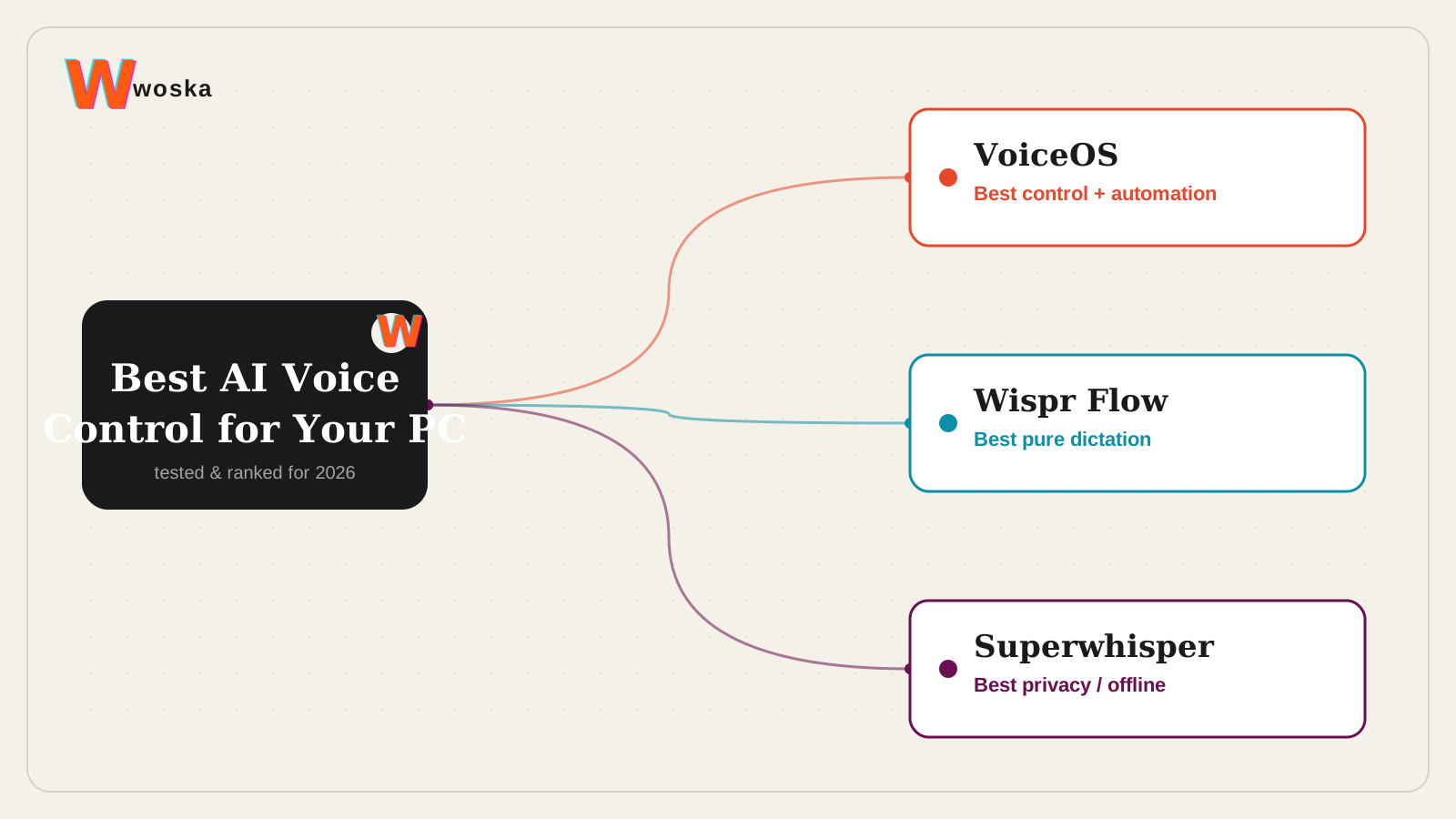
The three, in one line each
VoiceOS goes past dictation into system-wide voice control: drafting, editing, and running multi-step automations across your Mac or Windows apps from natural speech, with a confirmation step before anything actually executes.
Wispr Flow is a specialist: an AI voice keyboard that works inside every app, running speech through models that clean up filler words and formatting, at roughly 4x typing speed.
Superwhisper offers the same everyday dictation with an offline processing option, which matters specifically for anyone who can't or won't send audio to the cloud.
Where each one actually wins
VoiceOS rewards anyone who wants speech to trigger real actions, not just fill a text box — the confirmation step is what makes that trustworthy rather than nerve-wracking. Wispr Flow rewards people whose whole need is fast, accurate dictation across every app they use, without wanting or needing automation layered on top. Superwhisper rewards a specific, non-negotiable requirement: keeping voice data off someone else's servers, which the other two don't offer as a first-class option.
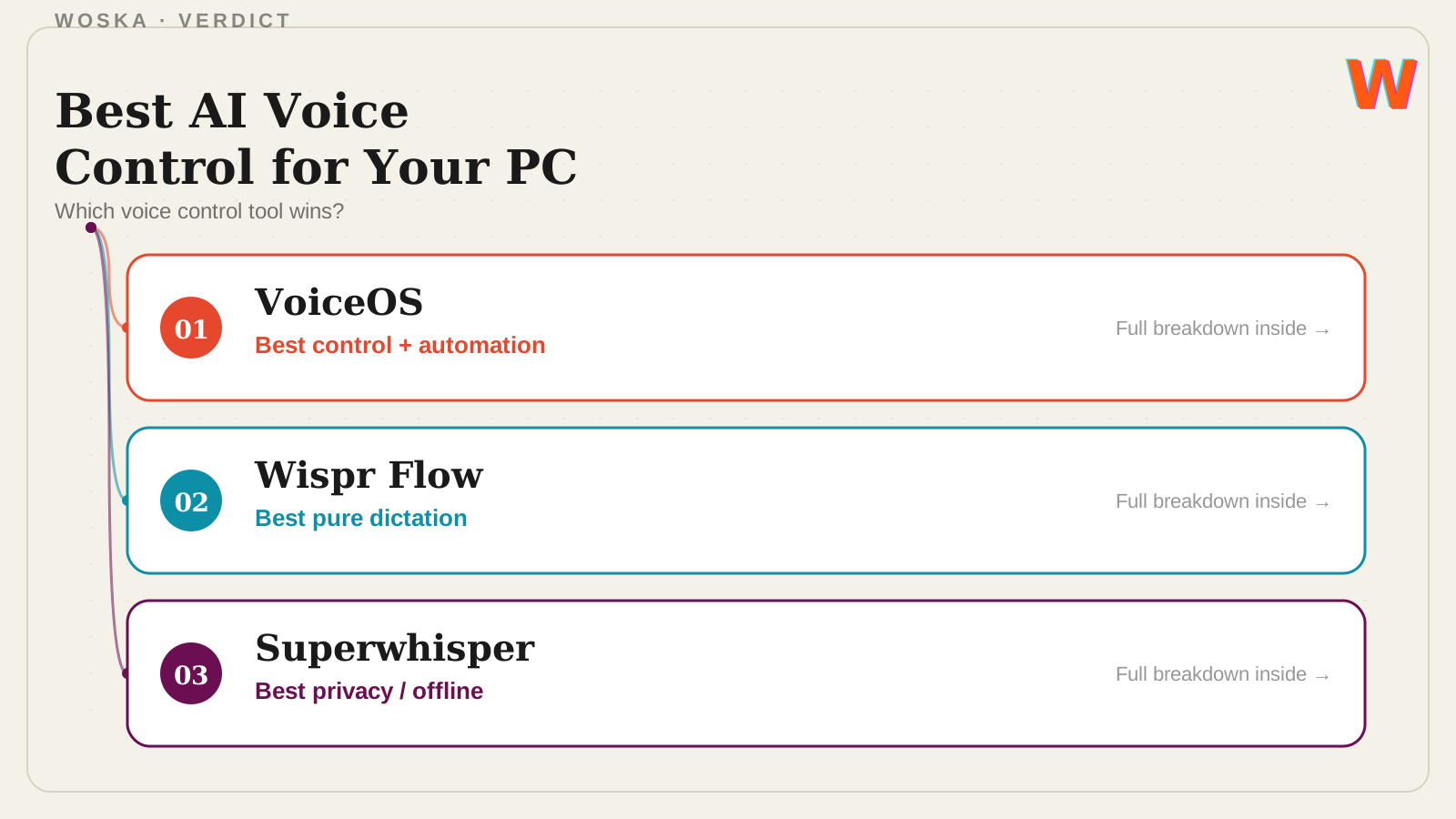
Quick comparison
| Tool | Starting price | Core job | Best fit |
|---|---|---|---|
| VoiceOS | Free tier, from $12/mo | voice control + automation | Wanting speech to trigger real actions |
| Wispr Flow | Free tier, from $12-15/mo | pure voice dictation | Fastest, most accurate plain dictation |
| Superwhisper | Free tier, freemium | private, offline-capable dictation | Privacy and offline requirements |
Which one should you use?
Use VoiceOS if the goal is controlling your computer by voice, not just writing with it — multi-step tasks, drafting across apps, small automations. Use Wispr Flow if dictation speed and accuracy is genuinely the whole job. Use Superwhisper if keeping audio processing offline and private is a hard requirement that rules out cloud-based tools entirely.
FAQ
Is voice-driven automation safe to use for sensitive tasks? Treat any voice automation tool the way you'd treat a new assistant: start with low-stakes tasks, and lean on confirmation steps (which VoiceOS provides) before trusting it with anything involving sending messages, payments, or account changes.
Do I need system-wide voice control, or is dictation enough? If you only need speech converted to text in whatever app you're using, a dictation specialist like Wispr Flow or Superwhisper is simpler and likely more accurate at that one job. VoiceOS earns its extra complexity once you want actions, not just text.
Which is cheapest to try first? All three offer a free tier — Superwhisper's free tier is generally the most generous for testing pure dictation before paying for anything.
Can these tools work across both Mac and Windows? VoiceOS and Superwhisper both support Mac and Windows; Wispr Flow is strongest on Mac and iOS, with some reported performance issues on Windows as of mid-2026.
Related guides
- VoiceOS Review 2026
- Best AI Dictation Tool in 2026
- Best AI Browser Agent in 2026
- Explore Productivity tools
*Ratings and pricing reviewed monthly. Last updated August 2026.*
Bogdex · Founder & editor, woska
Bogdex builds and curates woska, testing AI tools against real workflows to judge which ones actually save time rather than which have the longest feature list.