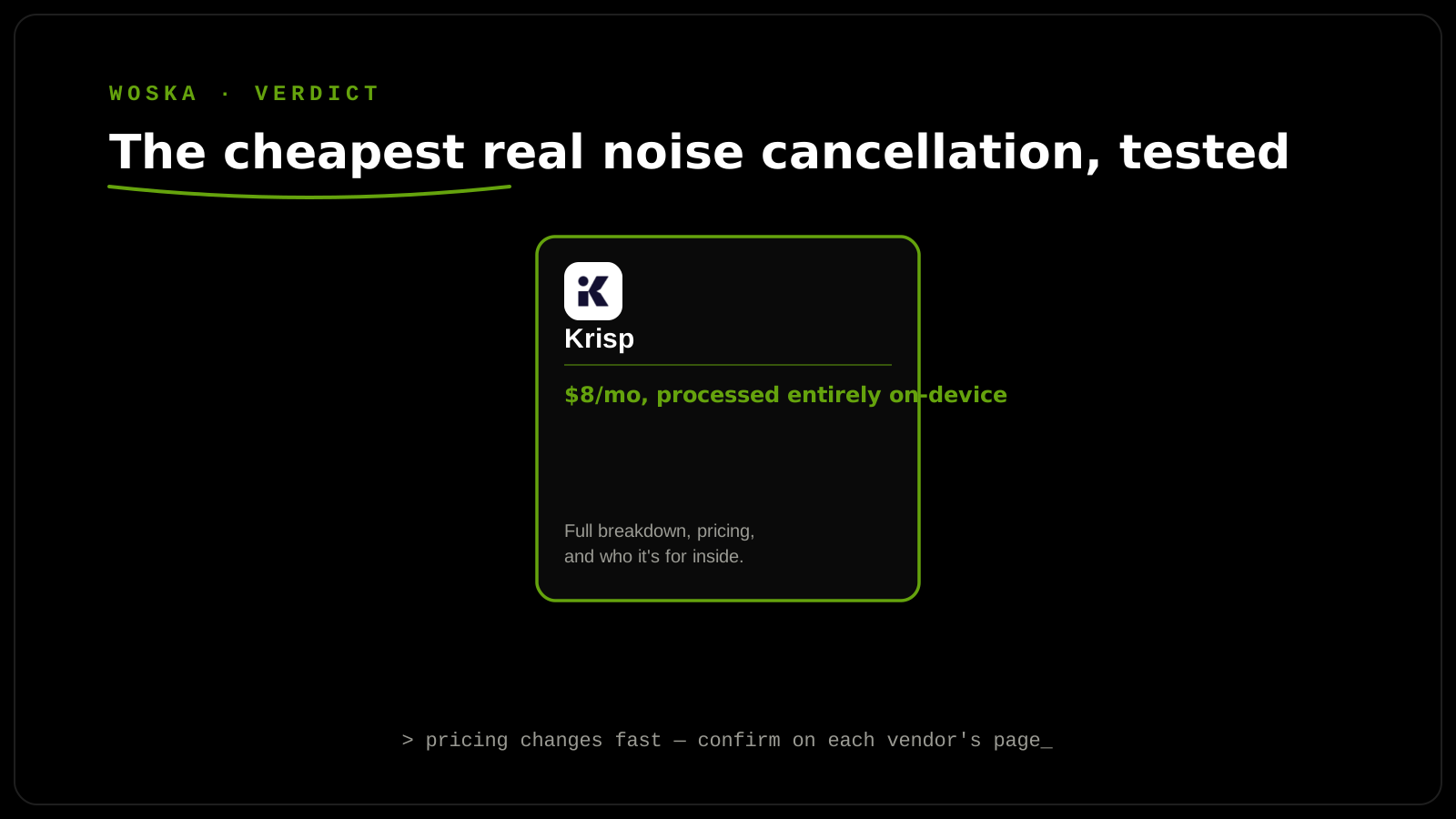
Krisp does one core thing exceptionally well: it removes background noise, echo, and crosstalk from your microphone (and incoming audio) by over 40 decibels, processed entirely on-device — meaning no audio ever leaves your computer, a genuine privacy advantage over cloud-processed alternatives. At $8/month for Core (billed annually), it's the cheapest tool in its category offering real, effective noise cancellation, and the free tier's 60 minutes/day is enough for one or two typical meetings without paying anything.
What it actually does
Krisp's noise cancellation works as a virtual audio device that sits between your microphone (or speakers) and whatever call software you're using — Zoom, Meet, Teams, or anything else — filtering noise before it ever reaches the call. Beyond noise removal, Krisp has expanded into a full voice AI platform: meeting transcription, AI-generated summaries and action items, and a genuinely unusual feature nobody else in the category offers — real-time accent conversion, adjusting how a speaker's accent is perceived by listeners during a live call.
Pricing
The free plan includes 60 minutes of AI noise cancellation per day (enough for one to two typical meetings) plus a capped 2 AI summaries per day after an initial trial period. Krisp Core runs $8/user/month billed annually, or $16/month billed monthly — annual billing saves 50%, which is a meaningful gap worth committing to if you're confident you'll use it long-term. Business adds CRM integrations, SSO, expanded storage, and team management at $15/month. A separate Call Center plan starts at $10/agent/month (annual) with noise cancellation, voice isolation, after-call summaries, and real-time monitoring built specifically for contact-center use cases.
Why the on-device processing matters
Most competing noise-cancellation and meeting-assistant tools process audio in the cloud — Krisp's on-device processing means your actual audio never leaves your machine, which matters both for latency (no round-trip to a server) and for privacy in any call involving sensitive information. It's also why Krisp can offer HIPAA and GDPR compliance on its paid tiers without the usual caveats around cloud audio storage. The tradeoff is that on-device processing relies on your own machine's compute rather than a server's, though in practice this hasn't been a meaningful limitation for typical laptop and desktop hardware.
Quick comparison
| Plan | Price | Daily noise cancellation | Best for |
|---|---|---|---|
| Free | $0 | 60 min/day | Occasional callers |
| Core | $8/mo (annual) | Unlimited | Daily remote workers |
| Business | $15/mo | Unlimited + CRM/SSO | Teams needing integrations |
FAQ
Does Krisp work with any video call software, or only specific ones? It works as a system-level virtual audio device, so it functions with essentially any call software — Zoom, Google Meet, Microsoft Teams, Discord, and others — rather than being tied to one specific platform.
Is 60 minutes/day on the free plan enough for a typical remote worker? For someone in one or two meetings a day, yes; for anyone in back-to-back calls most of the day, the cap will be hit quickly and Core's unlimited noise cancellation becomes the more realistic option.
How does real-time accent conversion actually work, and is it reliable? It adjusts the perceived accent of a speaker's voice in real time during a live call — a genuinely novel feature in this category, though as with any real-time voice modification, test it directly for your specific use case before relying on it for something high-stakes.
Is Krisp worth it if I already have noise suppression built into my laptop or headset? Built-in OS or hardware noise suppression is often less effective at removing complex background noise (multiple voices, sustained noise like traffic) than Krisp's dedicated processing — worth a side-by-side test if you're unsure whether you need a separate tool.
Related guides
- Best AI Audio Noise Reduction Tool in 2026
- Top 3 AI Tools for Podcast Editing
- Best AI Dictation Tool in 2026
- Explore Audio & Voice tools
*Ratings and pricing reviewed monthly. Last updated September 2026.*
Bogdex · Founder & editor, woska
Bogdex builds and curates woska, testing AI tools against real workflows to judge which ones actually save time rather than which have the longest feature list.