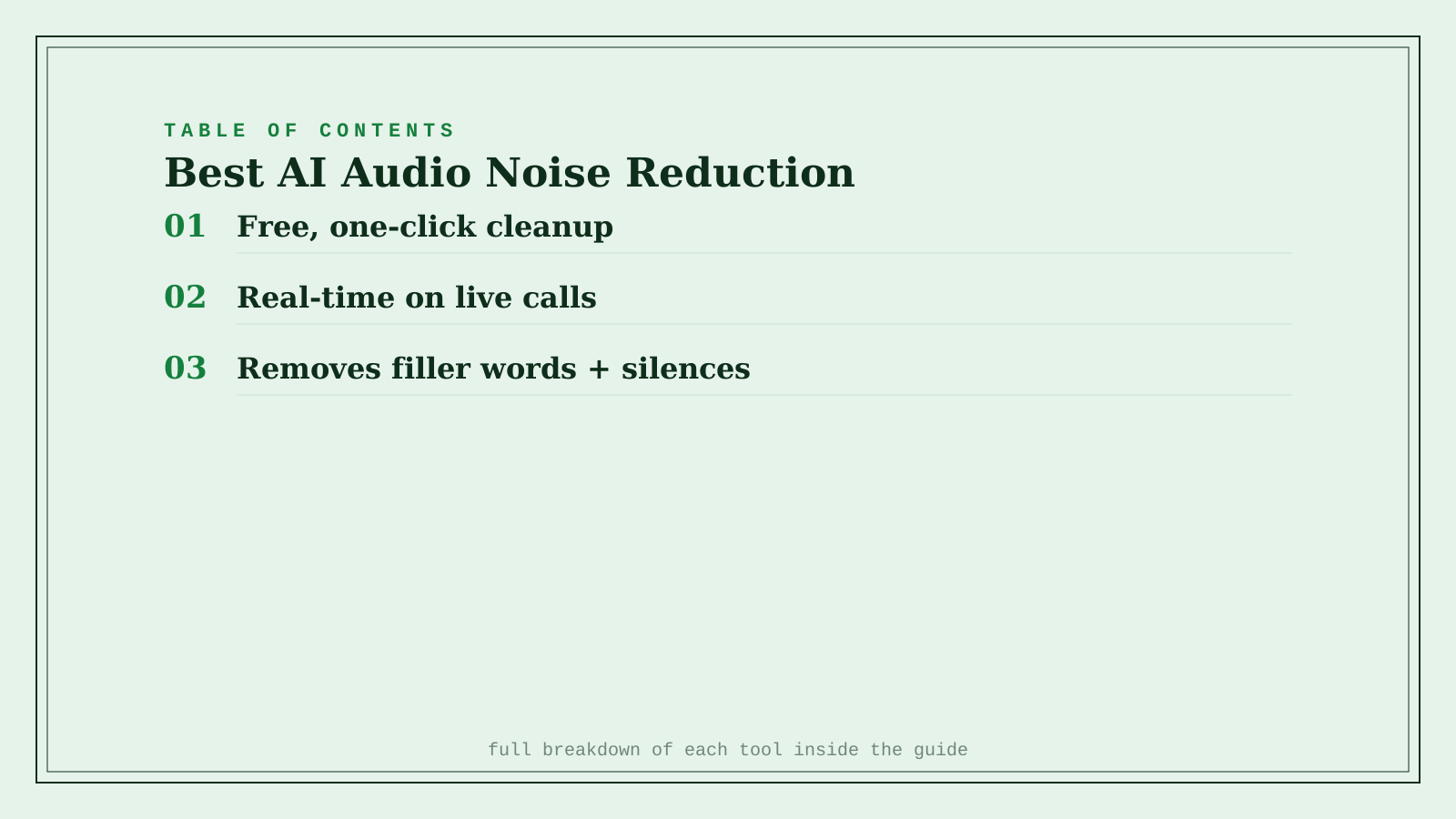
Adobe Podcast wins for the simplest possible job — upload a recording to its free browser tool and download a cleaned version, with background noise and room echo removed in one pass and nothing to install. Krisp wins for real-time noise cancellation during live calls and meetings, cleaning both your microphone and incoming audio as the conversation happens rather than after it's recorded. Cleanvoice AI wins for podcast post-production specifically, automatically stripping filler words ("um," "uh") and long silences alongside background noise, which the other two don't do at all. These solve genuinely different moments in the audio pipeline — live conversation, a single recording that needs cleanup, or a finished episode that needs actual editing — and the right tool depends entirely on which moment you're in.
Where each one actually wins
Adobe Podcast's Enhance tool is free, browser-based, and does exactly one job well: upload a recording, and it removes background noise and room echo to produce broadcast-ready quality in one pass. There's no editing suite to learn — it's the fastest fix for a single recording that came out noisier than expected.
Krisp works in real time, canceling background noise on both ends of a live call — your own environment and what you're hearing from others — which matters for actual conversations (sales calls, interviews, meetings) rather than recordings you clean up afterward. It also includes meeting notes and accent support beyond pure noise cancellation.
Cleanvoice AI is built specifically for podcast editing, automatically detecting and removing filler words and long silences on top of standard noise reduction — the two most tedious, time-consuming parts of manual podcast editing. It's priced per hour of processed audio rather than a flat monthly fee, which scales naturally with how much you actually produce.
Quick comparison
| Tool | Core job | Starting price | Best fit |
|---|---|---|---|
| Adobe Podcast | One-click cleanup of a single recording | Free | A noisy recording that needs a quick fix |
| Krisp | Real-time cancellation during live calls | Freemium | Live meetings, calls, and interviews |
| Cleanvoice AI | Removes filler words + silences + noise | ~$11/mo (10 hrs) | Editing a finished podcast episode |
Which one should you actually use?
Start with Adobe Podcast if you have one noisy recording that needs cleaning up right now, for free. Use Krisp if the problem is a live call or meeting, not a recording — it works during the conversation, not after. Move to Cleanvoice AI once you're producing a podcast regularly and want filler words and silences removed automatically, not just background noise.
FAQ
Can these tools fix audio that's already badly clipped or distorted, not just noisy? Not reliably — noise reduction and echo removal work well for background hum, room reverb, and consistent hiss, but severe clipping (audio that peaked too loud during recording) is a different problem these tools generally can't fully repair. Prevention at recording time still matters more than any post-processing fix.
Does Krisp's noise cancellation work on every calling app? Krisp works at the operating system level on desktop, so it functions across most calling apps (Zoom, Google Meet, phone calls through your computer) rather than being tied to one specific platform.
Is Cleanvoice AI's automatic filler-word removal ever wrong? Occasionally — automatic detection can miss a filler word that's said quickly or, less often, remove a word that wasn't actually filler. Most editors do a quick listen-through after processing rather than trusting the automated pass blindly for a final release.
Do I need all three of these, or does one cover most needs? Most people need at most two: Krisp if you're on frequent live calls, plus either Adobe Podcast (occasional recordings) or Cleanvoice AI (regular podcast production) depending on your actual output volume.
Related guides
- Best AI Voice Changer Tool in 2026
- Best AI Sound Effects Generator in 2026
- Explore Audio & Voice tools
*Ratings and pricing reviewed monthly. Last updated September 2026.*
Bogdex · Founder & editor, woska
Bogdex builds and curates woska, testing AI tools against real workflows to judge which ones actually save time rather than which have the longest feature list.