Topaz Video AI wins on raw upscale quality and control for professionals restoring or delivering footage, HitPaw Video Enhancer wins for the easiest one-click workflow a beginner can finish in minutes, and Winxvideo AI wins as the cheapest license for someone who only needs this occasionally. All three take low-resolution or old video and reconstruct it at a higher resolution frame by frame — the differences show up in output quality, ease of use, and price.
For the equivalent job on still images, see Best AI Image Upscaler in 2026.
The three, in one line each
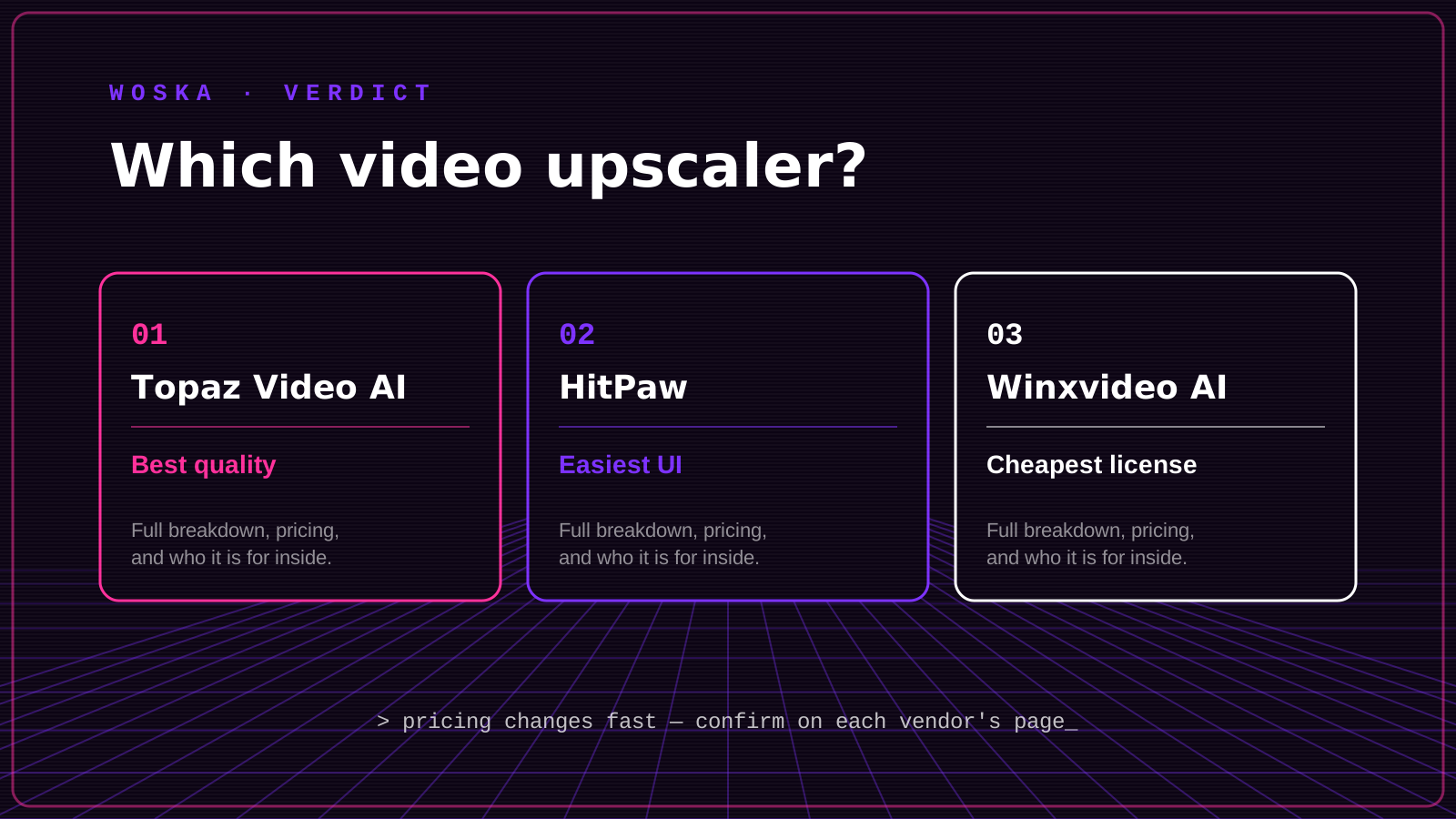
Topaz Video AI remains the benchmark for ML-based video upscaling, running several specialized models locally with granular control over sharpening, denoising, and frame interpolation.
HitPaw Video Enhancer bundles the basics — upscale, denoise, colorize, stabilize — into a workflow a first-time user can complete in under five minutes with mostly automatic settings.
Winxvideo AI is a budget desktop tool for upscaling and converting video, sold as a low-cost annual or lifetime license rather than an ongoing subscription.
Where each one actually wins
Topaz Video AI rewards professionals — film restoration, delivery masters, anything where output quality is judged closely — who are willing to learn its settings and have the GPU to run it. HitPaw rewards beginners and social content creators who want a good-enough result fast without tuning parameters. Winxvideo AI rewards infrequent, budget-conscious use where a one-time or cheap annual license beats paying a recurring fee for a tool you'll open a few times a year.
Quick comparison
| Tool | Starting price | Core job | Best fit |
|---|---|---|---|
| Topaz Video AI | From $59/mo (or annual license) | professional-grade upscaling | Highest quality, full manual control |
| HitPaw Video Enhancer | From ~$43/mo (or license) | one-click enhancement | Beginners, fast turnaround |
| Winxvideo AI | From ~$26/year or lifetime license | budget upscaling and conversion | Occasional use, lowest total cost |
Which one should you use?
Use Topaz Video AI if the output quality has to hold up to close inspection and you're comfortable with more settings. Use HitPaw Video Enhancer if you want a solid result fast with almost no configuration. Use Winxvideo AI if you'll only need video upscaling occasionally and don't want a recurring subscription for it.
FAQ
Can these tools turn old SD footage into real 4K? They can upscale SD footage to 4K resolution and meaningfully improve perceived sharpness, but they're reconstructing plausible detail rather than recovering detail that was never captured — don't expect it to match footage actually shot in 4K.
Do I need a powerful computer to run these? Topaz Video AI benefits significantly from a strong GPU and can be slow without one; HitPaw and Winxvideo AI are generally lighter but still faster with better hardware, especially on longer clips.
Which is best for upscaling AI-generated video clips? Topaz Video AI is commonly used for this specifically, since creators frequently upscale generative video from tools like Runway, Kling, or Luma to a cleaner final resolution.
Is there a free option for video upscaling? None of the three offers a meaningful free tier for video (unlike several image upscalers); all require a purchase or subscription to process real footage without a trial limitation.
Related guides
- Best AI Video Background Removal Tool in 2026
- Best AI Image Upscaler in 2026
- Best AI Photo-to-Video Tool in 2026
- Top 3 AI Tools for Video Editing
- Explore Video tools
*Ratings and pricing reviewed monthly. Last updated July 2026.*
Bogdex · Founder & editor, woska
Bogdex builds and curates woska, testing AI tools against real workflows to judge which ones actually save time rather than which have the longest feature list.