Topaz Gigapixel AI wins for faithful photographic enlargement that stays true to the original, Magnific AI wins when you want the upscaler to also invent convincing extra detail on AI-generated art, and Upscale.media wins for a fast, free, no-install fix on a single image. Upscaling isn't one job: sometimes you want a bigger version of exactly what's there, and sometimes you want the AI to fill in detail that was never in the original — these three sit at different points on that spectrum.
If the image needs repair rather than just enlargement, see Best AI Photo Restoration Tool in 2026.
The three, in one line each
Topaz Gigapixel AI enlarges photos up to several times their original size using models trained specifically to reconstruct plausible fine detail, running locally on your own machine rather than in the cloud.
Magnific AI upscales with heavy creative interpretation — sliders for creativity, HDR, and resemblance control how much new detail it invents — which is popular for turning rough AI-generated art into print-ready images.
Upscale.media is the simplest of the three: upload an image, get a fast credit-based upscale, no software install and no learning curve.
Where each one actually wins
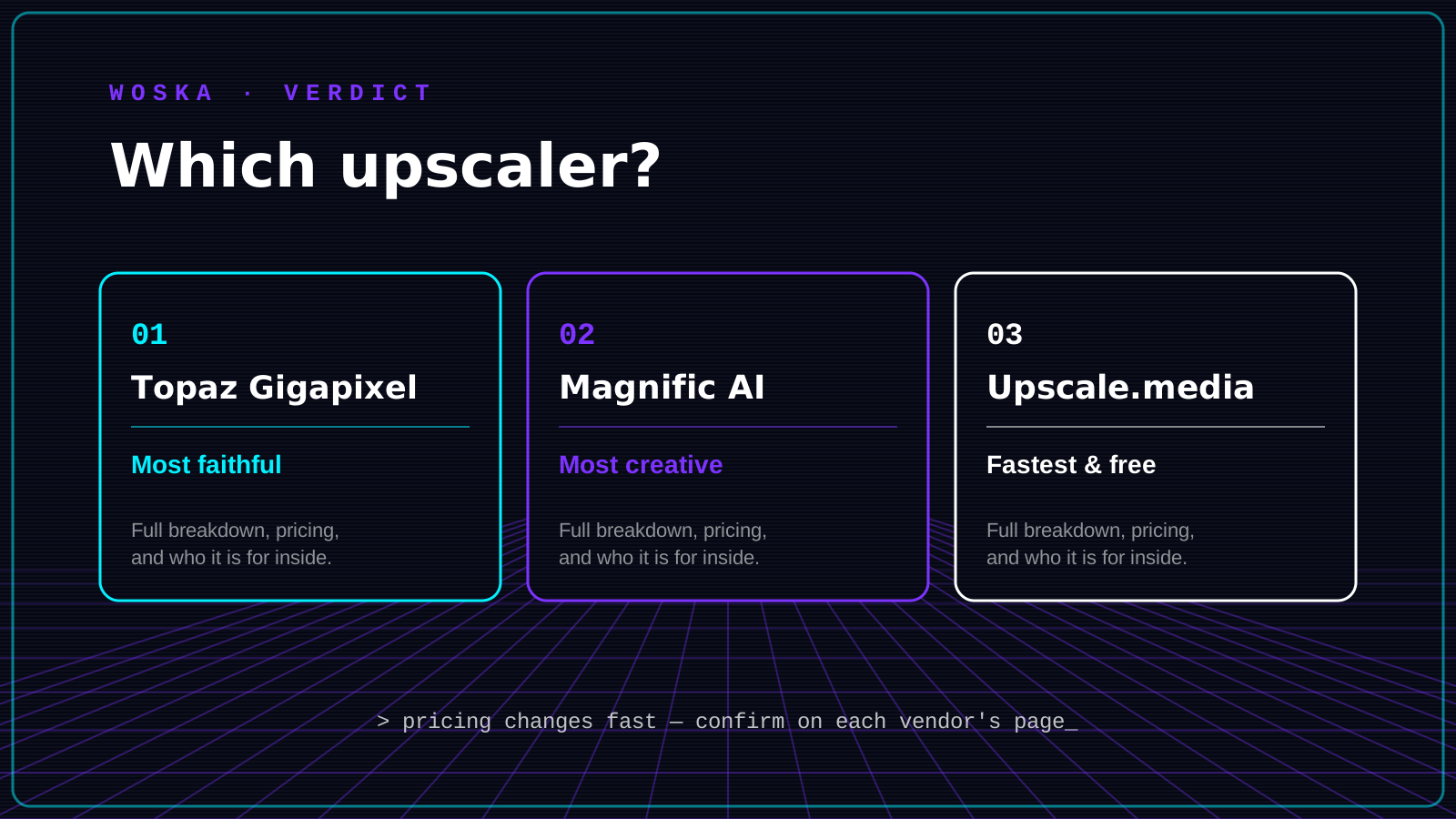
Topaz Gigapixel rewards real photography where faithfulness matters — portraits, product shots, archival images — since it enlarges without hallucinating features that weren't there, which matters most for anything with a real person's face in it. Magnific rewards AI-generated art from tools like Midjourney or Stable Diffusion, where inventing extra texture and micro-detail is exactly the point rather than a risk. Upscale.media rewards one-off jobs where installing desktop software isn't worth it for a single image.
Quick comparison
| Tool | Starting price | Core job | Best fit |
|---|---|---|---|
| Topaz Gigapixel AI | From $29/mo (or annual license) | faithful photo enlargement | Real photography, portraits, faces |
| Magnific AI | From $39/mo | creative detail generation | AI-generated art needing print-ready detail |
| Upscale.media | Free tier, from $10/mo | fast single-image upscaling | One-off jobs, no install needed |
Which one should you use?
Use Topaz Gigapixel AI for real photos, especially anything with faces, where you want a bigger image that still looks like the original. Use Magnific AI for AI-generated art you want to push toward print-ready detail, understanding that it's adding texture that wasn't there. Use Upscale.media when you just need one image upscaled quickly and don't want to install anything.
FAQ
Will upscaling make a blurry photo sharp? Upscaling and deblurring are related but not identical — all three tools improve perceived sharpness while enlarging, but a severely blurry source photo benefits more from a dedicated restoration tool first.
Is Magnific AI safe to use on real photos of people? It can distort faces at high creativity settings because it's designed to invent detail, which makes it a riskier choice than Topaz Gigapixel for portrait work where facial accuracy matters.
How many times bigger can these make an image? Topaz Gigapixel supports up to roughly 6x enlargement in a single pass; Magnific and Upscale.media offer similar multiples but the practical ceiling depends on your source resolution and plan tier.
Which is cheapest for occasional use? Upscale.media's free tier and low-cost credit packs are the cheapest way to upscale a handful of images without committing to a subscription.
Related guides
- Best AI Photo Restoration Tool in 2026
- Best AI Video Upscaler in 2026
- Best AI Photo Editor in 2026
- Explore Image tools
*Ratings and pricing reviewed monthly. Last updated July 2026.*
Bogdex · Founder & editor, woska
Bogdex builds and curates woska, testing AI tools against real workflows to judge which ones actually save time rather than which have the longest feature list.