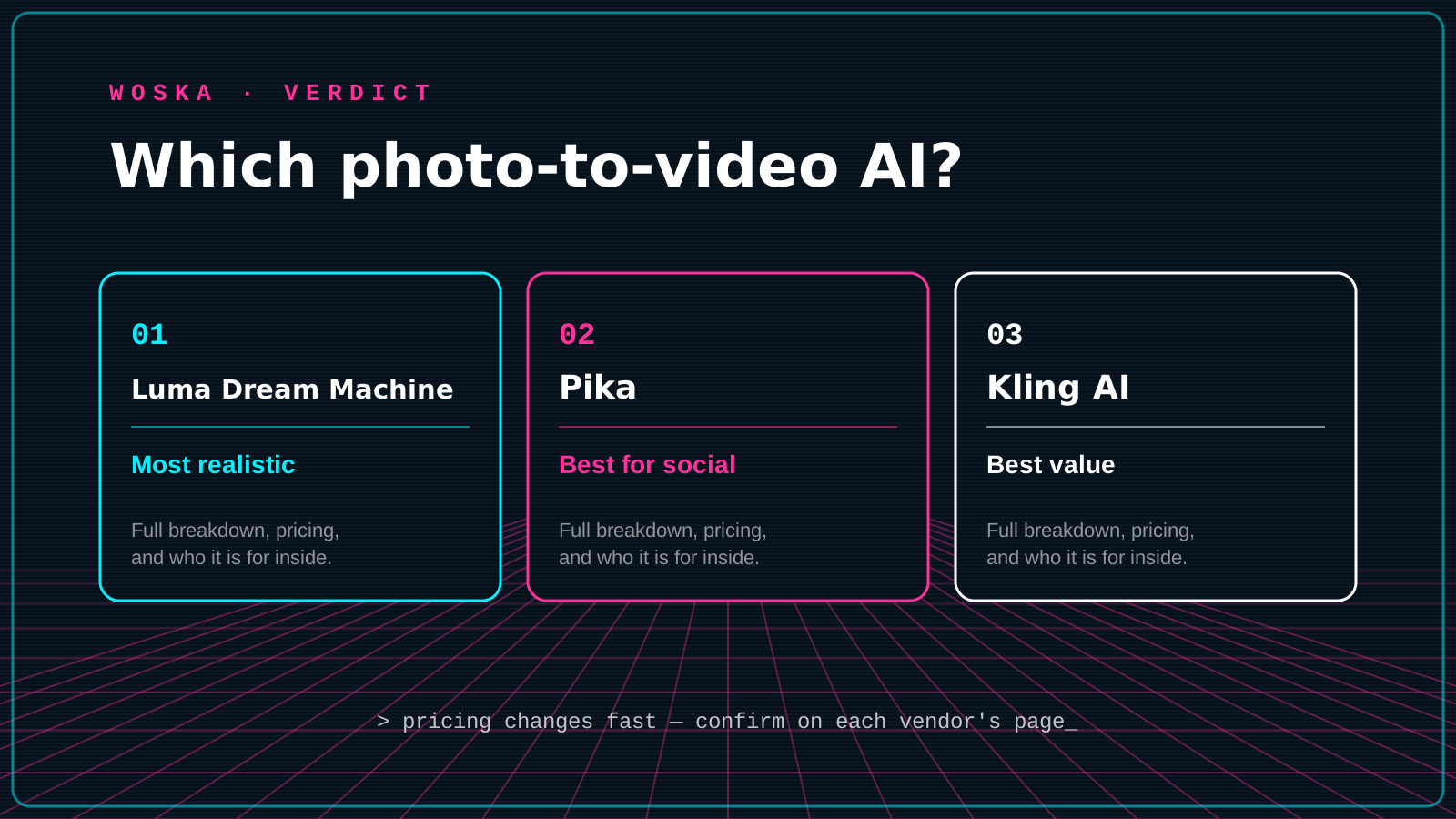
Luma Dream Machine wins on realistic, cinematic motion when you animate a single photo, Pika wins for fast, stylized clips built for social feeds, and Kling AI wins on value for turning still images into video at scale. This is the "photomontage" end of AI video: instead of generating a scene from a text prompt alone, you feed in a real photo — a product shot, a portrait, a listing photo — and the model animates it into a short moving clip.
For the broader text-to-video comparison, see Best AI Video Generator in 2026.
The three, in one line each
Luma Dream Machine animates a still photo with smooth camera movement and natural motion, producing clips that read as cinematic rather than obviously synthetic — the strongest pick for product demos and brand storytelling.
Pika turns photos into short clips with a more playful set of effects and styles, built for speed and visual impact over photorealism, which suits social content over client-facing work.
Kling AI offers strong photo-to-video quality at a lower price than most competitors, including a usable free tier, making it the value pick for animating images at volume.
Where each one actually wins
Luma rewards work where believability matters — a real estate listing photo brought subtly to life, a product shot with realistic camera drift, brand content that shouldn't look like an obvious AI effect. Pika rewards short-form social content where a stylized, eye-catching effect beats photorealism, and speed matters more than cinematic polish. Kling rewards volume: animating many images cheaply, where "good enough" quality across dozens of clips wins over one perfect result.
Quick comparison
| Tool | Starting price | Core job | Best fit |
|---|---|---|---|
| Luma Dream Machine | Free tier, from ~$30/mo | realistic photo animation | Product demos, brand storytelling, listing photos |
| Pika | Free tier, from ~$8/mo | stylized social clips | Fast, eye-catching short-form content |
| Kling AI | Free tier available | value photo-to-video at scale | Animating many images cheaply |
Which one should you use?
Use Luma Dream Machine when the animated photo needs to look believable — real estate, products, brand content. Use Pika when you want a fast, stylized effect for social media and photorealism isn't the goal. Use Kling AI when you're animating a lot of images and cost per clip matters more than squeezing out the last bit of realism.
FAQ
How much motion can you get from a single still photo? Typically a few seconds of camera movement, subtle environmental motion (wind, water, light), or gentle subject movement — these tools animate plausible motion around the photo rather than generating an entirely new extended scene.
Can I animate a photo of a person realistically? Yes, though results vary — subtle movements (blinking, hair, background) tend to look convincing, while asking for large actions from a single static photo is more likely to produce visible artifacts.
Is there a free way to try photo-to-video? All three offer a free tier, though with limits on generations, resolution, watermarks, or commercial usage rights — Kling AI's free tier is generally the most usable for testing before paying.
Which is best for turning real estate photos into listing videos? Luma Dream Machine's emphasis on realistic camera movement makes it the strongest fit for that specific use case among the three.
Related guides
- Best AI Video Generator in 2026
- Best AI Video Upscaler in 2026
- Top 3 AI Tools for Real Estate Agents
- Explore Video tools
*Ratings and pricing reviewed monthly. Last updated July 2026.*
Bogdex · Founder & editor, woska
Bogdex builds and curates woska, testing AI tools against real workflows to judge which ones actually save time rather than which have the longest feature list.