Runway wins for detailed, professional video projects — it tracks moving subjects while keeping them cleanly separated from the background, with sharp edges even during fast movement and genuinely good preservation of fine detail like hair. Canva wins when you just need a quick, simple removal without much effort, built around the same interface most people already know from static image editing. StreamYard wins specifically for live streams and recorded shows, since it removes or replaces your background in real time rather than requiring a post-production pass. AI background removal has gotten fast enough that a 2026 study found it cuts average editing time by 78% compared to doing it manually — the real decision is whether you're editing after the fact or need it live.
Where each one actually wins
Runway is built for detailed, creative video work — its AI tracks a moving subject and keeps the edges clean even through fast motion, which is where most background removal tools visibly struggle. If the footage needs to survive close inspection (a product demo, a professional talking-head video, anything going into a larger creative project), this is the more capable option.
Canva makes background removal fast and nearly effortless, using the same simple interface as its photo tools. It's the right choice when you don't need frame-perfect edge detail and just want a clean result quickly, especially if you're already editing the rest of the video's graphics in Canva anyway.
StreamYard removes or replaces your background live, during a stream or recording, rather than as a separate editing step afterward — including AI-generated studio backgrounds you can create from a text prompt. For anyone hosting a live show, podcast recording, or webinar, this real-time capability is the entire point.
Quick comparison
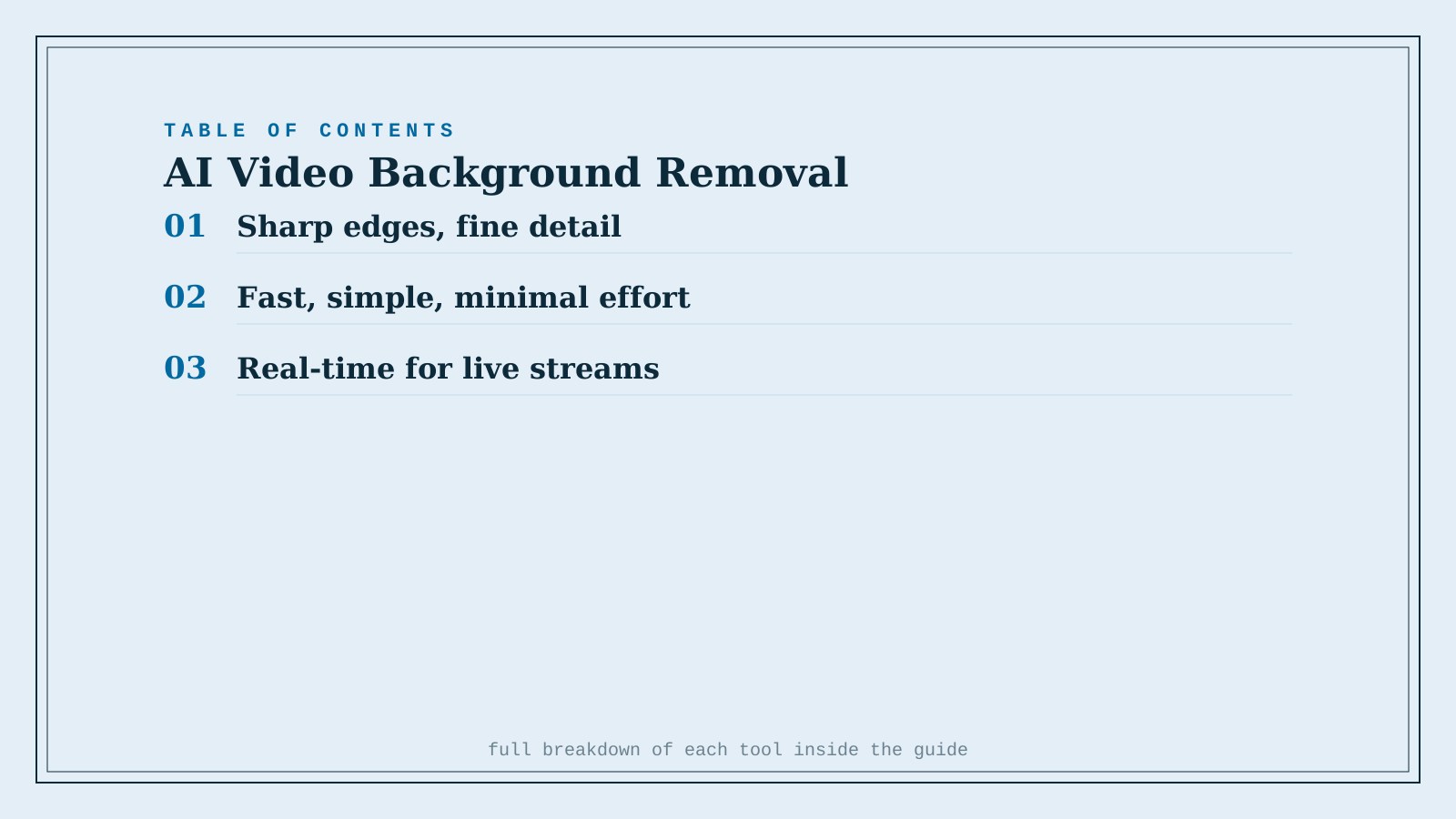
| Tool | Core strength | Starting price | Best fit |
|---|---|---|---|
| Runway | Sharp edges, fine detail, fast motion | Freemium, from ~$12/mo | Detailed, professional video projects |
| Canva | Fast, simple, minimal effort | Freemium, from ~$15/mo | Quick removal, already editing in Canva |
| StreamYard | Real-time removal during live streams | Freemium, from ~$36/mo | Live shows, podcasts, webinars |
Which one should you actually use?
Start with Canva if you need a fast, simple removal and aren't worried about frame-perfect detail. Move to Runway once the footage needs to hold up to close inspection — fine hair detail, fast subject movement, a professional final product. Use StreamYard if the background needs to be removed or replaced live, during an actual broadcast or recording session, not as a later edit.
FAQ
Do I still need a physical green screen if I use one of these tools? No — that's the entire point of AI-based background removal. All three can separate a subject from a normal background without a green screen, though a plain, well-lit background still produces a cleaner result than a busy or dim one.
Is real-time background removal as good quality as post-production removal? Generally close, but not identical — StreamYard's live removal has to process instantly, which can leave slightly softer edges compared to Runway's more computationally intensive post-production tracking. For most live content, the difference isn't noticeable to viewers.
Can I remove a background from footage shot on a phone? Yes, all three work with phone-shot footage, though results improve with better lighting and a subject that contrasts clearly from the background regardless of which tool or camera you use.
Is there a completely free option for occasional background removal? Canva and Runway both have usable free tiers for occasional use; StreamYard's free plan works for testing but adds a watermark and is capped at 720p, which matters if you're publishing the result rather than just experimenting.
Related guides
- 5 AI Photo & Video Apps Built for the iPhone 18 Pro Max's New Camera
- Best AI Object Removal Tool for Photos in 2026
- Explore Video tools
*Ratings and pricing reviewed monthly. Last updated September 2026.*
Bogdex · Founder & editor, woska
Bogdex builds and curates woska, testing AI tools against real workflows to judge which ones actually save time rather than which have the longest feature list.