Firecrawl wins for developers building an AI agent's toolset directly — its Scrape, Crawl, Search, and Interact endpoints output clean markdown or structured JSON specifically built for an LLM to consume, at a credit-based price that scales with API usage. Browse AI wins for a no-code operator who needs the same specific sites monitored and extracted on a recurring schedule without writing integration code at all. Both turn "the web" into usable data, but for different builders: one is API-first infrastructure, the other is a point-and-click "robot."

The two, in one line each
Firecrawl exposes Scrape, Crawl, Map, Search, and Interact as API endpoints, converting any URL or search query into clean, LLM-ready markdown or JSON, with built-in proxy management and rate limiting.
Browse AI lets you point-and-click train a "robot" to monitor specific websites and extract structured data on a schedule, without writing a scraper or managing any infrastructure yourself.
Where each one actually wins
Firecrawl wins when you're building an AI agent or RAG pipeline that needs to fetch and reason over arbitrary web content programmatically — its output is specifically optimized for an LLM's context window, and its Search endpoint lets an agent look something up on the live web rather than only working from static, pre-scraped data. Browse AI wins for a business user (not a developer) who needs the same handful of specific sites — competitor pricing pages, job listings, real estate listings — monitored reliably over time, with zero code and a visual interface for defining what to extract.
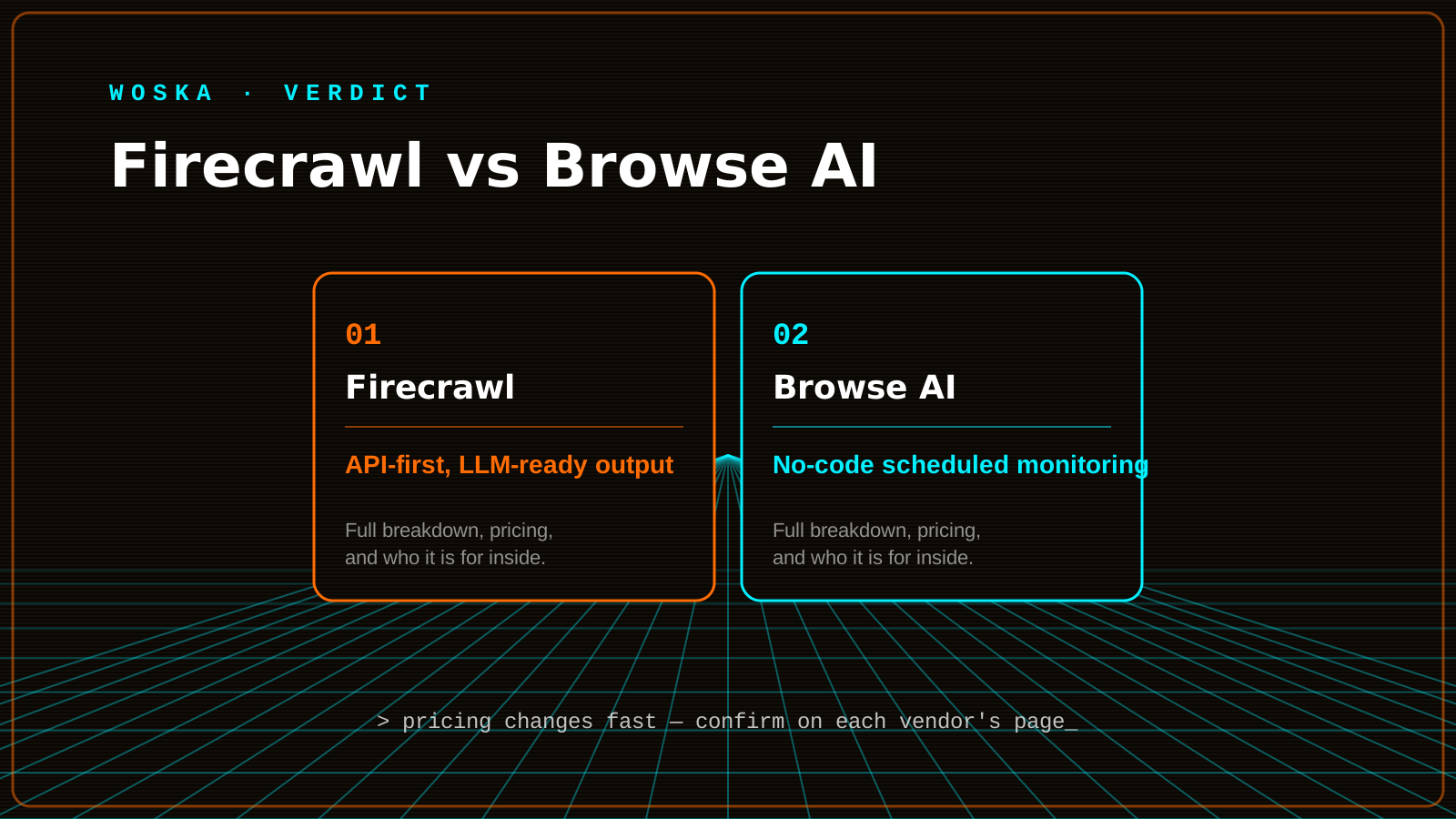
Quick comparison
| Tool | Core job | Starting price | Best fit |
|---|---|---|---|
| Firecrawl | API-first web data for agents | $19/mo (5,000 credits) | Developers building AI agent tooling |
| Browse AI | No-code scheduled monitoring | ~$19/mo (annual) | Non-technical, recurring data extraction |
Which one should you use?
Choose Firecrawl if you're writing code that calls a web-data API as part of an agent's toolset, or need arbitrary URLs and search queries handled programmatically. Choose Browse AI if you're not writing code at all and just need a fixed set of specific websites monitored reliably on autopilot.
FAQ
Can Browse AI handle JavaScript-heavy, dynamically-rendered websites? Yes, it's built to handle modern, dynamic sites through its visual robot-training flow, though very complex or actively bot-resistant sites may still be easier to handle with Firecrawl's dedicated Stealth Mode.
Is Firecrawl overkill if I just need one competitor's pricing page checked weekly? For that single, narrow use case, Browse AI's no-code setup is likely faster to configure than writing even a small integration against Firecrawl's API — Firecrawl's advantage shows up at scale or when feeding an actual AI agent.
Do either of these tools respect robots.txt and site terms of service? Confirm each tool's current compliance posture directly, and independently verify you have the right to scrape your specific target sites — this varies by site terms and jurisdiction, and neither tool substitutes for that legal check.
Which is cheaper at high volume — Firecrawl or Browse AI? It depends on your specific usage pattern (number of sites, extraction complexity, frequency) — model your actual expected volume against each tool's current pricing tiers rather than assuming one is categorically cheaper.
Related guides
- Firecrawl Review 2026
- Browse AI vs Bardeen vs Context.dev: Best AI Web Scraping Tool in 2026
- Best AI Tool for Competitor Research in 2026
- Explore Research tools
*Ratings and pricing reviewed monthly. Last updated September 2026.*
Bogdex · Founder & editor, woska
Bogdex builds and curates woska, testing AI tools against real workflows to judge which ones actually save time rather than which have the longest feature list.