A community or team Slack/Discord bot that just answers questions from a knowledge base or routes requests doesn't need a custom backend anymore — a visual LLM workflow builder can wire it up without a developer writing the integration by hand. Flowise wins for getting a working bot live fastest: a visual builder for AI agents and tool-connected LLM workflows, free to start. Langflow wins for prototyping more complex multi-step bot logic first — branching conversation flows, multiple tool calls — on a node-based canvas before committing to a deployment, also free. Neither requires touching the Discord or Slack API directly.
The two, in one line each
Flowise is a visual builder for AI agents, chatflows, and tool-connected LLM workflows without starting from code, free to start.
Langflow is a visual environment for prototyping LLM chains, tool calls, and agentic workflows with a node-based canvas, free.
Where each one actually wins
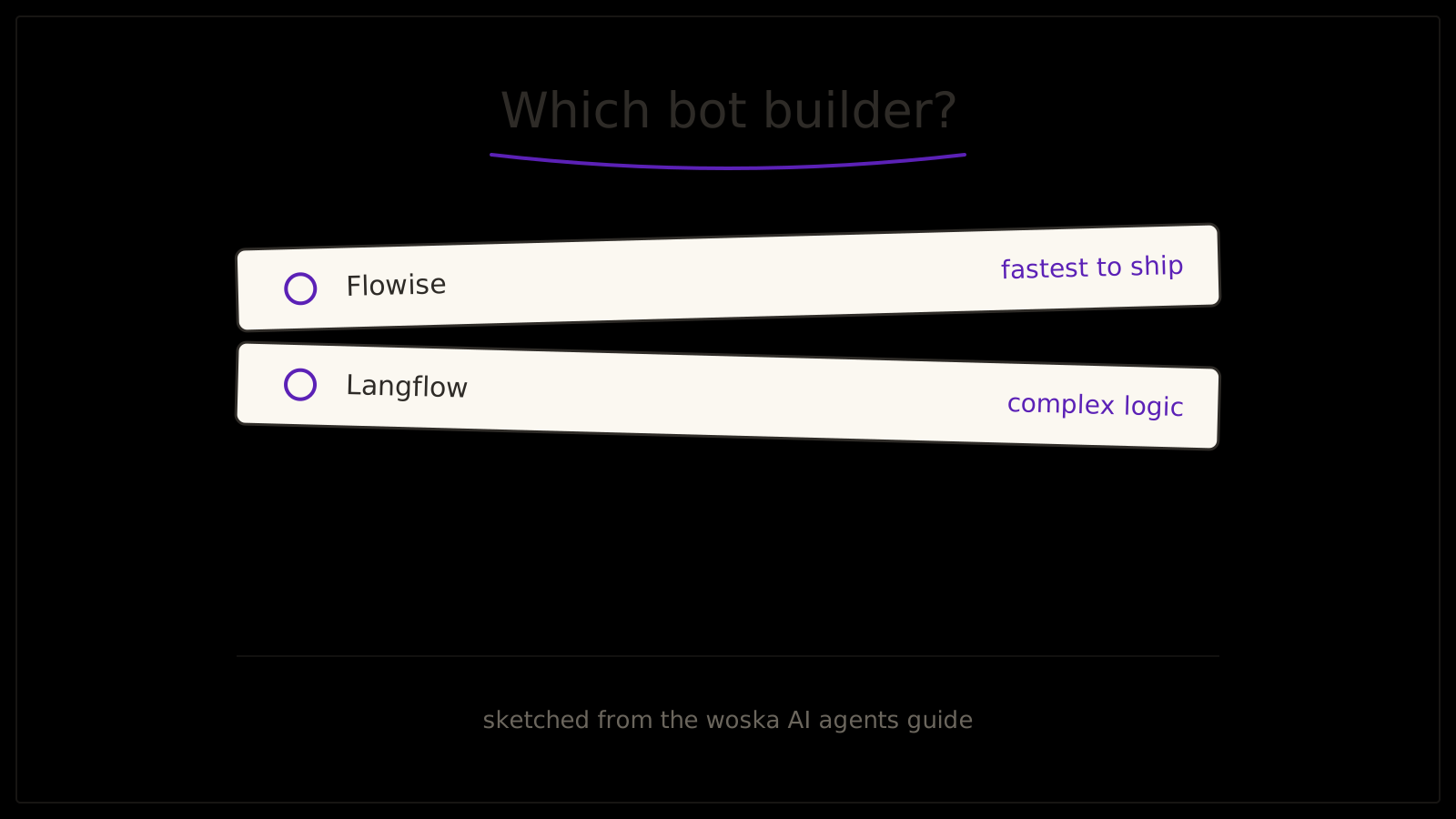
Flowise wins for going from zero to a deployed bot the fastest — its chatflow templates and pre-built integrations are oriented toward shipping something that actually answers messages in a channel, which is what most teams building a first Discord or Slack bot actually want. Langflow wins when the bot's logic is genuinely complex — it needs to call three different tools depending on what's asked, or hold a multi-turn conversation with branching paths — since its node-based canvas is built for visually mapping and testing that complexity before it's live in a channel people actually use.
Quick comparison
| Tool | Core strength | Starting price | Best fit |
|---|---|---|---|
| Flowise | Fastest path to a live bot | Free | A first, straightforward Discord/Slack bot |
| Langflow | Visual prototyping of complex logic | Free | Multi-step, branching bot workflows |
Which one should you use?
Choose Flowise if you want the fastest path from idea to a working bot in your server or workspace. Choose Langflow if the bot's logic is complex enough that you want to visually map and test it before deploying.
FAQ
Do I need to know how to code to build a bot with either tool? No — both are visual, node-based builders designed specifically so non-developers can wire up an LLM-powered bot without writing integration code, though basic familiarity with how APIs and webhooks work helps when troubleshooting.
Can these bots access a private knowledge base, not just general chat? Yes — both support connecting a document store or vector database so the bot answers from your team's actual content rather than only general knowledge.
Does the bot run locally, or does it need to be hosted somewhere? Both need to be deployed somewhere reachable by Discord or Slack's webhook system — self-hosting or a cloud deployment are both common options depending on your team's existing infrastructure.
Which is better for a community server versus an internal team tool? Flowise's faster path to deployment tends to suit a community bot that needs to exist quickly; Langflow's deeper prototyping is more often worth the extra time for an internal tool where the logic needs to be right before a whole team relies on it.
Related guides
- Best No-Code AI Agent Builder in 2026
- Top No-Code AI Agent Builders 2026
- Best AI Agent Framework for Developers in 2026
- Explore AI Agents
*Ratings and pricing reviewed monthly. Last updated September 2026.*
Bogdex · Founder & editor, woska
Bogdex builds and curates woska, testing AI tools against real workflows to judge which ones actually save time rather than which have the longest feature list.