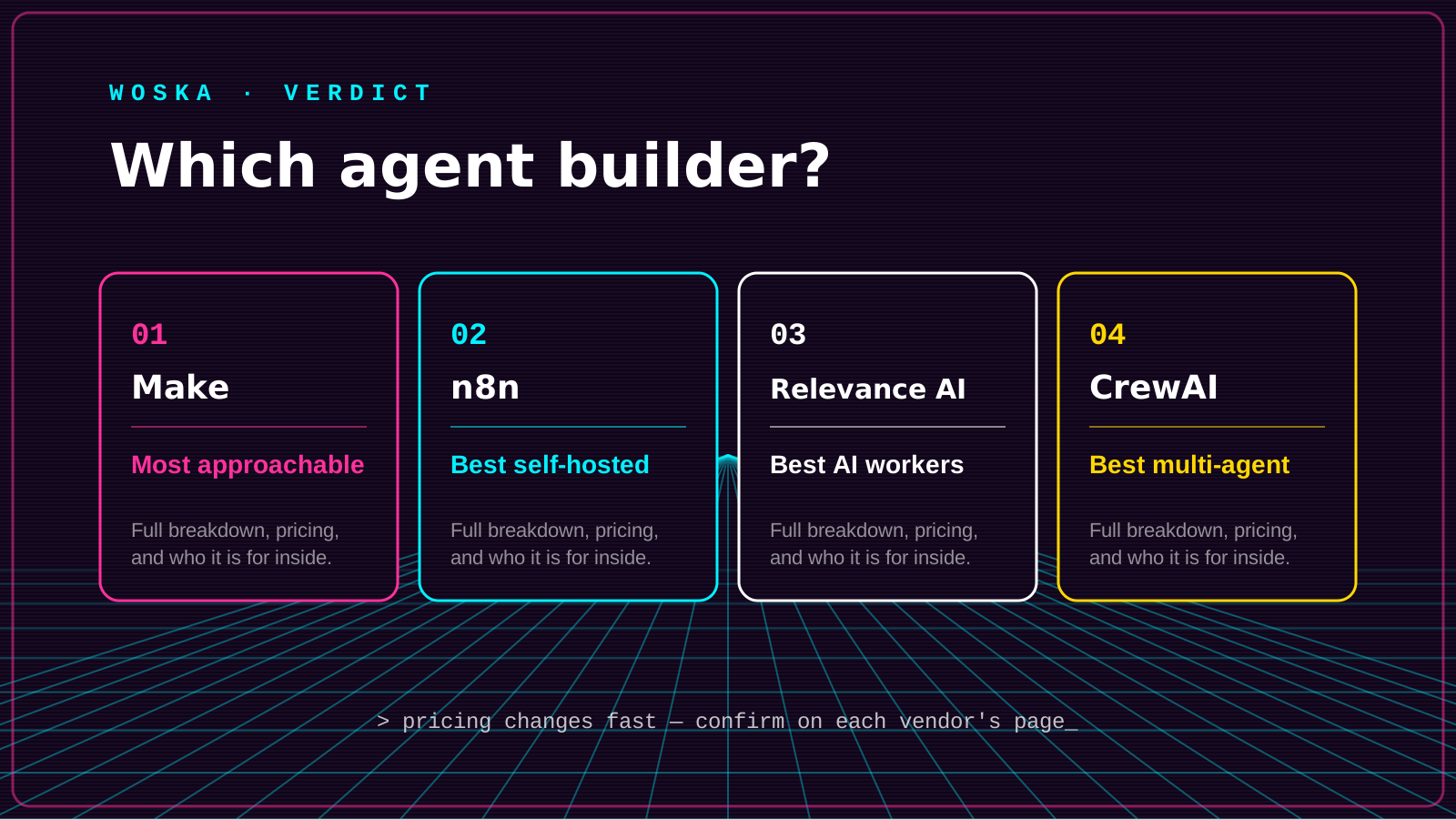
Make is the best pick for the most approachable visual canvas for connecting apps and adding AI steps, n8n is the best pick when you want self-hosted control over your workflows, Relevance AI is the best pick for building custom AI workers around a specific repeatable task, and CrewAI is the best pick once you're ready to write a little code for a team of role-based agents. The first three are genuinely no-code; CrewAI is the natural next step once a no-code tool starts feeling limiting.
This is an update to our dedicated no-code agent builder guide — this version compares four tools side by side instead of naming one winner, since the right pick depends heavily on how much control and technical comfort you actually have.
The four, in one line each
Make is a visual automation canvas for connecting apps, branching logic, and AI steps without needing to write code, with one of the gentler learning curves in the category.
n8n is open-source and self-hostable, which matters if data residency or long-term control over your automation infrastructure is a real requirement, not just a preference.
Relevance AI is a no-code builder specifically for custom AI workers — narrower and more agent-focused than a general automation canvas.
CrewAI is a framework, not a no-code tool — it requires writing some Python, but in exchange gives you role-based teams of agents working together on a task, which visual builders don't model as naturally.
Where each one actually wins
Make wins as the first stop for most people — the visual interface is approachable enough that a non-technical operator can build a real workflow in an afternoon. n8n wins once self-hosting, data control, or avoiding per-task pricing at scale becomes a real requirement rather than a nice-to-have. Relevance AI wins when the mental model is "I need an AI worker for this specific job" rather than "I need to connect these five apps." CrewAI wins for teams with at least one developer who's hit the ceiling of what a visual builder can express — multiple agents coordinating with different roles is a pattern that's awkward to draw as a flowchart but natural to describe in code.
A pattern we see often: teams start on Make, hit a wall around either cost-at-scale or a workflow visual tools can't cleanly express, and move to n8n or CrewAI depending on whether the blocker was infrastructure or agent complexity.
Quick comparison
| Tool | Starting price | Core job | Best fit |
|---|---|---|---|
| Make | Free / usage-based | Visual automation + AI steps | First no-code agent builder to try |
| n8n | Free (self-hosted) | Self-hosted workflow automation | Data control, avoiding per-task pricing |
| Relevance AI | Free / usage-based | Custom AI worker builder | Task-specific AI workers, not general automation |
| CrewAI | Free (open-source) | Code-based multi-agent framework | Teams with a developer, complex agent coordination |
Which one should you use?
Start with Make if you've never built an automation before — it has the most approachable interface of the four. Move to n8n once self-hosting or cost-at-scale becomes a real constraint. Use Relevance AI when you're thinking in terms of "an AI worker for X job" rather than connecting apps. Reach for CrewAI once you have a developer available and a workflow that genuinely needs multiple coordinating agents, not just a longer single chain.
FAQ
Do I need to know how to code for any of these? Make, n8n, and Relevance AI are all genuinely no-code. CrewAI is the exception — it requires basic Python, which is the tradeoff for its more flexible multi-agent model.
Is n8n really free if it's self-hosted? The software is free and open-source, but self-hosting has real costs — server infrastructure and someone to maintain it — that a fully-hosted tool like Make bundles into its subscription price instead.
Can I switch between these later without starting over? Not directly — workflows built in one tool don't transfer to another, so switching means rebuilding. That's a reason to start with whichever tool matches your near-term needs rather than over-planning for scale you don't have yet.
Related guides
- Part of our complete guide: AI Coding & Developer Tools
- Best No-Code AI Agent Builder in 2026
- Is My Business Ready for AI Agents?
- Explore AI Agents tools
*Ratings and pricing reviewed monthly. Last updated August 2026.*
Bogdex · Founder & editor, woska
Bogdex builds and curates woska, testing AI tools against real workflows to judge which ones actually save time rather than which have the longest feature list.