"Where is this actually used?" is one of the most common questions in a large codebase, and grep alone can't answer it once a pattern is used hundreds of times across dozens of services with different naming conventions. Sourcegraph Amp wins for searching and reasoning across a large or multi-repo codebase, built around a fast loop between codebase context and terminal commands. Cursor wins for day-to-day search inside the single repo you have open and are actively editing, from $20/month. Both go well beyond text matching, understanding what code actually does rather than just what it says.
The two, in one line each
Sourcegraph Amp is an agentic coding tool focused on a fast loop between codebase context, edits, and terminal commands.
Cursor is a code editor built around repo-aware chat, inline edits, and fast refactors, from $20/month.
Where each one actually wins
Sourcegraph Amp wins at the scale where code search actually gets hard — a codebase spanning multiple repositories or services, where a pattern needs to be traced across boundaries a single-repo tool can't see past, since its whole design is built around fast, deep codebase context rather than just the file currently open. Cursor wins for the far more common daily case: you're inside one repository, actively editing, and need to quickly find every place a function is called or a type is used without leaving your editor or switching to a separate search tool.
Quick comparison
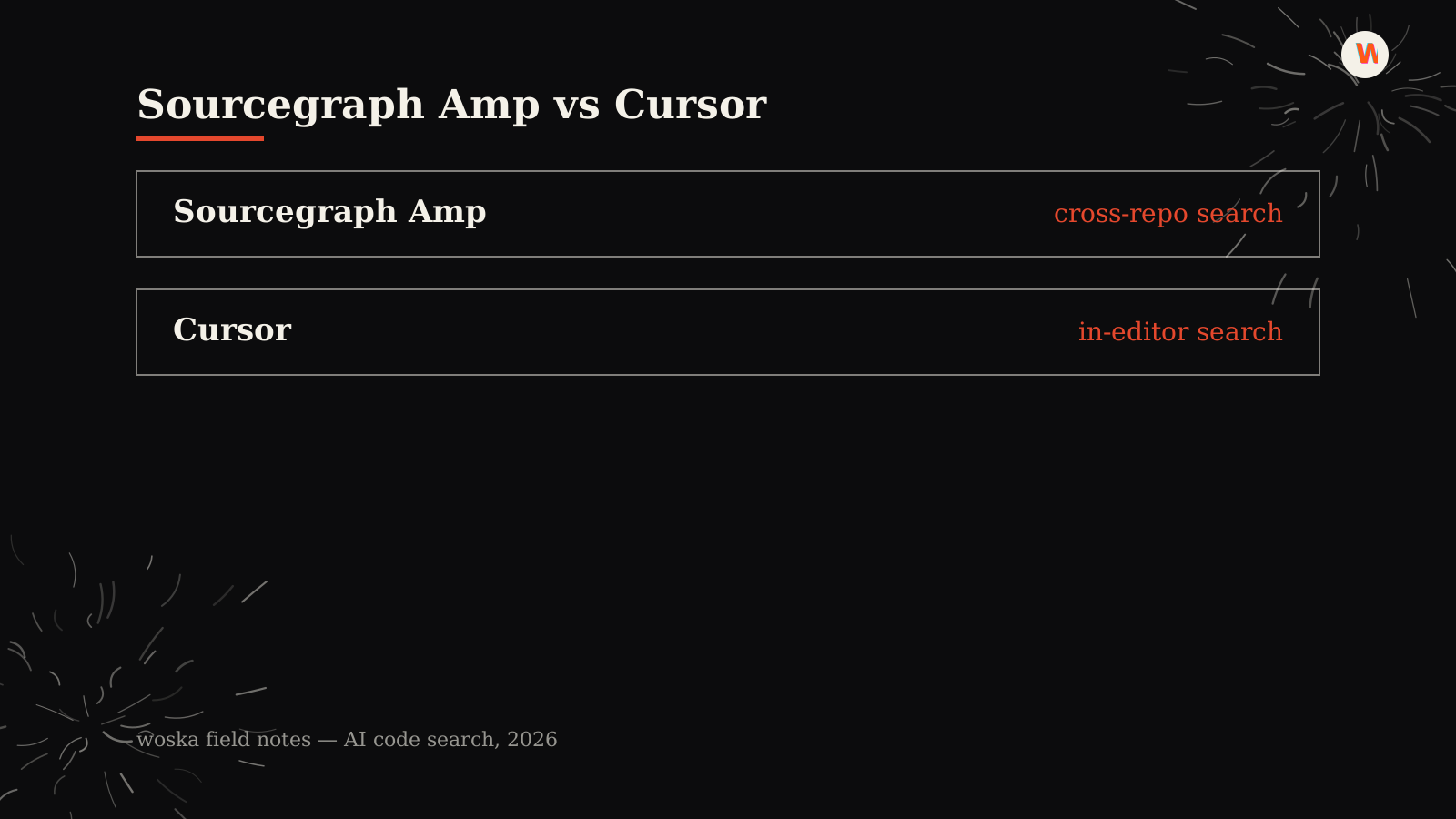
| Tool | Core strength | Starting price | Best fit |
|---|---|---|---|
| Sourcegraph Amp | Cross-repo, large-scale search | Paid (contact for pricing) | Multi-service or multi-repo codebases |
| Cursor | Fast search inside your active repo | $20/mo | Day-to-day search while editing |
Which one should you use?
Choose Sourcegraph Amp if your codebase spans multiple repositories or services and you need search that reasons across those boundaries. Choose Cursor for fast, everyday search inside the single repo you're actively working in.
FAQ
How is AI code search different from just using grep or your IDE's find-in-files? AI code search understands code semantically — it can find a concept even when the exact wording differs, and trace usage across files based on what the code actually does, where grep only matches literal text patterns.
Does this replace an IDE's built-in "find usages" feature? It goes further in most cases — built-in find-usages tools are typically limited to a single language server's understanding of one project, while these tools can reason across broader context, multiple languages, and in Sourcegraph Amp's case, multiple repositories.
Is this useful for a small codebase, or only large ones? The value scales with codebase size and complexity — a small, single-file project doesn't need either tool's search capability, but the payoff grows fast as a codebase spans more files, services, and contributors.
Can these tools search third-party or open-source dependencies too, not just my own code? Depends on setup — both are primarily built for your own indexed codebase; searching into a dependency's source usually requires that dependency's code to be present or indexed the same way your own repo is.
Related guides
- Best AI Codebase Onboarding Tool in 2026
- Best AI Coding Assistant in 2026
- Claude Code vs Cursor vs Codex vs GitHub Copilot in 2026
- Explore Coding & Dev tools
*Ratings and pricing reviewed monthly. Last updated September 2026.*
Bogdex · Founder & editor, woska
Bogdex builds and curates woska, testing AI tools against real workflows to judge which ones actually save time rather than which have the longest feature list.