Claude Code wins on autonomy and deep, multi-file refactors; Cursor wins on the everyday editing feel; GitHub Copilot wins on price and IDE reach; and OpenAI Codex wins when you want to hand off a whole task and get a pull request back. They are not four versions of the same product. Each rewards a different way of working, which is why the "which one is best" framing misses the actual decision most developers are making in 2026.
This is the update to our original Cursor vs GitHub Copilot comparison — the market has moved fast enough that a two-way comparison no longer covers the real shortlist.
The four, in one line each
Claude Code is a terminal-native agent: you describe a task, it reads your repo, edits files, runs tests, and iterates until it passes — with the least hand-holding of the four.
Cursor is a full AI-native IDE (a VS Code fork), with AI woven into autocomplete, inline edits, and chat. It's the most polished day-to-day editing experience.
GitHub Copilot is an extension that layers into IDEs most teams already use, plus an agent mode for larger tasks. It's the most accessible and the cheapest way in.
OpenAI Codex runs coding tasks in a cloud sandbox or CLI: assign it a ticket, and it comes back with a patch, tests, and a diff to review, closer to delegating to a junior engineer than pairing with one.
Where each one actually wins
Cursor rewards visual-diff, stay-in-the-editor workflows: fast autocomplete, inline chat, low friction on small-to-medium changes. Claude Code rewards terminal fluency and trusting the agent to work unsupervised for longer stretches — architecture changes, multi-file refactors, debugging sessions that span the whole repo. GitHub Copilot rewards teams already standardized on GitHub and VS Code who want AI assistance without changing tools. Codex rewards async work: assign it something before a meeting, review the diff after.
A pattern we see often: Cursor for the day's normal edits, Claude Code for the hardest problem of the week, Copilot as the default for teams that haven't standardized on anything else yet.
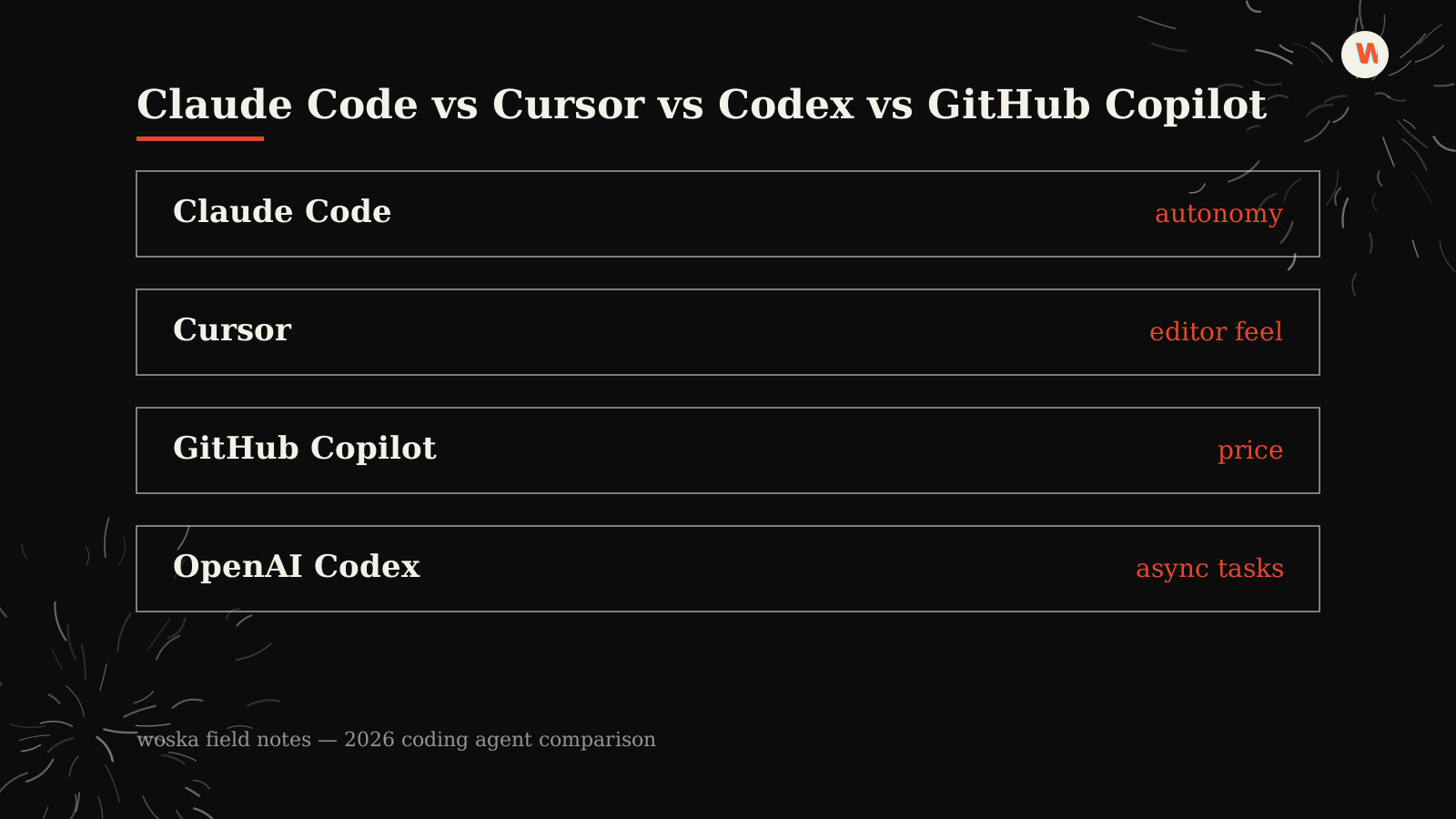
Quick comparison
| Tool | Starting price | Core job | Best fit |
|---|---|---|---|
| Claude Code | From $20/mo | terminal coding agent | Autonomy, deep refactors |
| Cursor | From $20/mo | AI-native IDE | Everyday editing feel |
| GitHub Copilot | From $10/mo | IDE extension + agent mode | Price, existing GitHub setup |
| OpenAI Codex | From $20/mo | cloud/CLI coding agent | Assigning whole tasks async |
Which one should you use?
If you're picking one tool to start: GitHub Copilot if budget is the constraint and you're staying in your current IDE, Cursor if you want the most AI-native day-to-day editor, Claude Code if you want an agent you can hand harder, longer-running work to, and OpenAI Codex if you want to assign tickets and review diffs rather than pair in real time. Many teams end up running two: an editor tool for daily work, plus an agent for the hard problems.
FAQ
Do I need all four? No. Most developers land on one primary editor tool (Cursor or Copilot) plus one agent for harder tasks (Claude Code or Codex). Running all four at once mostly adds subscription cost, not output.
Which is cheapest for a solo developer? GitHub Copilot, at $10/month, with the only genuinely useful free tier among the four.
Which is best for a large, messy legacy codebase? Claude Code tends to handle unfamiliar, sprawling codebases best because it reads broadly before acting and can run tests in a loop rather than guessing at correctness.
Related guides
- Part of our complete guide: AI Coding & Developer Tools
- Best AI Coding Assistant in 2026
- Cursor vs GitHub Copilot (original comparison)
- Explore Coding & Dev tools
*Ratings and pricing reviewed monthly. Last updated July 2026.*
Bogdex · Founder & editor, woska
Bogdex builds and curates woska, testing AI tools against real workflows to judge which ones actually save time rather than which have the longest feature list.