Claude Code is the best AI coding assistant overall in 2026 if you want an agent that can work independently on hard problems; Cursor is the best pick for the everyday feel of writing code with AI baked in; and GitHub Copilot is the best value if price or your existing IDE setup matters more than raw capability. There is no single winner because "AI coding assistant" now covers two genuinely different products: an autocomplete-and-chat layer inside your editor, and an autonomous agent that can plan, edit, and test on its own.
If you want the full four-way breakdown including OpenAI Codex, see our Claude Code vs Cursor vs Codex vs GitHub Copilot comparison. This piece is the shorter, decision-first version.

What "AI coding assistant" means in 2026
Two years ago this meant autocomplete. In 2026 it means agents: tools that read your repo, make a plan, edit multiple files, run your tests, and fix what fails — with a human reviewing the diff rather than typing every line. The 2026 shortlist (Cursor, Claude Code, GitHub Copilot's agent mode, and OpenAI Codex) are all agents now, not just smarter autocomplete, which is why picking one is less about "which model is smartest" and more about how much autonomy you actually want to hand over.
The best overall: Claude Code
Claude Code is the strongest pick when you want to describe a problem and get a working solution back, including the boring parts — running tests, fixing what breaks, checking its own work. It runs from the terminal, which rewards developers comfortable outside a GUI, and it's the one most likely to hold context and stay useful across a long, multi-file refactor.
The best day-to-day editor: Cursor
Cursor is a full AI-native IDE (a VS Code fork), and it's the pick if you want AI woven into the moment-to-moment experience of writing code — fast inline edits, autocomplete that reads the whole file, chat that understands your repo. It's the most polished tool on this list for the 80% of coding that isn't a hard architectural problem.
The best value: GitHub Copilot
GitHub Copilot starts at $10/month with a genuinely useful free tier, and it now includes an agent mode for larger tasks. If you're not ready to commit to a new IDE or a premium agent subscription, this is the lowest-friction way to see what AI-assisted coding actually changes about your workflow.
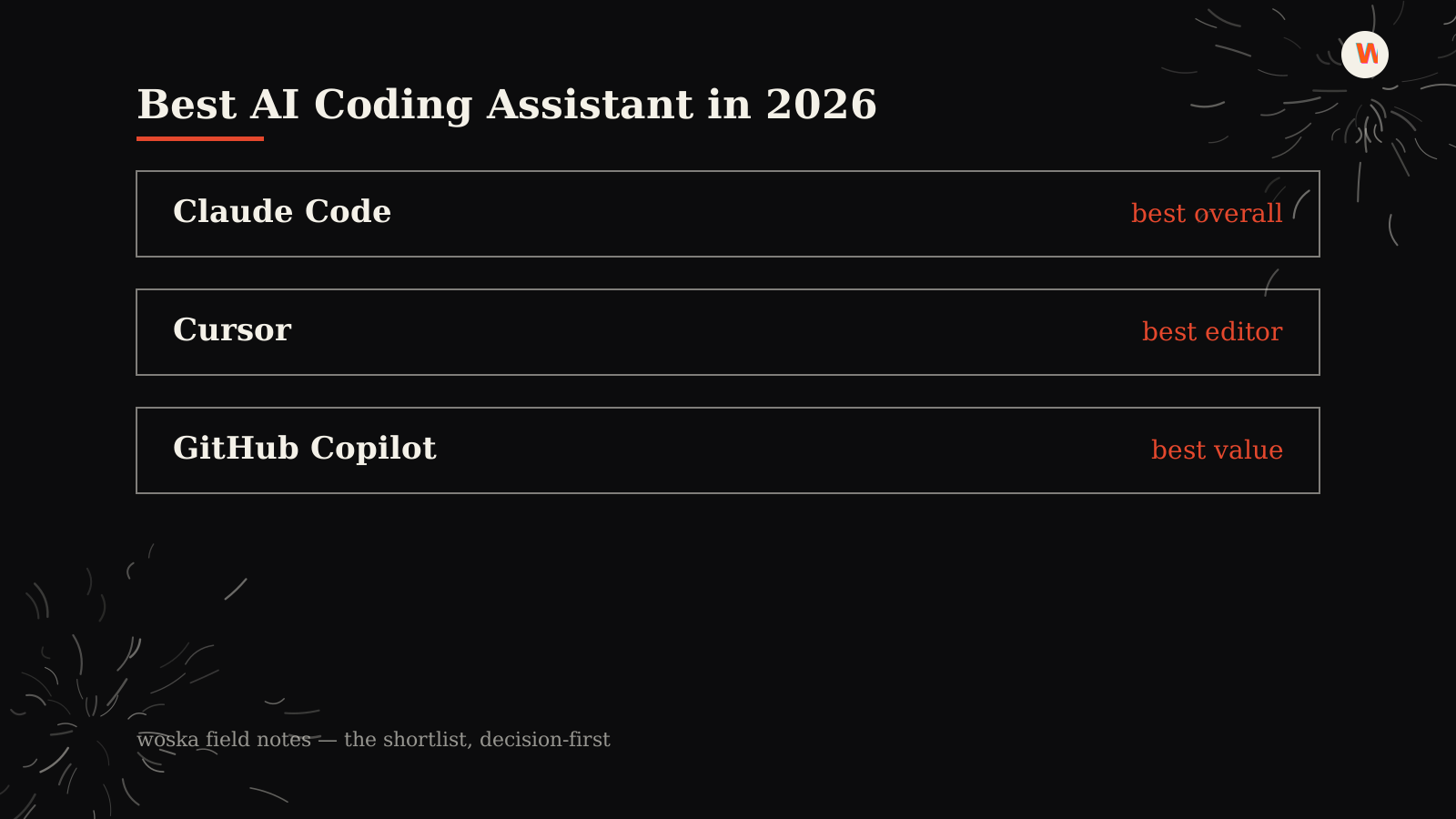
Quick comparison
| Tool | Starting price | Core job | Best fit |
|---|---|---|---|
| Claude Code | From $20/mo | autonomous terminal agent | Hard problems, deep refactors |
| Cursor | From $20/mo | AI-native IDE | Daily editing feel |
| GitHub Copilot | From $10/mo | IDE extension + agent mode | Price, existing setup |
Which one should you use?
Start with GitHub Copilot if you want the cheapest real test of AI-assisted coding. Move to Cursor once you know you want AI built into the editor itself, not bolted on. Reach for Claude Code once you have a task big enough — a migration, a gnarly bug, an unfamiliar codebase — that you'd rather delegate than drive yourself.
FAQ
Is Claude Code better than Cursor, or just different? Different, mostly. Claude Code is stronger for autonomous, longer-running work; Cursor is stronger for the feel of writing code interactively. Many developers use both.
Can I use more than one AI coding assistant at once? Yes, and it's common — an editor tool for daily work, an agent for the hardest tasks of the week. There's no real downside beyond the extra subscription.
Do I need to switch IDEs to use AI coding tools well? No. GitHub Copilot works inside IDEs you likely already use. Cursor requires switching to its editor; Claude Code and Codex run from the terminal or CLI regardless of which editor you use for everything else.
Related guides
- Part of our complete guide: AI Coding & Developer Tools
- Claude Code vs Cursor vs Codex vs GitHub Copilot
- Top 5 AI Tools for Coding Beginners
- Explore Coding & Dev tools
*Ratings and pricing reviewed monthly. Last updated July 2026.*
Bogdex · Founder & editor, woska
Bogdex builds and curates woska, testing AI tools against real workflows to judge which ones actually save time rather than which have the longest feature list.