Amazon Q Developer is worth it if your daily work runs through Lambda, DynamoDB, CloudFormation, CDK, or IAM — AWS-specific context that no general-purpose competitor matches — and its free tier makes that easy to confirm before paying anything. Outside an AWS-heavy stack, it's a weaker general pick than Claude Code or GitHub Copilot, which is the main thing to get right before choosing it as a team default.
This review focuses on where Amazon Q Developer fits next to the two most common alternatives, not a feature-by-feature spec sheet.
What Amazon Q Developer actually does
Amazon Q Developer works as an IDE-native assistant (VS Code, JetBrains, Eclipse, Visual Studio) plus a CLI and agent mode, and it can implement features, write tests, document code, review pull requests, and run software upgrades autonomously. The part that sets it apart is depth on AWS: it understands service-specific patterns, flags AWS security misconfigurations most general coding agents wouldn't catch, and can drive multi-step infrastructure and migration work across an AWS account.
Where it wins, and where it doesn't
It wins clearly for teams whose codebase is inseparable from AWS: Lambda functions, DynamoDB tables, CloudFormation templates, and IAM policies are places where Amazon Q Developer's AWS-specific training shows up directly in suggestion quality, and its free tier (50 code suggestions per month, basic security scanning) is a real way to test that before paying.
It loses ground once the work isn't AWS-specific. GitHub Copilot remains the more accessible general-purpose pick at a similar price point, with broader IDE support and no assumption that your infrastructure lives on one cloud. Claude Code goes further on autonomy and judgment for large, messy, or unfamiliar codebases — the kind of work where reading broadly before acting matters more than knowing AWS conventions.
Open GitHub Copilot → · Open Claude Code →
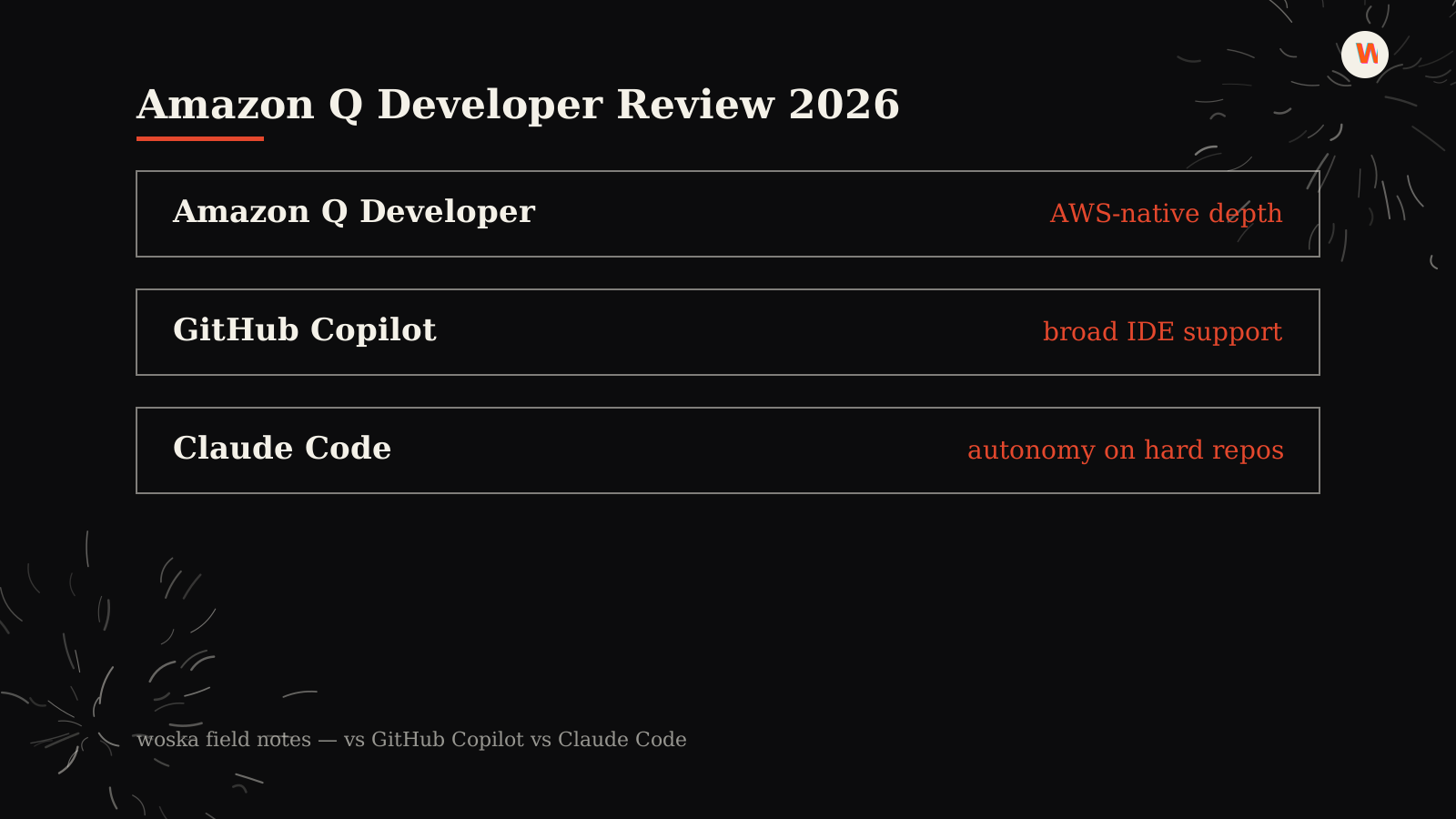
Best for / not for / pricing from
Best for: AWS-heavy engineering teams working with Lambda, IAM, DynamoDB, CloudFormation, CDK, ECS, or migration work where service-specific context matters.
Not for: teams that want one cloud-agnostic coding assistant across many stacks, or developers whose main work is frontend/product code rather than AWS infrastructure.
Cheaper alternative: GitHub Copilot is the lower-cost default for broad IDE assistance. Claude Code is the stronger alternative when autonomy and repo-wide reasoning matter more than AWS depth.
Pricing from: free tier for limited usage, with Pro around $19/user/month for higher limits and enterprise-ready coding workflows.
Quick comparison
| Tool | Starting price | Core job | Best fit |
|---|---|---|---|
| Amazon Q Developer | Free tier, Pro from ~$19/user/mo | AWS-native coding + ops assistant | Teams whose stack is deeply AWS-based |
| GitHub Copilot | From $10/mo | IDE extension + agent mode | Broad IDE support, cloud-agnostic teams |
| Claude Code | From $20/mo | terminal coding agent | Autonomy on large or unfamiliar codebases |
Should you use it?
Use Amazon Q Developer as your primary coding agent if AWS services show up in most of what you build — the free tier is enough to know within a week whether the AWS-specific suggestions are pulling their weight. If your stack is cloud-agnostic or split across providers, GitHub Copilot or Claude Code will serve you better as the default, with Amazon Q Developer kept around specifically for infrastructure and IAM work where it still has an edge.
FAQ
Is Amazon Q Developer free? There's a genuinely usable free tier — 50 code suggestions per month plus basic security scanning and documentation Q&A — before the paid Pro tier, which adds unlimited suggestions, higher agent-mode limits, and enterprise controls.
Does Amazon Q Developer only work with AWS services? No, it works as a general coding assistant across languages and frameworks, but its advantage narrows to roughly parity with competitors once AWS-specific services aren't part of the codebase.
How does it compare to GitHub Copilot on price? They land close together — Copilot Pro starts at $10/month, Amazon Q Developer's Pro tier at roughly $19/user/month — so the decision usually comes down to AWS depth versus broader IDE and ecosystem support rather than price.
Is it good for non-AWS teams that still want an AI coding agent? It's usable, but Claude Code and GitHub Copilot are the stronger general-purpose picks; Amazon Q Developer's differentiation is specifically AWS depth, and that advantage mostly disappears outside that context.
Related guides
- Part of our complete guide: AI Coding & Developer Tools
- Best AI Coding Assistant in 2026
- Claude Code vs Cursor vs Codex vs GitHub Copilot in 2026
- How Much Do AI Coding Agents Cost in 2026?
- Explore Coding & Dev tools
*Ratings and pricing reviewed monthly. Last updated August 2026.*
Bogdex · Founder & editor, woska
Bogdex builds and curates woska, testing AI tools against real workflows to judge which ones actually save time rather than which have the longest feature list.
