A realistic 30-day AI roadmap has three phases, not ten: pick one workflow and one tool in week one, run it alongside your current process in weeks two and three, and only replace the old process in week four once a human has checked enough outputs to trust it. Most AI rollouts fail not because the tool was wrong, but because a business tried to change five things at once with no review step and no way to tell what broke.
The roadmap below is deliberately boring. Boring is what makes it survive contact with an actual work week.
Week 1: pick one workflow, not a strategy
Resist the urge to plan an "AI strategy" in week one. Pick one specific, repeatable task — first-pass replies to inbound leads, moving data between two tools that don't sync, drafting follow-up emails — and name one person who owns checking it. If you can't name the task in one sentence or point to where the source data lives, you're not ready to start the clock yet; spend week one fixing that instead.
Weeks 2–3: run it in parallel, don't switch cold
Keep the manual process running as a backstop while the new tool handles the same task alongside it. Review every output for the first stretch, not a sample — this is where you find the edge cases a tool handles badly: wrong tone, missing context, a format nobody thought to specify. Log the pattern, not just the individual mistake, so week four's decision is based on trends instead of one bad example.
Don't know which workflow to start with? Take the free AI Readiness Audit → — it scores your business, tells you exactly where the opportunity is (leads, follow-up, admin, or research), and generates a 30-day roadmap already broken into weeks like this one. No signup required.
Week 4: replace the manual step, keep spot-checking
Once the error rate from weeks 2–3 is something you'd accept from a new hire at the same stage, retire the manual step — but keep spot-checking weekly, not daily, rather than assuming the job is permanently done. Processes change, and an agent that was accurate against last month's inputs can quietly drift as your business does.
n8n is worth the switch once you know a workflow well enough to want more control over exactly how each step runs, since it shows every step instead of hiding the logic behind a black box.
Quick comparison
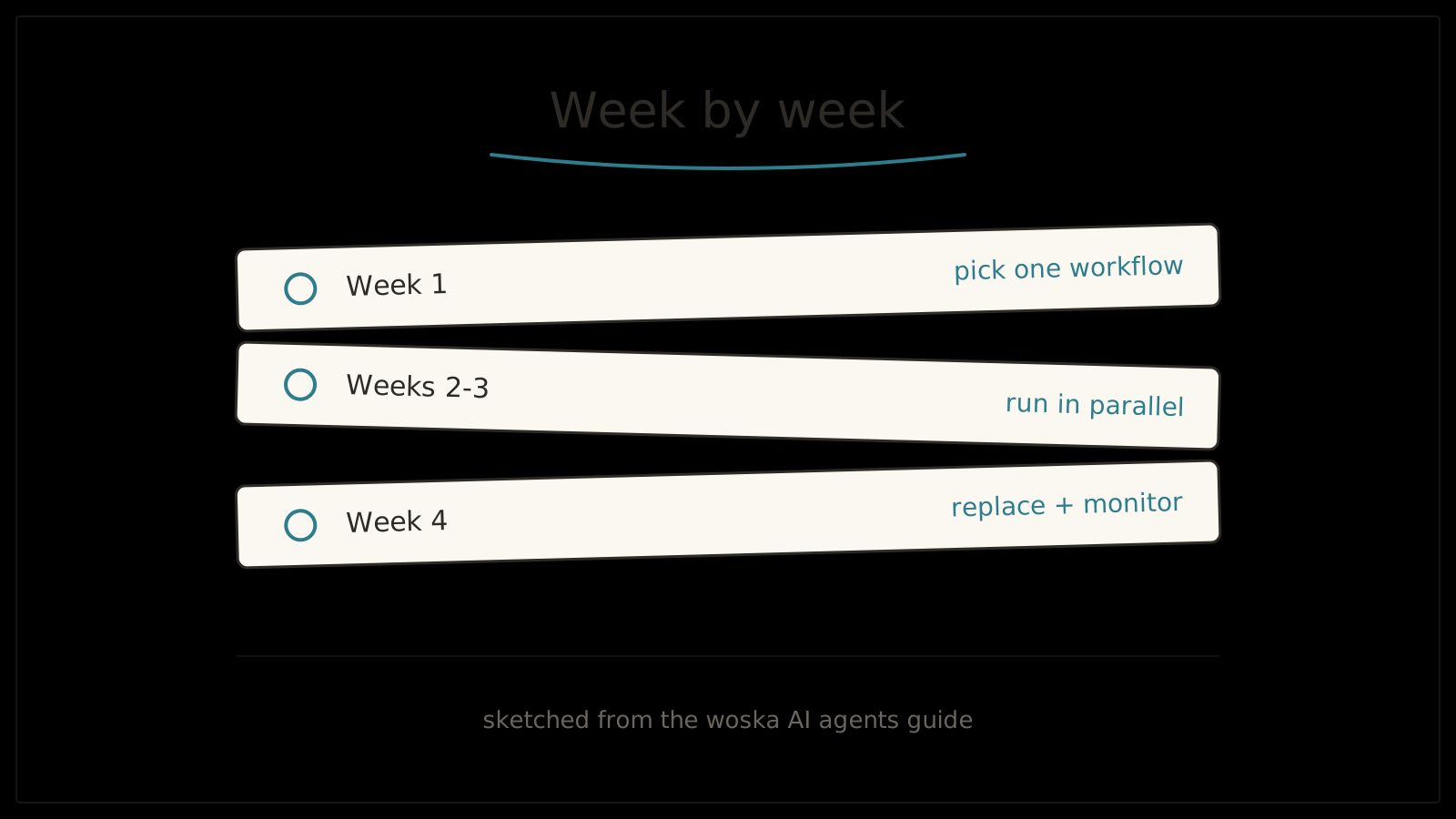
| Week | Focus | What "done" looks like |
|---|---|---|
| 1 | Pick one workflow + tool | Task is scoped, data source identified, owner named |
| 2–3 | Run in parallel | Every output reviewed, error patterns logged |
| 4 | Replace + monitor | Manual step retired, spot checks scheduled |
Which tool fits which week?
In week one, Gumloop or Respell let you build and test the workflow without engineering help, which matters when you're still scoping the task and don't want a long setup delaying the review weeks. By week four, once the workflow is proven and you want lower long-term cost and more control over each step, n8n is usually the better place to land it permanently.
FAQ
Can I roll out more than one AI tool at once? You can, but each additional workflow started in parallel dilutes the review attention any one of them gets — most 30-day rollouts that stick started with exactly one workflow, then repeated the same cycle for the next.
What if week 2 shows the tool getting it wrong a lot? That's the roadmap working as intended, not a failure of it. A high early error rate usually means the task was less repeatable than it looked, or the source data needs cleanup — both are worth knowing in week 2, not after full rollout.
Does the roadmap have to be exactly 30 days? No — 30 days is a useful default because it forces a decision instead of an open-ended pilot, but a genuinely complex workflow can reasonably take longer for the parallel-run phase. What matters is keeping the phases in order, not hitting the exact day count.
Related guides
- Take the free AI Readiness Audit
- How to Measure AI ROI for a Small Business
- Common AI Agent Mistakes Small Businesses Make in 2026
- Explore AI Agents tools
- What Is an AI Opportunity Score? (And How to Calculate Yours)
*Ratings and pricing reviewed monthly. Last updated August 2026.*
Bogdex · Founder & editor, woska
Bogdex builds and curates woska, testing AI tools against real workflows to judge which ones actually save time rather than which have the longest feature list.