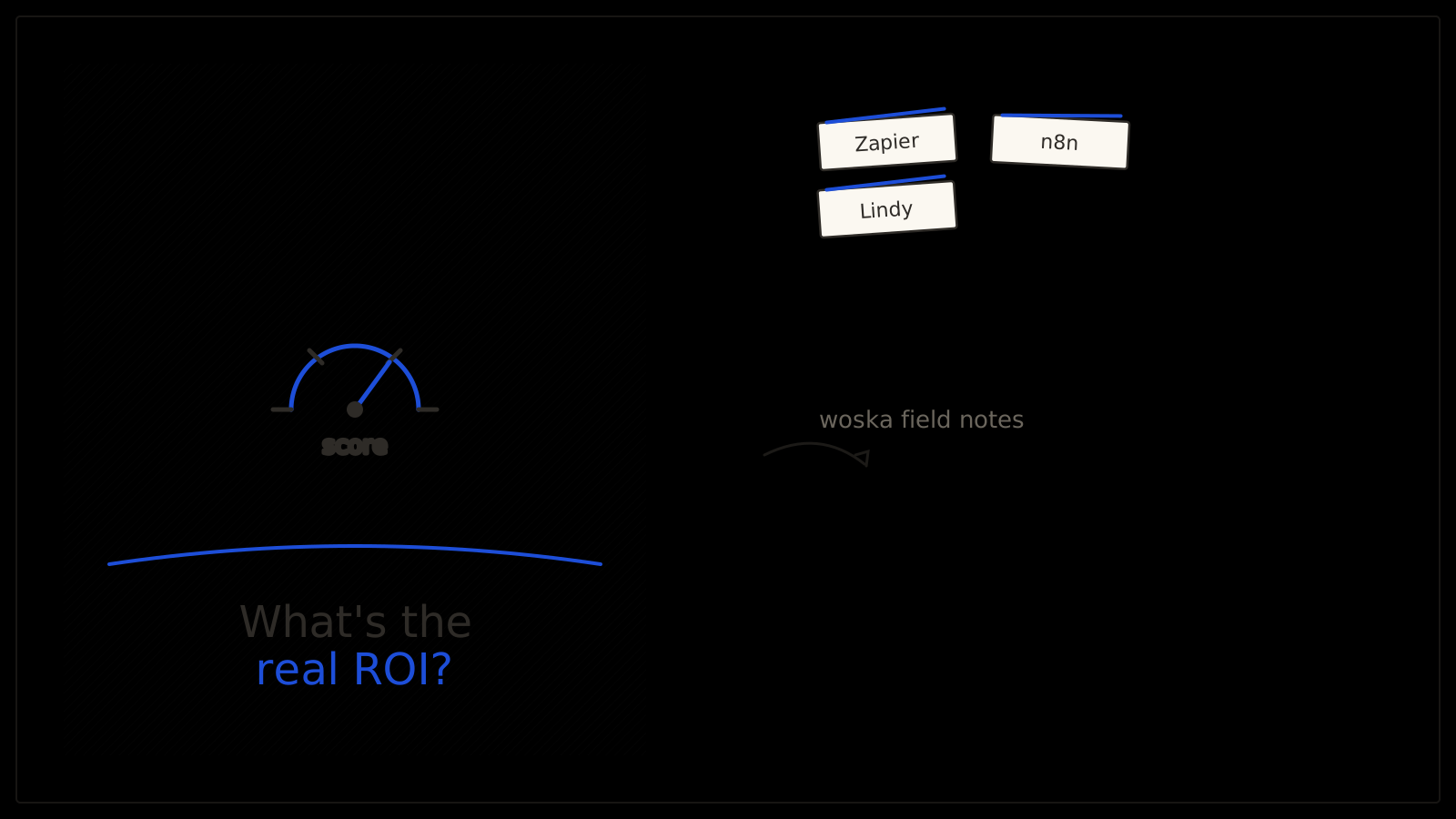
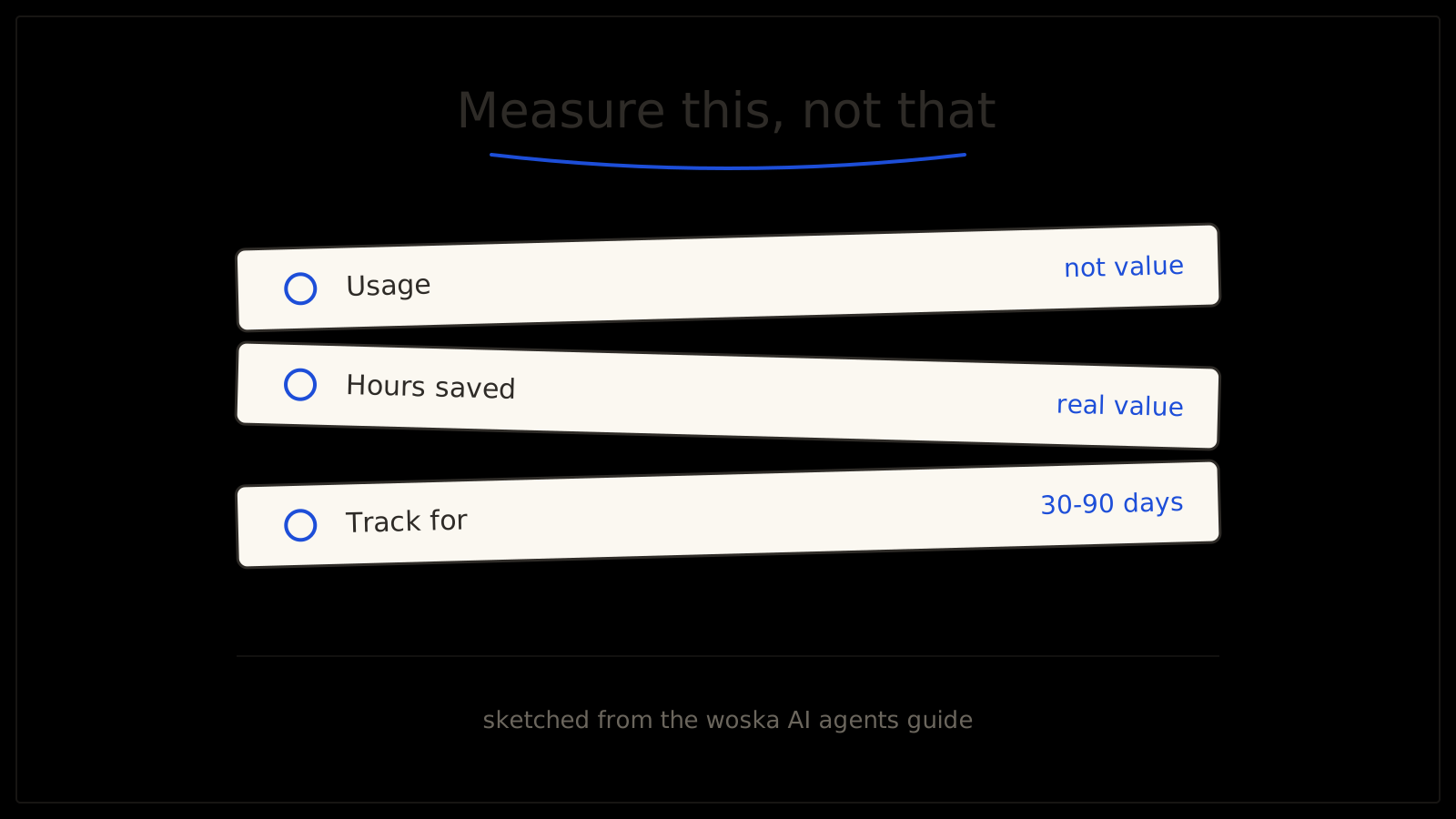
AI ROI for a small business comes down to one calculation: (value generated minus cost) divided by cost, times 100 — and the entire exercise falls apart if "value generated" isn't measured in something concrete like hours saved, dollars protected, or conversion rate, not just "the team uses it a lot." Usage isn't value. A tool everyone opens daily but that hasn't actually changed an outcome is a habit, not a return. The most common mistake in 2026 AI ROI reporting is measuring how much output got generated instead of how much time or money actually came back.
The four things actually worth measuring
- Time saved. How long did the manual version of this task take, and how long does it take now? Be honest about review time — if a human still checks every output, subtract that time from the "saved" number.
- Revenue generated or protected. Faster lead response, fewer missed follow-ups, higher conversion on a specific step — measurable movement in a number that was already being tracked before AI touched it.
- Cost avoided. Work that would have required a new hire, an agency, or overtime that didn't happen because the workflow now runs itself (with review).
- Quality improvements. Fewer errors, more consistent output, better customer experience — harder to put a dollar figure on directly, but track a proxy metric (support ticket reopen rate, error rate, customer satisfaction score) rather than skipping this category entirely.
The measurement process that actually works
Pick one workflow — not "AI across the business," one specific thing. Establish a baseline for 2-4 weeks before you change anything: how long does the manual version take, what does it cost, what's the current error or conversion rate. Then run the AI version for 30 to 90 days and track the same numbers. Calculate the hard-dollar gain and the time saved separately, since a business owner's own hour has a real cost even when no invoice reflects it.
For anything harder to price directly — team morale, faster onboarding, less burnout on a repetitive task — track a proxy instead of ignoring it: employee retention, time-to-hire for a backfill role, or a simple team survey score before and after.
Not sure which workflow is even worth measuring first? Take the free AI Readiness Audit → — it identifies where AI actually fits your business before you spend a month tracking the wrong thing. No signup required.
Why so many businesses get this wrong
A widely cited 2026 Forbes piece on small-business AI ROI put it bluntly: business owners say AI is working, but the underlying data on measured outcomes tells a less flattering story. The gap usually comes from skipping the baseline — if you never measured how long the manual process took before, you have nothing real to compare the AI version against, and "it feels faster" isn't a number you can defend to anyone, including yourself.
Quick comparison
| Metric type | What to track | Example |
|---|---|---|
| Time saved | Manual time vs. AI-assisted time, minus review time | Lead response drops from 4 hours to 20 minutes |
| Revenue | Movement in a number you already tracked | Conversion rate on a specific funnel step |
| Cost avoided | Work that didn't require a new hire or overtime | Support volume handled without adding headcount |
| Quality | A proxy metric, tracked consistently | Support ticket reopen rate, error rate |
Which one should you use?
If the workflow you're measuring is app-to-app automation, Zapier makes it easy to see exactly how many times a workflow ran, which is a useful starting data point for the time-saved calculation. Use n8n if you want execution logs and more granular visibility into each step. Reach for Lindy if the workflow is described in plain English and you want built-in reporting on what it actually did.
FAQ
How long should we measure before deciding if an AI tool is worth it? 30 to 90 days is the range that shows up consistently in ROI frameworks — long enough to smooth out a slow week or a fluke, short enough that you're not stuck paying for something unproven for six months.
What if the ROI looks bad after 30 days — should we cancel immediately? Check whether the workflow itself was the problem or the setup was — a poorly scoped task will look like a bad ROI even on a good tool, so review scope before concluding the category doesn't work for you.
Is it normal for AI ROI to look worse in month one than month three? Yes — most of the "hidden cost" (setup time, initial correction, learning the tool) front-loads into the first few weeks, so an early measurement can understate the real steady-state return.
Should we measure ROI per tool or per workflow? Per workflow, almost always — a single tool might power several different workflows with very different returns, and measuring the tool as a whole blends a strong use case with a weak one into a misleading average.
Related guides
- Take the free AI Readiness Audit
- Does My Business Need AI? 7 Signs You're Ready
- How Much Do AI Agents Cost in 2026?
- Common AI Agent Mistakes Small Businesses Make in 2026
- Explore AI Agents tools
*Ratings and pricing reviewed monthly. Last updated September 2026.*
Bogdex · Founder & editor, woska
Bogdex builds and curates woska, testing AI tools against real workflows to judge which ones actually save time rather than which have the longest feature list.