Every major platform has two limits, not one: a hard cap where the post simply won't submit, and a much shorter visible limit where the platform truncates your post with a "see more" link before anyone reads the rest. Writing to the hard cap is what gets people in trouble — a post that's technically valid but gets cut off after the first sentence in the feed is functionally the same as not saying anything useful at all.
The limits that actually matter
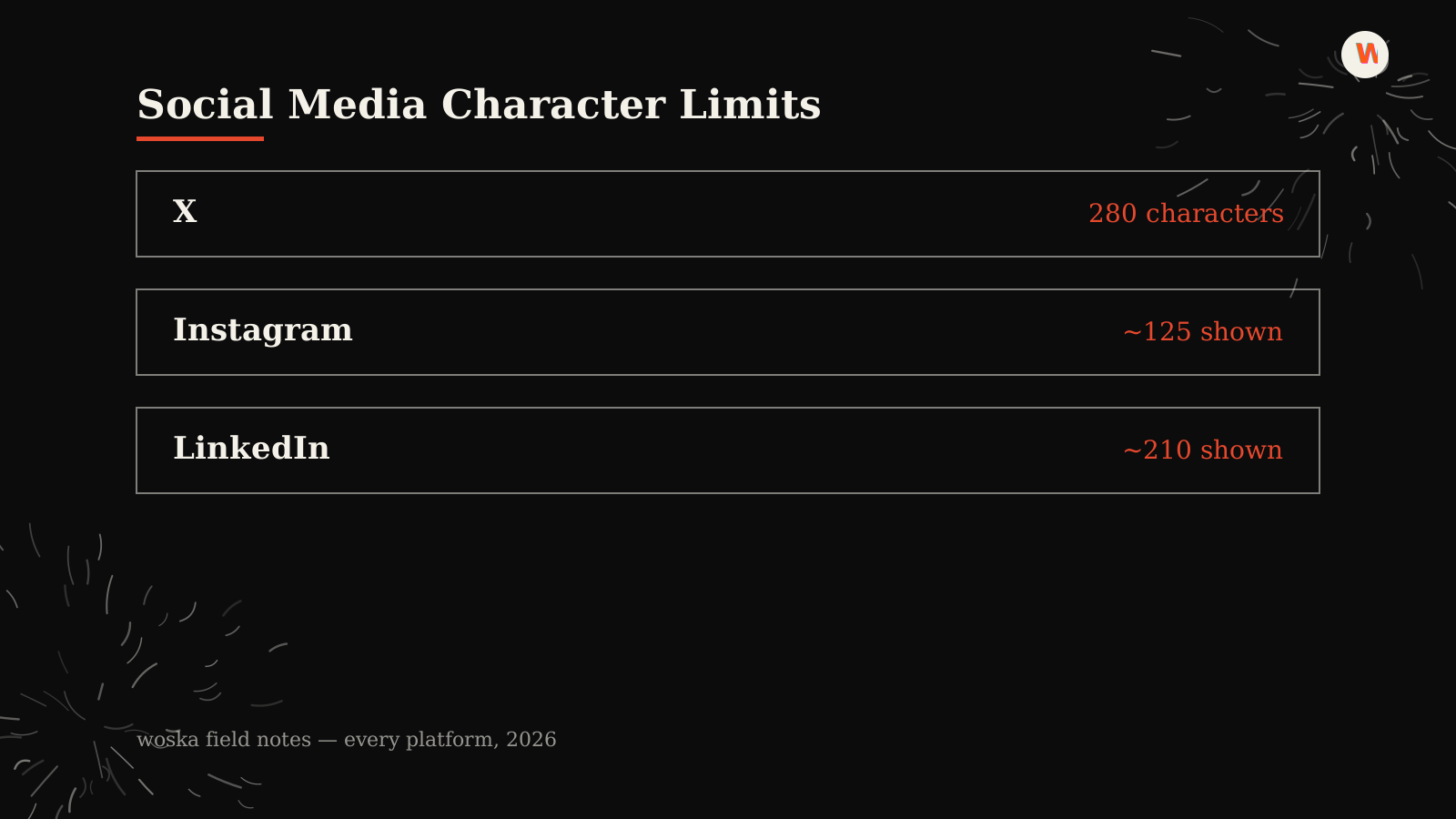
X (Twitter) allows 280 characters for most accounts, with X Premium subscribers able to post up to 25,000 characters. There's no separate truncation point in-feed — what you write is what shows, up to the hard limit.
LinkedIn allows up to 3,000 characters, but truncates with "see more" after roughly the first 210 characters in the feed. Your opening line is doing almost all of the work here.
Instagram allows up to 2,200 characters per caption, but only shows about the first 125 characters before "more" cuts it off — one of the biggest gaps between hard limit and visible limit of any platform.
TikTok captions allow up to 2,200 characters as well, generally showing around the first 150 characters before truncating, similar in spirit to Instagram.
Facebook posts can run up to 63,206 characters technically, but anything past roughly 3 lines gets a "see more" link on both desktop and mobile.
Why the visible limit matters more than the hard limit
A platform's hard limit tells you what's technically allowed. The visible limit tells you what a scrolling user actually reads before deciding whether to tap "more" — and most people don't tap. If your hook, your offer, or your call-to-action lands after the truncation point, it might as well not exist for the majority of your audience.
Check any draft against every limit at once →
Step 1: Write your hook first, not last
Front-load the sentence that would make someone stop scrolling. Every platform above truncates well before the hard character limit, so treat the first 100-150 characters as the only guaranteed real estate you have, and everything after that as a bonus for people who choose to expand.
Step 2: Check the same draft against every platform before you cross-post
Copy-pasting one caption across four platforms is efficient, but a caption tuned for X's 280-character hard limit is often too short to look intentional on LinkedIn, and a LinkedIn-length post will get chopped hard on Instagram. Run the same draft through a single character checker instead of eyeballing four different platform help pages.
Step 3: Remember hashtags and links count too
On most platforms, hashtags and full URLs count against the same character limit as your written text — they're not free. Adding five hashtags at the end of an Instagram caption uses up real characters that could otherwise extend your visible message before the truncation point.
Quick reference
| Platform | Hard limit | Visible before truncation |
|---|---|---|
| X (Twitter) | 280 (25,000 for Premium) | Same as hard limit |
| 3,000 | ~210 characters | |
| 2,200 | ~125 characters | |
| TikTok | 2,200 | ~150 characters |
| 63,206 | ~3 lines (varies by device) |
Which limit should you actually write to?
Write to the visible limit, not the hard limit, for anything meant to be read in-feed. Use the extra room past the visible limit for context that rewards someone who taps "more" — additional detail, a secondary point, or a full explanation — rather than assuming most of your audience will ever see it.
FAQ
Do character limits count emojis differently than letters? Often yes — several platforms count certain emojis as two characters internally due to how they're encoded, so a caption packed with emojis can hit its limit sooner than the visible character count suggests.
Does going over a platform's hard limit get my post rejected? It depends on the platform — some simply won't let you submit until you cut it down, others truncate automatically without asking. Either way, you won't publish more than the hard limit allows.
Why does my LinkedIn post look fine in the editor but get cut off when published? LinkedIn's editor doesn't visually flag the ~210-character truncation point while you're writing — it only appears once the post is live in the feed, which is why checking against the known limit before publishing matters.
Is the visible-before-truncation limit the same on mobile and desktop? Not always — Facebook in particular varies its truncation point by device and screen width, so a post that looks complete on desktop may get cut off sooner on a phone.
Should I write different captions for each platform instead of cross-posting? For anything performance-sensitive, yes — even a small edit to fit each platform's visible limit meaningfully improves how much of your message actually gets read before someone decides to engage.
Related guides
- How Many Hashtags Should You Actually Use in 2026?
- How to Build UTM Links That Don't Break Your Analytics
- Free Hashtag Generator
- Explore Marketing tools
*Last updated September 2026.*
Bogdex · Founder & editor, woska
Bogdex builds and curates woska, testing AI tools against real workflows to judge which ones actually save time rather than which have the longest feature list.