A UTM link is a normal URL with five extra tracking parameters — `utm_source`, `utm_medium`, `utm_campaign`, and optionally `utm_term` and `utm_content` — appended to the end. They tell Google Analytics (and every other analytics tool) exactly where a visitor came from, instead of lumping everything under generic "referral" or "direct" traffic. The links work fine the first time almost anyone builds one; they break down weeks later, when five different people have typed "instagram," "Instagram," and "IG" into the same field and your channel report is now three rows instead of one.
The five parameters, in plain language
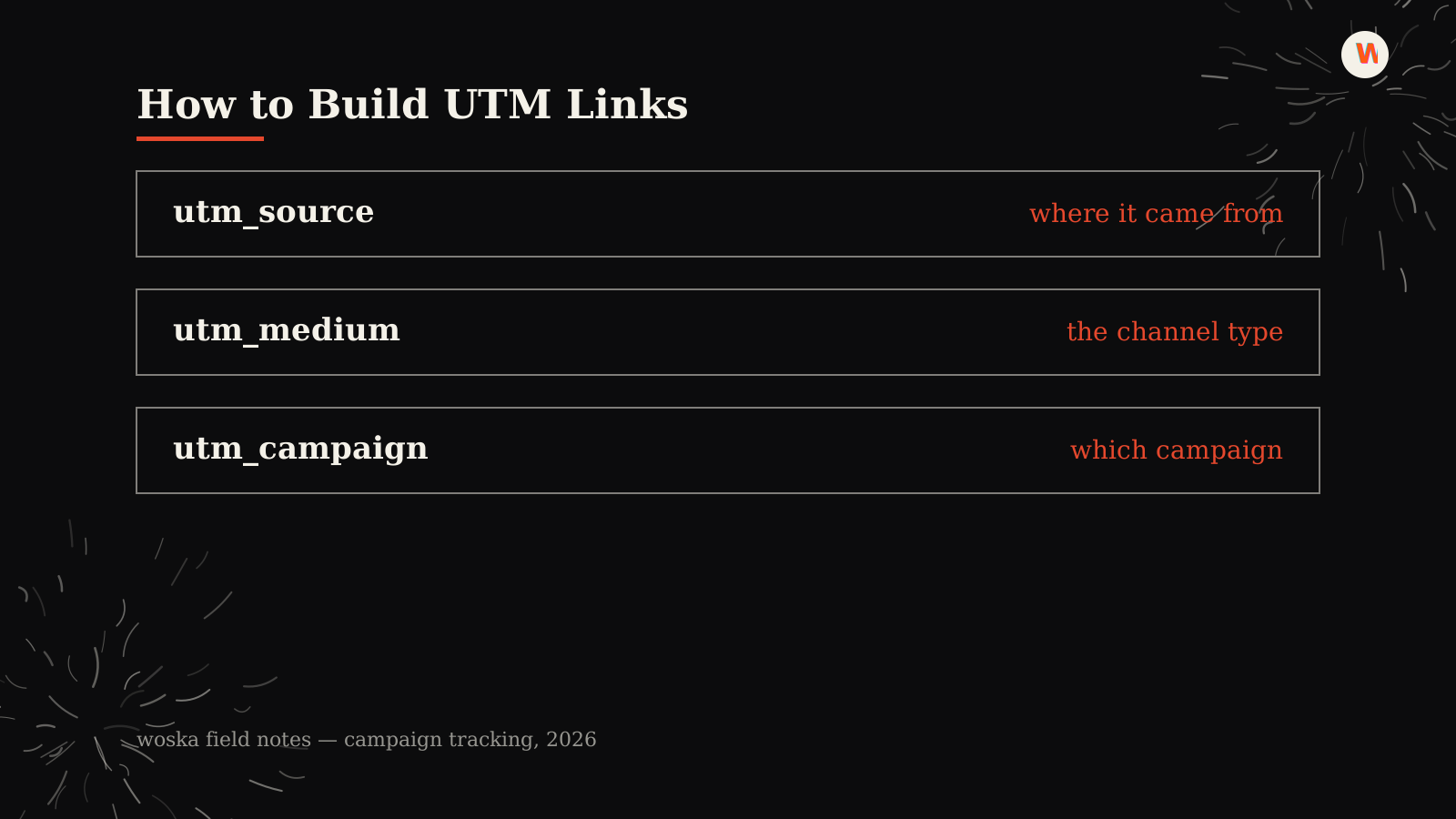
`utm_source` is where the traffic physically came from — `newsletter`, `linkedin`, `google`. `utm_medium` is the type of channel — `email`, `social`, `cpc`, `organic`. `utm_campaign` is the specific initiative — `q4-launch`, `black-friday-2026`. `utm_term` and `utm_content` are optional: `utm_term` is usually reserved for paid search keywords, and `utm_content` differentiates two versions of the same link (like an A/B test or two CTAs in the same email).
The most common real-world mistake isn't forgetting a parameter — it's using it inconsistently. `utm_source=Newsletter` and `utm_source=newsletter` are two different values to Google Analytics, and they'll split your reporting into two rows for what is actually one channel.
Step 1: Lock a naming convention before you build a single link
Decide, in writing, that source and medium values are always lowercase, always use hyphens instead of spaces, and always come from a fixed list rather than whatever the person building the link feels like typing. A five-minute shared doc with your approved `utm_source` and `utm_medium` values prevents the vast majority of tracking mess that shows up three months later.
Step 2: Build the link
You can build a UTM link by hand — take your destination URL, add a `?`, then append each parameter as `key=value` joined by `&`:
``` https://example.com/landing-page?utm_source=newsletter&utm_medium=email&utm_campaign=q4-launch ```
That works, but typing this out by hand is exactly how typos and inconsistent casing creep in. Our free UTM Link Builder does the same thing without the copy-paste errors — enter your destination URL and the campaign fields, and it assembles a clean, correctly encoded link instantly, with no signup.
Step 3: Keep campaign names specific, but not infinitely unique
`utm_campaign=spring-sale` is useful for exactly one spring. Reusing generic names like `promo` or `campaign1` across multiple actual campaigns makes it impossible to separate their performance later. A good pattern is `{initiative}-{year}` or `{initiative}-{month}-{year}` — specific enough to isolate in a report, generic enough that you're not inventing a brand-new format every time.
Step 4: Don't UTM-tag your own internal links
A UTM parameter tells analytics tools "a new session started here." If you tag a link from your own homepage to your own blog with UTM parameters, you can accidentally reset session attribution and make it look like a visitor arrived twice from two different sources in one visit. UTM tags are for links leaving a channel you don't control (email, social, a partner's site) and pointing at your site — not for internal navigation.
Quick reference: the five parameters
| Parameter | Example | Required? |
|---|---|---|
| utm_source | `newsletter`, `linkedin` | Yes |
| utm_medium | `email`, `social`, `cpc` | Yes |
| utm_campaign | `q4-launch` | Yes |
| utm_term | `ai+tools+directory` | Only for paid search |
| utm_content | `header-cta`, `footer-cta` | Only when A/B testing a link |
Which fields should you actually fill in?
For most links — a social post, a newsletter mention, a partner placement — `utm_source`, `utm_medium`, and `utm_campaign` are enough. Add `utm_content` only when you're running two versions of the same link and need to tell them apart in reporting. Reserve `utm_term` for paid search campaigns where you're tracking specific keywords; outside of that context it usually goes unused.
FAQ
Do UTM parameters affect my page's SEO? No — UTM parameters don't change how search engines crawl or rank a page. They can create duplicate-looking URLs in analytics tools if you're not careful, but Google treats the tagged and untagged version of a URL as the same page for indexing.
Should I UTM-tag links inside my own email newsletter? Yes — links from an email you send are exactly the case UTM tagging is built for, since email opens don't otherwise pass a referrer to your analytics tool the way a browser link click does.
What happens if I misspell a UTM value? Nothing breaks technically — the link still works and the visitor still lands on your page — but that traffic shows up as its own separate row in reporting, splitting what should be one channel's numbers into two or more inconsistent entries.
Can I shorten a UTM link so it's not so long and ugly? Yes, most URL shorteners preserve UTM parameters through the redirect — just confirm with a test click that the parameters survive before sending the shortened link out widely.
Is there a difference between utm_medium=social and utm_source=facebook? Yes — they answer different questions. `utm_medium=social` tells you the traffic came from a social channel in general; `utm_source=facebook` tells you specifically which platform. Use both together, not one instead of the other.
Related guides
- Social Media Character Limits for Every Platform in 2026
- ROAS vs CAC vs LTV: The 3 Marketing Metrics That Actually Matter
- AI Tool Price Comparison Generator
- Explore Marketing tools
*Last updated September 2026.*
Bogdex · Founder & editor, woska
Bogdex builds and curates woska, testing AI tools against real workflows to judge which ones actually save time rather than which have the longest feature list.