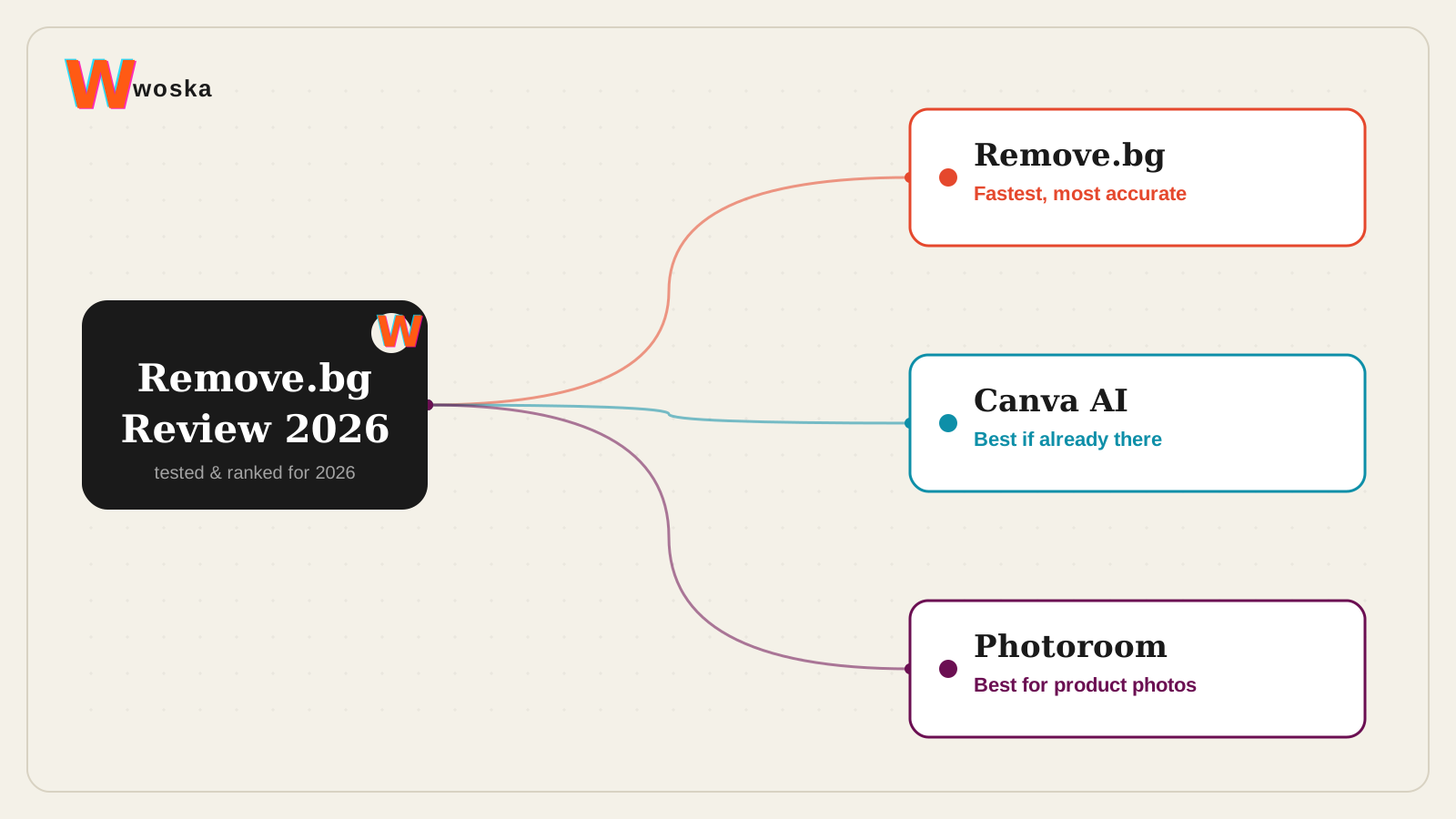
Remove.bg is still the fastest and most accurate purely-automated background remover for human subjects and clean product shots, with almost no setup and a credit-based price that suits occasional and high-volume users alike. It's a narrower tool than Canva AI or Photoroom by design — it does one job and does it in seconds, rather than bundling background removal into a broader editor.
If you need the removed background replaced with a staged product scene, not just cut out, see Best AI Product Photography Tool instead.
What Remove.bg actually does
Upload a photo, and Remove.bg isolates the subject and strips the background in seconds, with no manual masking or selection required. It's built specifically for this one job — clean cutouts for people and products — and stays fast and accurate at it, though it still struggles slightly with furry textures or transparent objects that need more nuanced edge detection.
Where it wins, and where it doesn't
It wins on speed and simplicity for a single, well-defined job: no account setup friction, no learning curve, credit-based pricing that scales from one-off use to bulk processing. If background removal is genuinely all you need, it remains hard to beat.
It loses ground once you need more than a cutout. Canva AI wins if you're already designing in Canva and don't want to round-trip a photo through a separate app just to remove a background. Photoroom wins for ecommerce sellers who need the cutout plus a staged, on-brand scene behind the product, not just a transparent background.
Open Canva AI → · Open Photoroom →
Quick comparison
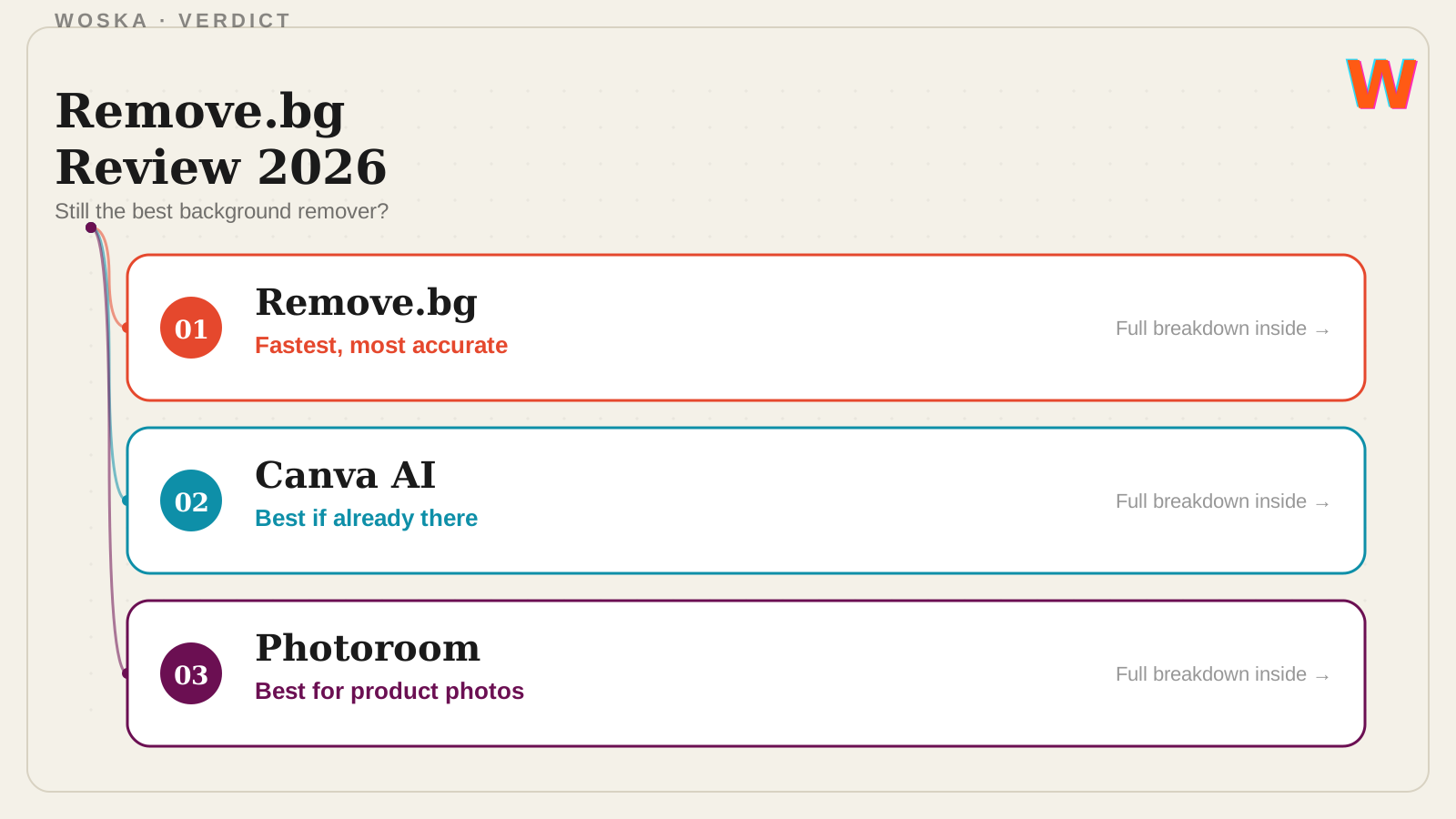
| Tool | Starting price | Core job | Best fit |
|---|---|---|---|
| Remove.bg | Free tier, credit-based | fast, accurate background cutout | A single well-defined cutout job |
| Canva AI | Free tier, from ~$13/mo | design tool with AI background removal | Already designing inside Canva |
| Photoroom | Free tier, from ~$8/mo | full product photo workflow | Ecommerce sellers needing staged scenes |
Should you use it?
Use Remove.bg when the job is exactly what it sounds like: strip a background, fast, with nothing else needed. Use Canva AI if you're already building the final design there and don't want an extra step. Use Photoroom if the real goal is a finished product photo with a new background, not just a transparent cutout.
FAQ
Is Remove.bg free? There's a free tier for low-resolution previews and limited use; full-resolution downloads and bulk processing require credits or a subscription.
Does Remove.bg work well on complex images like hair or fur? It handles most cases well but can still produce rough edges on fine detail like hair, fur, or semi-transparent objects (glass, sheer fabric) compared to careful manual masking.
Can I use Remove.bg for ecommerce product photos at scale? Yes, its API and bulk tools are commonly used for exactly this, though if you also need staged backgrounds rather than plain or transparent ones, Photoroom or Pebblely cover that next step.
Is there a better free alternative? Canva AI's built-in background remover is a reasonable free alternative if you're already using Canva; standalone quality is generally considered a step behind Remove.bg on tricky images.
Related guides
- Best AI Tool for Background Removal
- Best AI Product Photography Tool in 2026
- Canva AI Review 2026
- Explore Image tools
*Ratings and pricing reviewed monthly. Last updated August 2026.*
Bogdex · Founder & editor, woska
Bogdex builds and curates woska, testing AI tools against real workflows to judge which ones actually save time rather than which have the longest feature list.