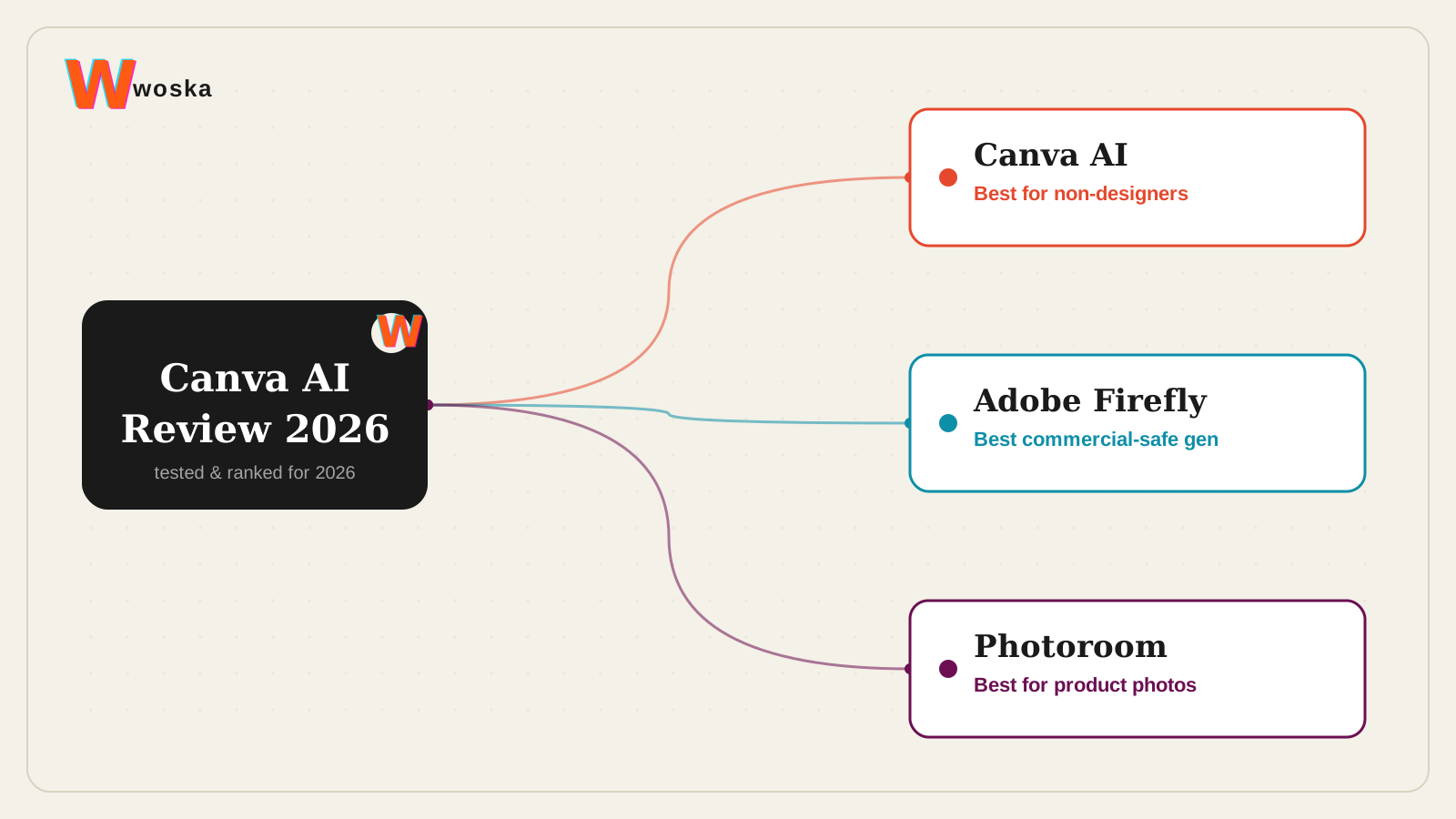
Canva AI's Magic Studio is worth Canva Pro's subscription for anyone producing regular marketing or social content without a dedicated designer — the value is design output per hour for non-designers, not raw image-generation quality. Its text-to-image feature is a generation behind dedicated tools like Midjourney or Adobe Firefly, and that's fine, because that's not the job Magic Studio is actually doing.
If product photography specifically is the goal, see Best AI Product Photography Tool instead.
What Canva AI actually does
Magic Studio bundles AI tools — background removal, text-to-image, brand-kit-aware layout suggestions, Magic Charts, and more — directly into Canva's existing editor and its 600,000+ templates, rather than as a separate app. Brand Kit adherence is a real strength: it consistently applies your brand colors and fonts across generated content, saving real time on a task that used to mean manual adjustment on every asset.
Where it wins, and where it doesn't
It wins clearly for non-designers producing steady marketing or social content — the templates plus AI layer means good output per hour without design skill, and nothing else comes close on template depth for social and marketing formats specifically.
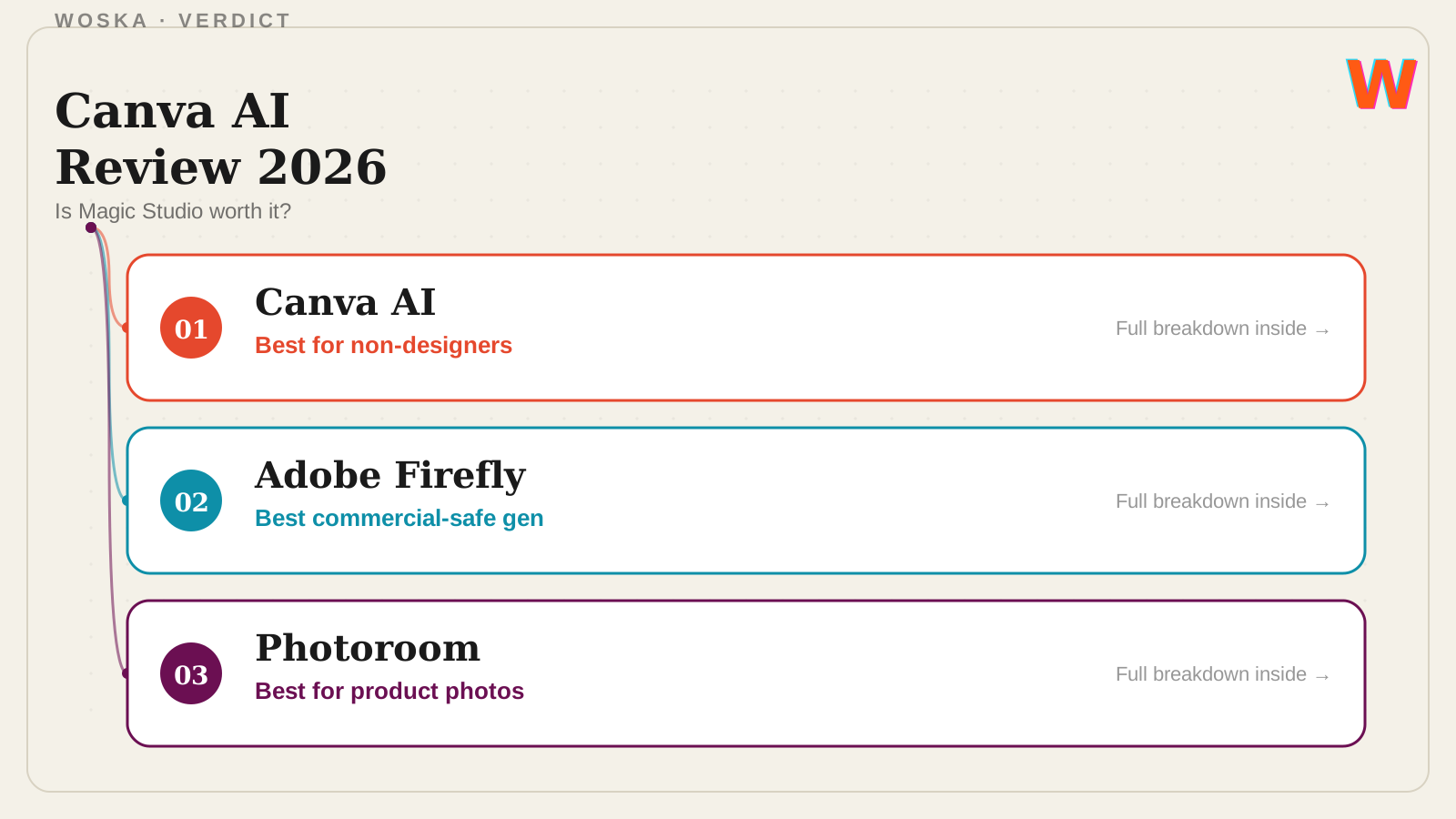
It loses ground on raw generation quality and specialized workflows. Adobe Firefly wins for commercially safer image generation with clearer usage rights, which matters more once output is going into paid campaigns rather than internal or social use. Photoroom wins specifically for product photography — Canva's background removal is decent, but Photoroom's whole workflow is built around that one job.
Open Adobe Firefly → · Open Photoroom →
Quick comparison
| Tool | Starting price | Core job | Best fit |
|---|---|---|---|
| Canva AI | Free tier, Pro ~$13-18/mo | design + AI in one editor | Non-designers producing regular content |
| Adobe Firefly | Free tier, freemium | commercially safer image generation | Paid campaigns needing clear usage rights |
| Photoroom | Free tier, from ~$8/mo | product photo workflow | Ecommerce product photography specifically |
Should you use it?
Use Canva AI if you're producing regular marketing or social content without a designer on the team — it's the best output-per-hour tool for that job. Use Adobe Firefly once generated images are going into paid campaigns where usage rights matter more. Use Photoroom if the actual job is product photography, not general design.
FAQ
Is Canva AI's image generation as good as Midjourney or DALL-E? No — reviewers consistently rate Canva's text-to-image a step behind dedicated image generators. Its value is the AI layer integrated into a design workflow, not standalone image quality.
Do I need Canva Pro to use Magic Studio's AI features? Most AI features are available on a free plan in limited form, with Pro unlocking higher generation credits (commonly 500/month) and more advanced tools.
Can Canva AI replace a graphic designer entirely? For steady, template-driven marketing and social content, it covers a lot of ground; brand campaigns, complex illustration, or highly custom design work still benefit from a human designer's judgment.
What happens if I hit my monthly AI credit limit? You can purchase additional credits or wait for the monthly reset; heavy users iterating on many image generations across projects report hitting Pro's limits before the month is out.
Related guides
- Best AI Product Photography Tool in 2026
- Remove.bg Review 2026
- Remove.bg vs Canva AI Background Remover
- Explore Image tools
*Ratings and pricing reviewed monthly. Last updated August 2026.*
Bogdex · Founder & editor, woska
Bogdex builds and curates woska, testing AI tools against real workflows to judge which ones actually save time rather than which have the longest feature list.