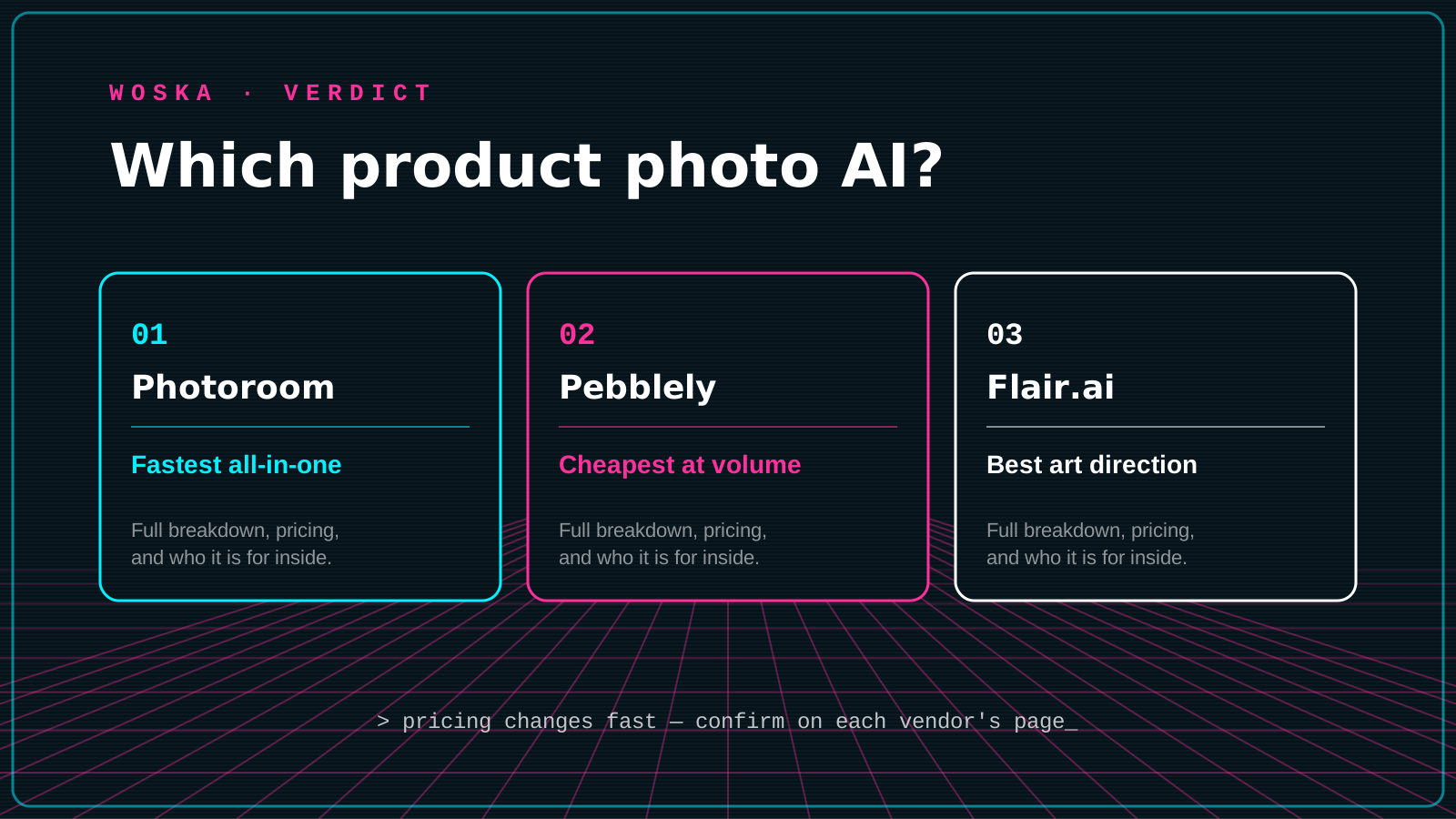
Photoroom wins as the fastest all-in-one editor for sellers who want background removal, retouching, and staged scenes in one app, Pebblely wins for cheap, high-volume lifestyle backgrounds across a big catalog, and Flair.ai wins for brand teams that want art-directed, consistent scenes rather than themed presets. All three replace what used to require a product photographer, a studio, and days of turnaround — now it's a phone photo and a few minutes.
If background removal alone is all you need, our dedicated Best AI Tool for Background Removal guide covers that narrower job.
The three, in one line each
Photoroom combines background removal, retouching, staged scenes, and batch export in one workflow, with a strong mobile app that makes it the fastest option for a seller editing photos from their phone.
Pebblely drops a single product photo into 40+ themed backgrounds and lifestyle scenes at a low starting price, built for volume over fine-grained art direction.
Flair.ai works more like a design tool: place your product, props, and even 3D models exactly where you want them in a scene, which suits brands that need consistent, on-brand results rather than one-click themes.
Where each one actually wins
Photoroom rewards sellers who want one app for everything from background removal to final export, especially on mobile, and its free tier is generous enough to test before paying. Pebblely rewards catalogs with many similar products where speed and low cost per image matter more than precise art direction. Flair.ai rewards brands with a specific visual identity to protect, where a themed preset would look off-brand and manual scene control is worth the extra time.
Quick comparison
| Tool | Starting price | Core job | Best fit |
|---|---|---|---|
| Photoroom | Free tier, Pro ~$8/mo | all-in-one product photo editor | Mobile-first sellers, fastest overall workflow |
| Pebblely | From $9/mo | themed background generation | High-volume catalogs, low cost per image |
| Flair.ai | Free tier, Pro from ~$1/mo billed annually | art-directed scene design | Brands protecting a specific visual identity |
Which one should you use?
Start with Photoroom if you want one app that handles the whole job from your phone. Move to Pebblely once you have a larger catalog and want a low cost per image without much manual tweaking. Choose Flair.ai when your brand's look is specific enough that generic themed backgrounds would feel off, and you're willing to spend more time art-directing each scene.
FAQ
Do I need a real product photo to start, or can these generate one from nothing? All three need at least one real photo of your actual product — they generate the background and scene around it, not the product itself, which keeps the product's true appearance accurate for buyers.
Will AI-generated product photos hurt trust or conversion? Not inherently, since the product itself is real and unedited — only the background and staging are AI-generated. Problems arise if the generated scene misrepresents the product's scale, color, or context, so it's worth a quick manual check before publishing.
Which is cheapest for someone just starting an online store? Photoroom's and Flair.ai's free tiers are the easiest way to produce a first batch of listing photos with no upfront cost.
Can these tools handle a catalog of hundreds of products? Pebblely and Photoroom both support batch workflows built for volume; Flair.ai's manual scene-building approach works less efficiently past a few dozen SKUs unless you're reusing the same custom-trained scene.
Related guides
- Best AI Tool for Background Removal
- Top 3 AI Tools for Ecommerce Businesses
- Best AI Image Upscaler in 2026
- Explore Image tools
*Ratings and pricing reviewed monthly. Last updated July 2026.*
Bogdex · Founder & editor, woska
Bogdex builds and curates woska, testing AI tools against real workflows to judge which ones actually save time rather than which have the longest feature list.