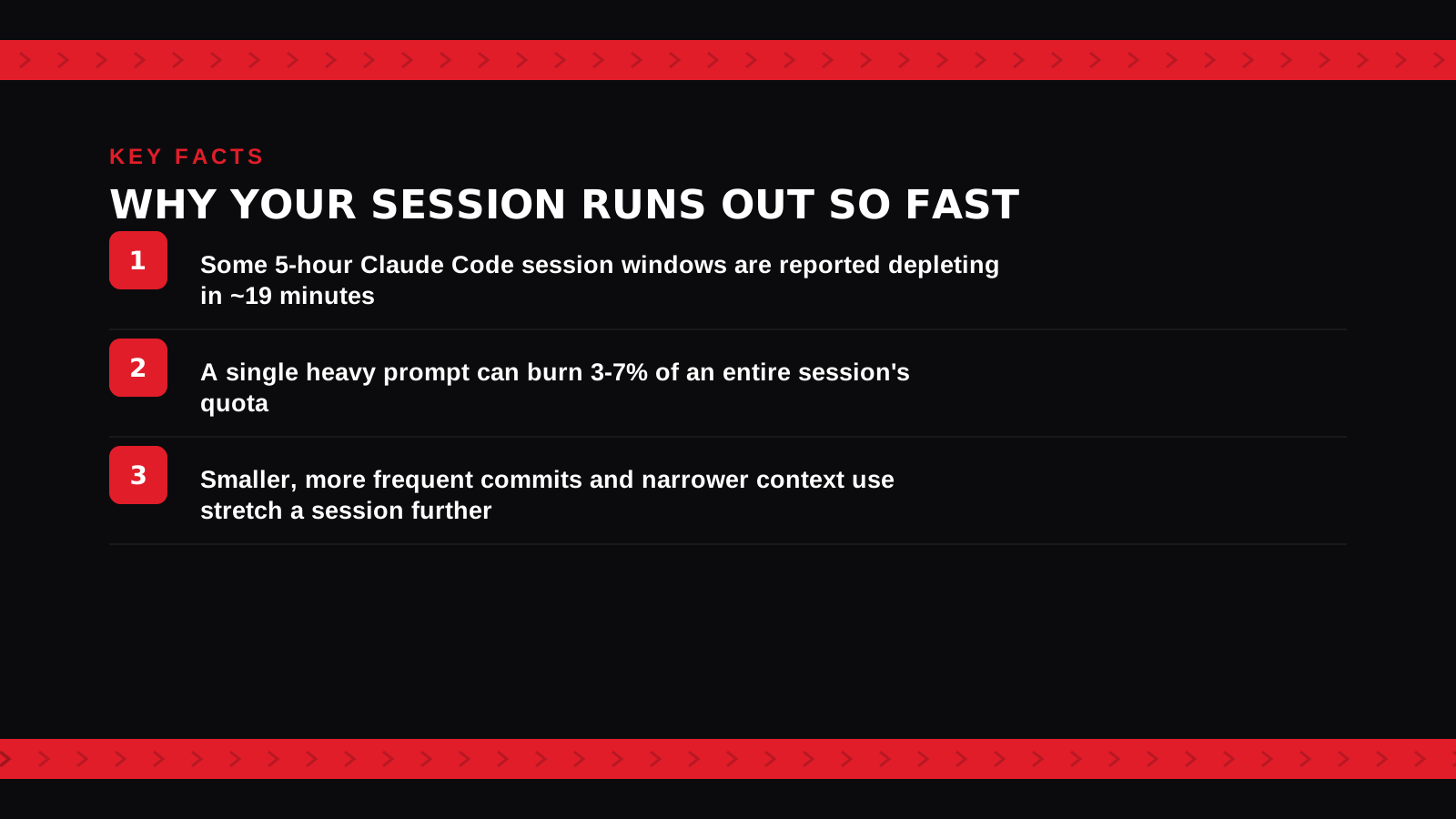
A common complaint from Claude Code users in 2026: a 5-hour session window that's supposed to reset every few hours can deplete in as little as 19 minutes of heavy use, with a single large prompt reportedly burning 3-7% of the entire session's quota in one shot. If you've hit a rate limit mid-task and felt like the math didn't add up, it's not just you — here's what's actually driving it and how to get more out of each session.
Why sessions burn through so fast
Claude Code's usage limits are based on total token consumption across a session window, not wall-clock time or number of messages. A single prompt that pulls in a lot of file context — a large codebase read, a long diff, several files opened at once for a refactor — can consume a disproportionate share of tokens compared to a short, targeted question, even though both count as "one prompt" from the user's side. The reported 3-7% per prompt isn't a flat tax on every message; it's specifically what happens with context-heavy requests against a large repo, which is a normal part of real development work, not an edge case.
This isn't unique to Claude Code
Rate limits and context-window pressure are one of the most-cited complaints across AI coding tools broadly in 2026, not a Claude-specific failure — the same category of frustration shows up around other agentic coding tools too, just with different specific numbers. What makes it feel worse for Claude Code specifically is the workflow it's built for: long, autonomous, multi-step coding sessions are exactly the use case most likely to hit a token ceiling, compared to a tool built around shorter, more frequent interactions.
How to stretch a session further
Narrower context helps more than almost anything else — pointing Claude Code at the specific files a task actually needs instead of letting it read broadly across a large repo cuts token use significantly per prompt. Smaller, more frequent commits with a clear scope also help, since a tightly-scoped request burns fewer tokens than one open-ended "fix everything in this module" prompt. If a session is genuinely running out faster than your workflow can tolerate, that's also a signal to check your current plan's limits directly rather than assuming the 5-hour window applies uniformly — usage caps have changed more than once in 2026 and vary by plan tier.
Which alternative should you use if this is a dealbreaker?
If session limits are consistently blocking real work, Cursor and GitHub Copilot are worth comparing directly — both have different usage models than Claude Code's session-window approach, which may fit a heavy, all-day workflow better depending on how you work. Neither is a strict upgrade; it's a different tradeoff on cost, context handling, and how autonomous the agent is left to run.
FAQ
Is the 19-minute depletion the normal experience for everyone? No — that's a reported worst case from heavy, context-intensive use, not the typical experience. Lighter, more targeted sessions last considerably longer.
Does upgrading my Claude plan fix this? Often, yes — higher-tier plans generally come with higher usage caps. Check your specific plan's current limits rather than assuming, since these have been adjusted multiple times through 2026.
Is this the same tokenizer issue affecting Claude Sonnet 5 API pricing? It's related in mechanism (both are about token consumption) but a different specific issue — the tokenizer story is about API cost per request, while session limits are about Claude Code's usage caps specifically. See our Claude Sonnet 5 pricing explainer for that side of it.
Related guides
- Claude Sonnet 5 Pricing: The Increase That Wasn't
- How Much Do AI Coding Agents Cost in 2026?
- Explore AI Agents tools
*News and product details reviewed as they change. Last updated August 2026.*
Bogdex · Founder & editor, woska
Bogdex builds and curates woska, testing AI tools against real workflows to judge which ones actually save time rather than which have the longest feature list.