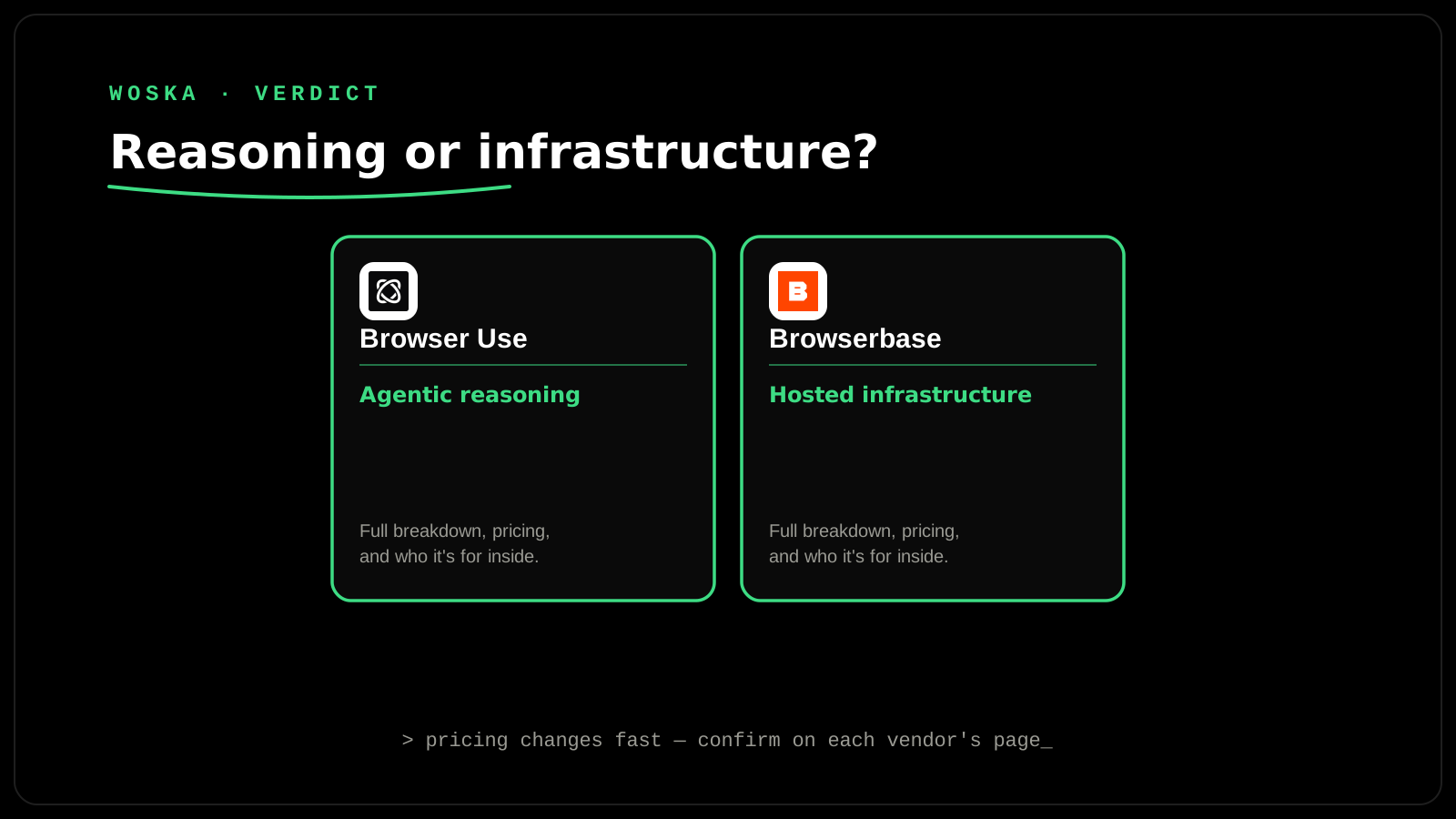
Browser Use wins when the hard problem is agentic reasoning — connecting an LLM to a browser so it can actually navigate, click, and complete a web task correctly. Browserbase wins when the hard problem is infrastructure — running many real, stealthy browser sessions reliably at scale, with session management and observability built in. These solve different halves of the same job: one is the "brain" deciding what to click, the other is the "body" that runs the browser sessions at production volume.
The two, in one line each
Browser Use is an open-source browser automation agent that connects LLMs to websites for repeatable web tasks — form filling, data extraction, multi-step navigation — reasoning about what to click next rather than following a fixed script.
Browserbase is hosted browser infrastructure built specifically for running AI web agents at scale: real browser sessions, stealth capabilities to avoid bot detection, session management, and debugging tools that handle the operational complexity most teams don't want to build themselves.
Where each one actually wins
Browser Use wins on the reasoning layer — it's the open-source framework of choice for teams building the actual agent logic, with a large enough community (20K+ GitHub stars) and strong benchmark results that it's become close to a default starting point for LLM-driven web navigation. Browserbase wins once that agent needs to run reliably in production — many concurrent sessions, sites that actively try to detect and block automated browsers, and the debugging visibility to figure out why a session failed at 2am without a human watching. A team can use Browser Use's reasoning framework running on top of Browserbase's infrastructure — they're commonly paired rather than treated as strict alternatives.
Quick comparison
| Tool | Starting price | Core job | Best fit |
|---|---|---|---|
| Browser Use | Open-source free; ~$0.02/browser-hour on managed usage | Agentic reasoning for web navigation | Building the agent logic itself |
| Browserbase | Free tier (1 browser-hour); Developer from $20/mo | Hosted, stealthy browser infrastructure at scale | Running many sessions reliably in production |
Which one should you use?
Start with Browser Use if you're building or prototyping the actual agent behavior — what it should click, read, and decide — since it's free, open-source, and has the larger community to learn from. Add Browserbase once you need to run that agent at real volume against sites that push back against automation, or once managing your own browser infrastructure becomes the bottleneck instead of the agent's logic.
FAQ
Can Browser Use and Browserbase be used together? Yes — this is a common pairing rather than an either/or choice: Browser Use (or another agent framework) provides the reasoning, and Browserbase provides the hosted, stealthy browser sessions it runs against.
Does Browserbase's free tier cover real usage, or just testing? The free tier (1 browser-hour, 3 concurrent browsers, 15-minute sessions) is realistically a testing tier — real production usage generally needs the $20/mo Developer plan or higher once you're running tasks regularly rather than experimenting.
Is browser automation like this detectable and blockable by websites? Yes, and it's an active arms race — this is specifically why Browserbase markets stealth capabilities as a core feature; a self-hosted browser agent without that layer is more likely to get blocked by sites with active bot-detection.
Do I need to know how to code to use either of these? Both are developer-facing tools — Browser Use is a framework you integrate into your own code, and Browserbase is infrastructure you connect to via API. Neither is a no-code, point-and-click product the way some other automation tools are.
Related guides
- Composio vs Pipedream: Best AI Agent Integration Platform in 2026
- Browse AI vs Bardeen vs Context.dev: Best AI Web Scraping Tool in 2026
- Explore AI Agents
*Ratings and pricing reviewed monthly. Last updated September 2026.*
Bogdex · Founder & editor, woska
Bogdex builds and curates woska, testing AI tools against real workflows to judge which ones actually save time rather than which have the longest feature list.