MyHeritage Photo Enhancer restores and colorizes a scratched, faded, or black-and-white family photo first, and its Deep Nostalgia feature then animates the face with realistic blinking, smiling, and head-turning motion, using deep learning technology licensed from D-ID. Remini is the faster mobile-first alternative for the restoration step specifically, if you don't need MyHeritage's genealogy platform or the animation feature. The whole workflow turns a damaged, static photo into a short, shareable video — genuinely moving for family history, and worth treating as a plausible simulation rather than an authentic recording, which MyHeritage itself flags with a watermark icon.
The workflow, step by step
Step 1 — restore and colorize the photo first. MyHeritage Photo Enhancer sharpens and colorizes old and damaged family photos before anything else happens — animating a low-quality, damaged scan produces a rougher result than animating a photo that's already been cleaned up, so this step genuinely improves what comes next rather than being optional polish.
Open MyHeritage Photo Enhancer →
Step 2 — animate the face with Deep Nostalgia. MyHeritage's Deep Nostalgia feature animates up to 5 faces in a single photo, using pre-recorded "driver" expressions to generate natural blinking, smiling, and head-turning motion — each face is processed individually, and the result exports as an MP4 video you can share.
Step 3 — for restoration alone, without the animation, Remini is faster. Remini sharpens and upscales blurry, low-resolution, or old photos with a fast, mobile-first workflow — a reasonable alternative to Step 1 if you specifically want a quick restored photo and don't need MyHeritage's genealogy platform or the Deep Nostalgia animation feature at all.
Why the restore-then-animate order matters
Animation technology works from what's actually in the photo — it can't invent detail that isn't there, so a blurry, low-contrast, or heavily damaged source photo produces a rougher, less convincing animation than one that's already been restored and colorized first. Doing the enhancement pass before the animation pass isn't just tidiness — it's the difference between a genuinely moving result and one that reads as obviously artificial.
Quick comparison
| Tool | Role in the workflow | Starting price | Job |
|---|---|---|---|
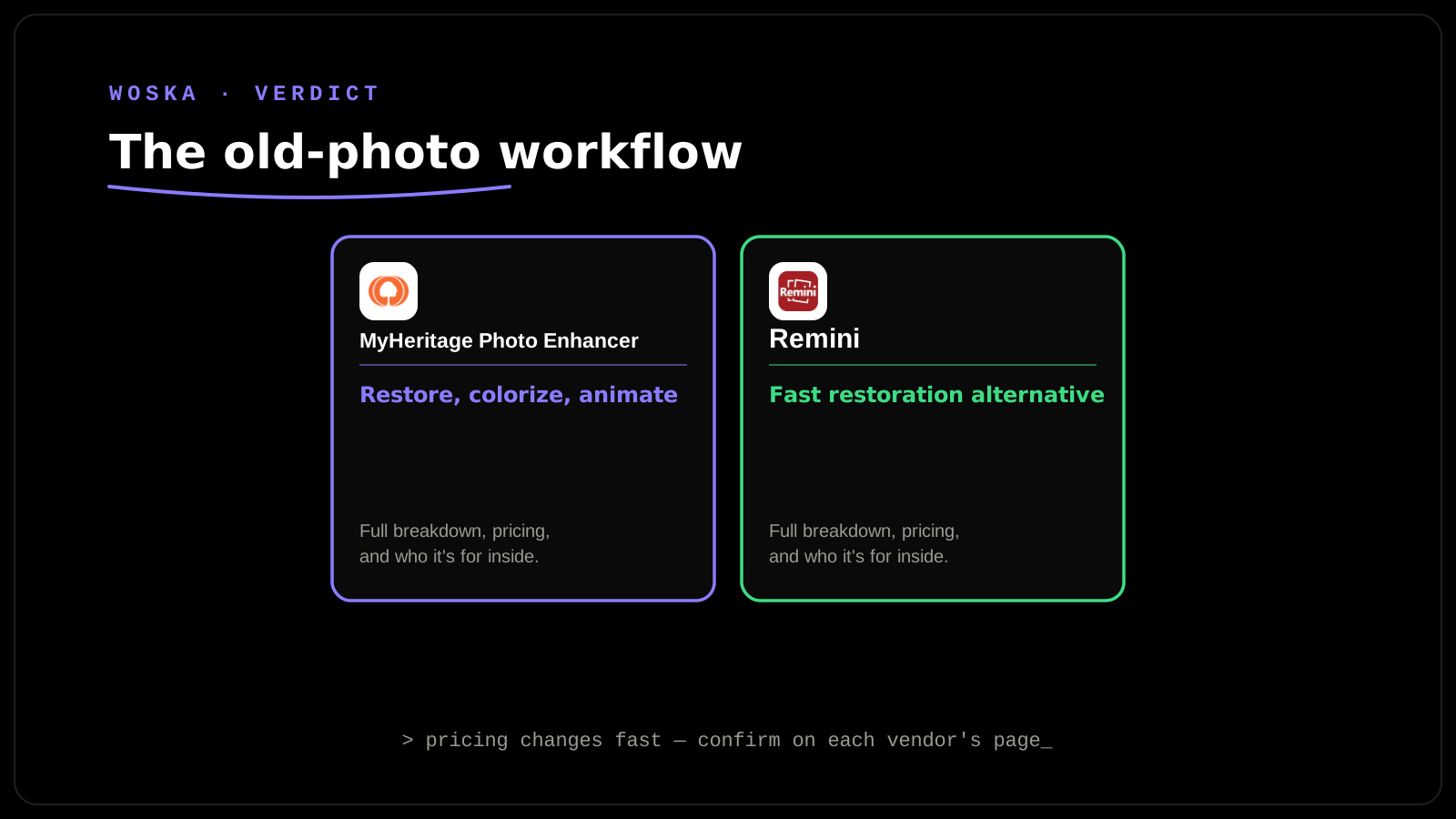
| MyHeritage Photo Enhancer | Restore, colorize, then animate the face | Free (limited), bundled in genealogy plans | The full restore-and-animate workflow |
| Remini | Fast restoration alternative | Free tier, ~$7/mo | Just fixing the photo, no animation needed |
How to actually do this respectfully
Ask living family members before animating a photo of someone who might find it unsettling rather than moving — reactions to this technology are genuinely mixed, and it's worth checking rather than assuming. Keep the original, unedited photo alongside any restored or animated version, since the source is the actual historical artifact and the AI output is an interpretation of it. Be upfront with anyone you share the animation with that it's an AI-generated simulation of movement, not real footage — MyHeritage's own watermark icon exists for exactly this reason.
FAQ
Is the animated result historically accurate, or just a plausible guess? It's a plausible simulation, not an authentic recreation — the AI generates likely, natural-looking movement based on pre-recorded expression patterns, not any real information about how that specific person actually moved or expressed themselves.
Does the free tier of MyHeritage Deep Nostalgia have real limits? Yes — the free tier strictly limits users to one or two watermarked animations per day, so plan around that if you're processing multiple family photos in one sitting.
Can this technology animate more than one face in a group photo? Yes, Deep Nostalgia can animate up to 5 faces in a single photo, processing each one individually for its own expression and movement.
Is there a faster way to get just the restoration without any animation? Yes — Remini's mobile-first workflow is built specifically for fast photo restoration and upscaling without any animation feature, which is the simpler choice if animation isn't something you actually want.
Related guides
- Best AI Photo Restoration Tool in 2026
- Best AI Photo Colorization Tool in 2026
- Best AI Photo-to-Video Tool in 2026
- Explore Image & Design tools
*Ratings and pricing reviewed monthly. Last updated September 2026.*
Bogdex · Founder & editor, woska
Bogdex builds and curates woska, testing AI tools against real workflows to judge which ones actually save time rather than which have the longest feature list.