MiOffice AI wins as the best fully free option — 100% browser-based, GPU-powered deep learning color prediction, no signup required, and no meaningful catch beyond a batch-download limit per session. EzEnhancer.ai wins for realistic portraits and non-photo content specifically, with separate models tuned for manga, line art, and illustrations rather than one generic colorization pass. Remini wins for the best mobile experience, since it's built mobile-first and already the tool most people reach for on a phone to fix an old family photo. The top few tools in this category are genuinely close on raw output quality in 2026 — the differences that actually matter are workflow, price, and how confidently each one handles an old, faded family photo specifically.
Where each one actually wins
MiOffice AI processes entirely in your browser with GPU-powered deep learning for color prediction, and it's free with no signup — you can colorize a photo and download it within a minute of landing on the site. It's the right first stop for anyone who just wants a good result without creating an account or hitting a paywall.
EzEnhancer.ai stands out specifically for realistic portraits and high-detail restoration, and it goes further than most competitors by offering separate colorization workflows tailored to manga, line art, and illustrations rather than treating every image the same way. If what you're colorizing isn't a straightforward photograph, this is the stronger match.
Remini is the best mobile experience of the three, and it's already the tool most people have used for fixing old, blurry, or low-resolution photos on a phone. Colorization sits alongside its broader restoration toolkit, useful if you're already using it to sharpen a photo and want color added in the same pass.
Quick comparison
| Tool | Core strength | Starting price | Best fit |
|---|---|---|---|
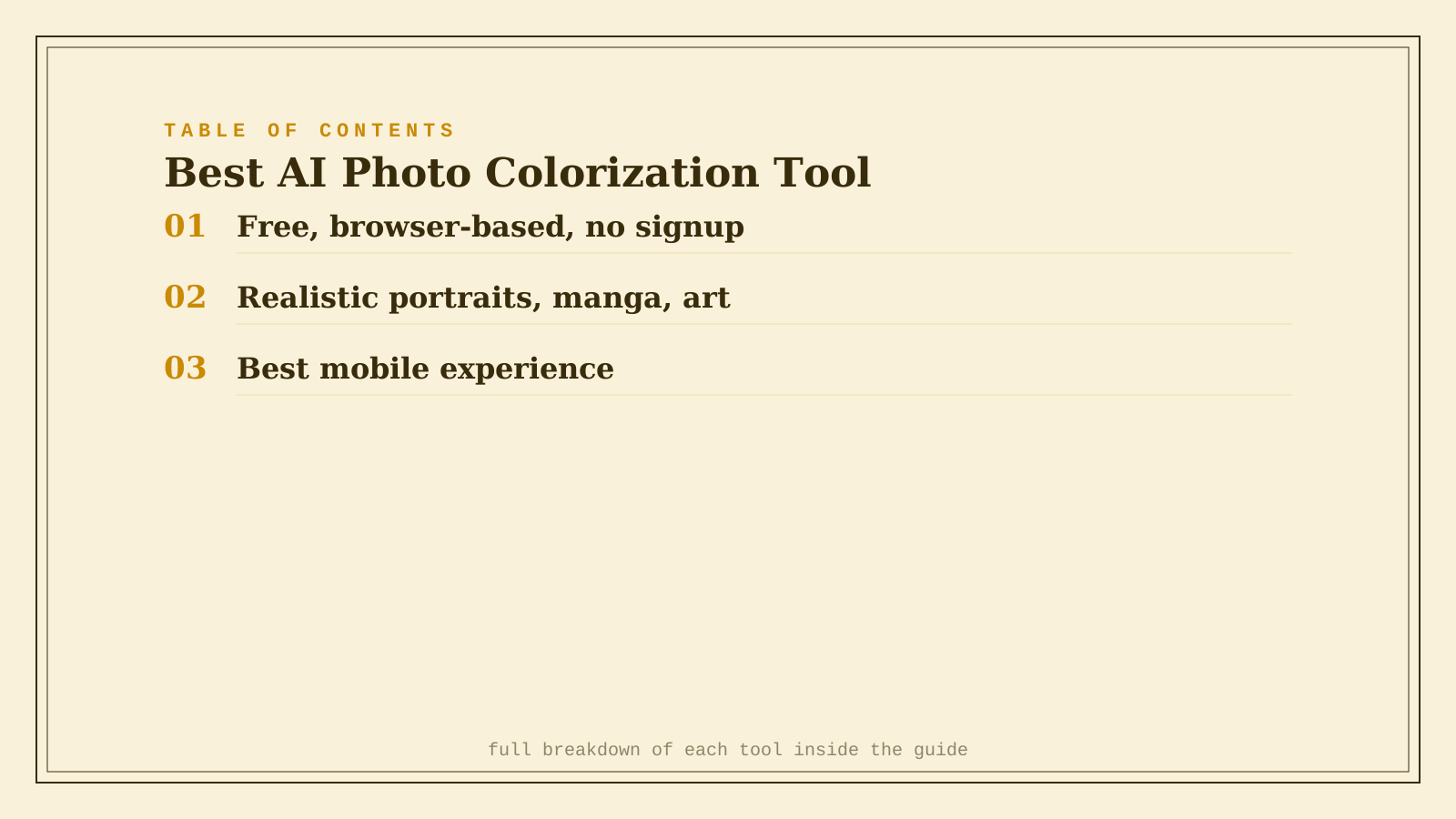
| MiOffice AI | Free, browser-based, no signup | Free | A quick, no-cost colorization |
| EzEnhancer.ai | Realistic portraits, manga, line art | Free daily quota | Non-photo content or high-detail portraits |
| Remini | Best mobile experience | Freemium, ~$7/mo | Colorizing straight from your phone |
Which one should you actually use?
Start with MiOffice AI for a fast, free colorization with no account required. Move to EzEnhancer.ai if what you're colorizing is a portrait needing realistic detail, or isn't a standard photo at all. Use Remini if you're working entirely from your phone and want colorization alongside its other restoration tools.
FAQ
How accurate are AI-guessed colors on an old black-and-white photo? Reasonably accurate for common subjects (skin tones, sky, grass, common fabric colors) since the model has seen millions of similar photos, but it's still a guess — the AI has no way of knowing your grandmother's dress was actually red rather than blue. Some tools let you guide specific colors if accuracy matters for a particular detail.
Can I colorize a very damaged or faded photo, or does it need to be restored first? Colorizing and restoring are related but separate problems — a badly damaged photo often benefits from a restoration pass (removing scratches, fixing tears) before or alongside colorization, which is why Remini's combined toolkit is useful for genuinely old, damaged photos specifically.
Is it worth paying for a premium tier on any of these? Only once you hit a specific limit — MiOffice AI's free tier already covers most casual use, EzEnhancer's daily free quota works for occasional colorization, and Remini's paid tier mainly matters for batch processing many photos or removing watermarks.
Will colorized old photos look obviously AI-generated to family members? Often not, especially for well-lit, clear source photos — the tell is usually an unnatural color choice on a specific detail rather than the overall effect looking synthetic. A quick manual color correction on any obviously wrong area fixes most of these cases.
Related guides
- Best AI Photo Restoration Tool in 2026
- Best AI Object Removal Tool for Photos in 2026
- Explore Image tools
*Ratings and pricing reviewed monthly. Last updated September 2026.*
Bogdex · Founder & editor, woska
Bogdex builds and curates woska, testing AI tools against real workflows to judge which ones actually save time rather than which have the longest feature list.