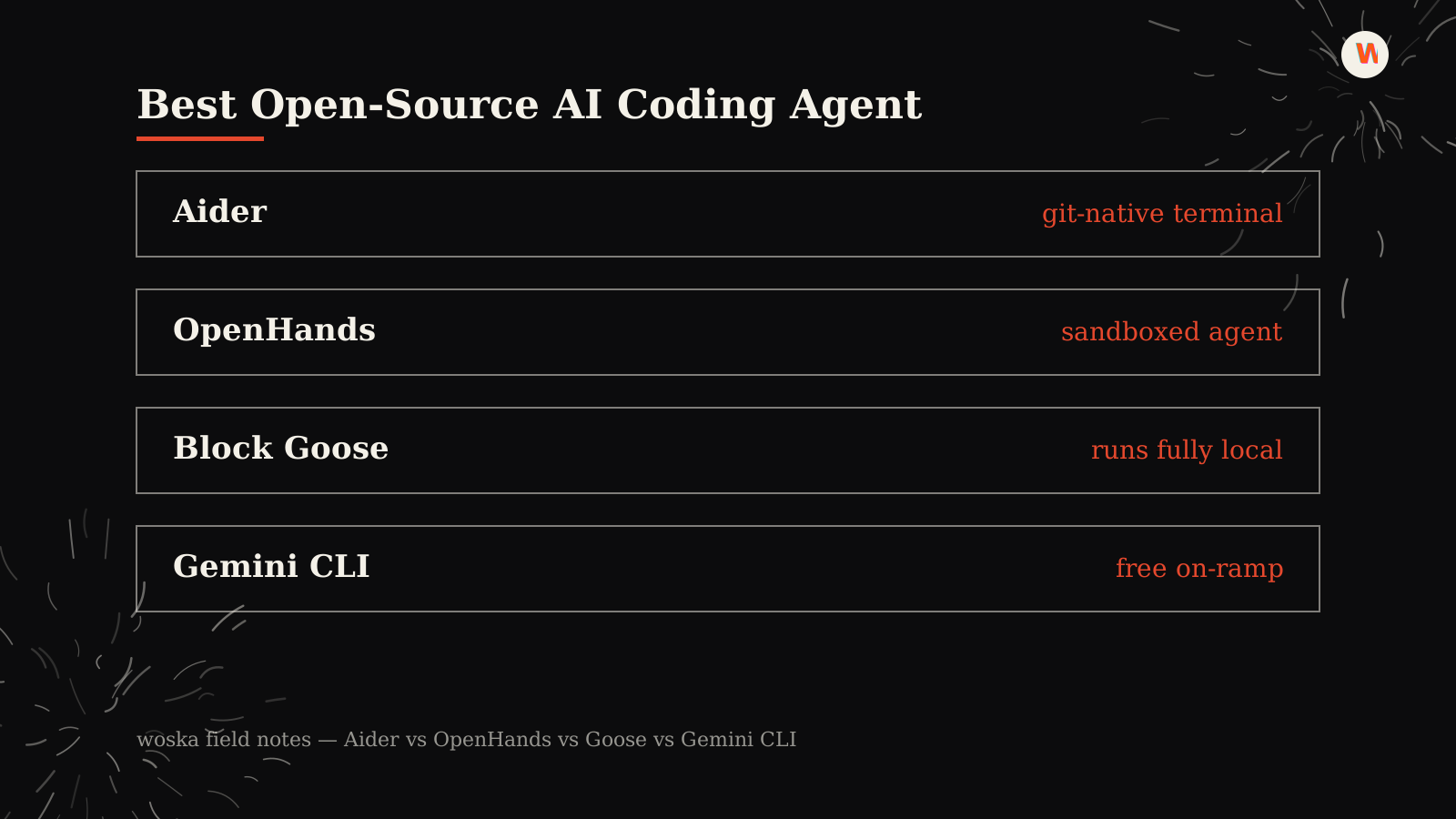
Aider wins for a git-native terminal workflow that works with almost any model you choose, OpenHands wins for sandboxed agents that plan and execute multi-step tasks, Block Goose wins if you want an agent that runs entirely on your own machine, and Gemini CLI wins as the free on-ramp backed by Google's models. None of the four require a monthly subscription to the tool itself — you either bring your own API key or run models locally, which is the whole point for teams that want control over cost, data, and model choice instead of a bundled product.
If budget or self-hosting isn't the deciding factor, our Best AI Coding Assistant guide covers the paid, more polished shortlist.
The four, in one line each
Aider is a command-line pair programmer that reads your repo, edits files, and commits each change to git automatically, and it connects to a long list of cloud and local models rather than locking you into one provider.
OpenHands is an open-source agent platform for coding, shell commands, and browser work, built around sandboxed execution so an agent can run multi-step tasks without touching your system directly.
Block Goose is a local agent you run on your own machine for developer tasks, tool calls, and automations, which matters most for anyone who doesn't want code or prompts leaving their environment.
Gemini CLI brings Google's Gemini models into a terminal-based workflow at no cost beyond usage, making it the simplest way to try an agentic coding tool before deciding whether to pay for anything else.
Where each one actually wins
Aider rewards developers who already think in git and want an agent that fits that mental model exactly — every change is a reviewable commit, and model choice stays flexible as pricing and quality shift. OpenHands rewards more ambitious, multi-step tasks where you want the agent trying things (running commands, browsing, testing) inside a sandbox rather than directly on your machine. Block Goose rewards privacy- and cost-conscious setups where running fully local outweighs the convenience of a hosted product. Gemini CLI rewards the lowest-friction first try: no installation beyond the CLI, no separate subscription, and access to a frontier model family.
Quick comparison
| Tool | Cost | Core job | Best fit |
|---|---|---|---|
| Aider | Free tool, pay your model provider | git-native terminal pair programming | Reviewable commits, flexible model choice |
| OpenHands | Free tool, pay your model provider | sandboxed multi-step agent | Ambitious tasks you don't want run directly on your machine |
| Block Goose | Free, runs locally | local developer agent | Privacy and cost control, nothing leaves your machine |
| Gemini CLI | Free, usage-based | terminal coding with Gemini | Lowest-friction way to try agentic coding |
Which one should you use?
Start with Gemini CLI if you want to try an agentic coding workflow today with the least setup. Move to Aider once you want git-native commits and the freedom to swap models as pricing or quality changes. Reach for OpenHands when a task needs more than file edits — running commands, testing, or browsing — and you want that happening in a sandbox. Choose Block Goose specifically when nothing about the task can touch a third-party server.
FAQ
Are open-source coding agents really free? The tools themselves are free and open-source, but three of the four still send requests to a model provider (OpenAI, Anthropic, Google, or others), which bills separately by usage. Block Goose can run fully local with a local model, avoiding that cost entirely at the expense of some capability.
Is open source slower or worse than paid tools like Cursor or Claude Code? Not necessarily on capability, since most of these tools can connect to the same frontier models paid products use. The tradeoff is polish and support: paid tools bundle a smoother interface and a managed experience, while open-source agents ask you to configure more yourself.
Which one is best for someone who's never used an AI coding agent before? Gemini CLI, because it's free to start, requires the least setup, and gives a real sense of what an agentic coding workflow feels like before committing time to a more configurable tool.
Can I use these on a private, closed-source codebase? Yes, with the same caution you'd apply to any AI tool: check what your model provider does with submitted code, and use Block Goose with a local model if code cannot leave your machine at all.
Related guides
- Part of our complete guide: AI Coding & Developer Tools
- Best AI Coding Assistant in 2026
- Best Autonomous AI Coding Agent in 2026
- How Much Do AI Coding Agents Cost in 2026?
- Explore Coding & Dev tools
*Ratings and pricing reviewed monthly. Last updated July 2026.*
Bogdex · Founder & editor, woska
Bogdex builds and curates woska, testing AI tools against real workflows to judge which ones actually save time rather than which have the longest feature list.