Runway is the best pick for the most complete generation-and-editing platform in one place, Kling is the best pick for realistic, polished motion in short scenes, Luma Dream Machine is the best pick for turning a single reference photo into video, and Pika is the best pick for fast, shareable social clips with built-in effects. All four generate video from text or an image; the gap between them is production depth versus speed.

The four, in one line each
Runway goes beyond generation into full editing — video, image, and audio tools in one platform, aimed at people producing finished work, not just clips.
Kling focuses specifically on realistic motion and polish, which shows in how natural movement looks in short generated scenes compared to some competitors.
Luma Dream Machine specializes in animating a single still image into motion, in addition to standard text-to-video generation.
Pika is built for speed and shareability — quick generation with effects designed for social content rather than production pipelines.
Where each one actually wins
Runway wins when video generation is one step in a larger production workflow that also needs editing, not just a raw clip to hand off elsewhere. Kling wins on the specific dimension of motion realism, which matters most for scenes with people or complex movement where generated video often looks obviously artificial. Luma wins the "I have one photo and want it to move" case, which text-to-video tools handle less gracefully since they're not built around a reference image first. Pika wins when the deliverable is a quick, effects-heavy clip for social media rather than a polished production asset.
For editing the clips once you have them, see our AI video editing roundup — generation and editing are usually two different tools even when one platform tries to do both.
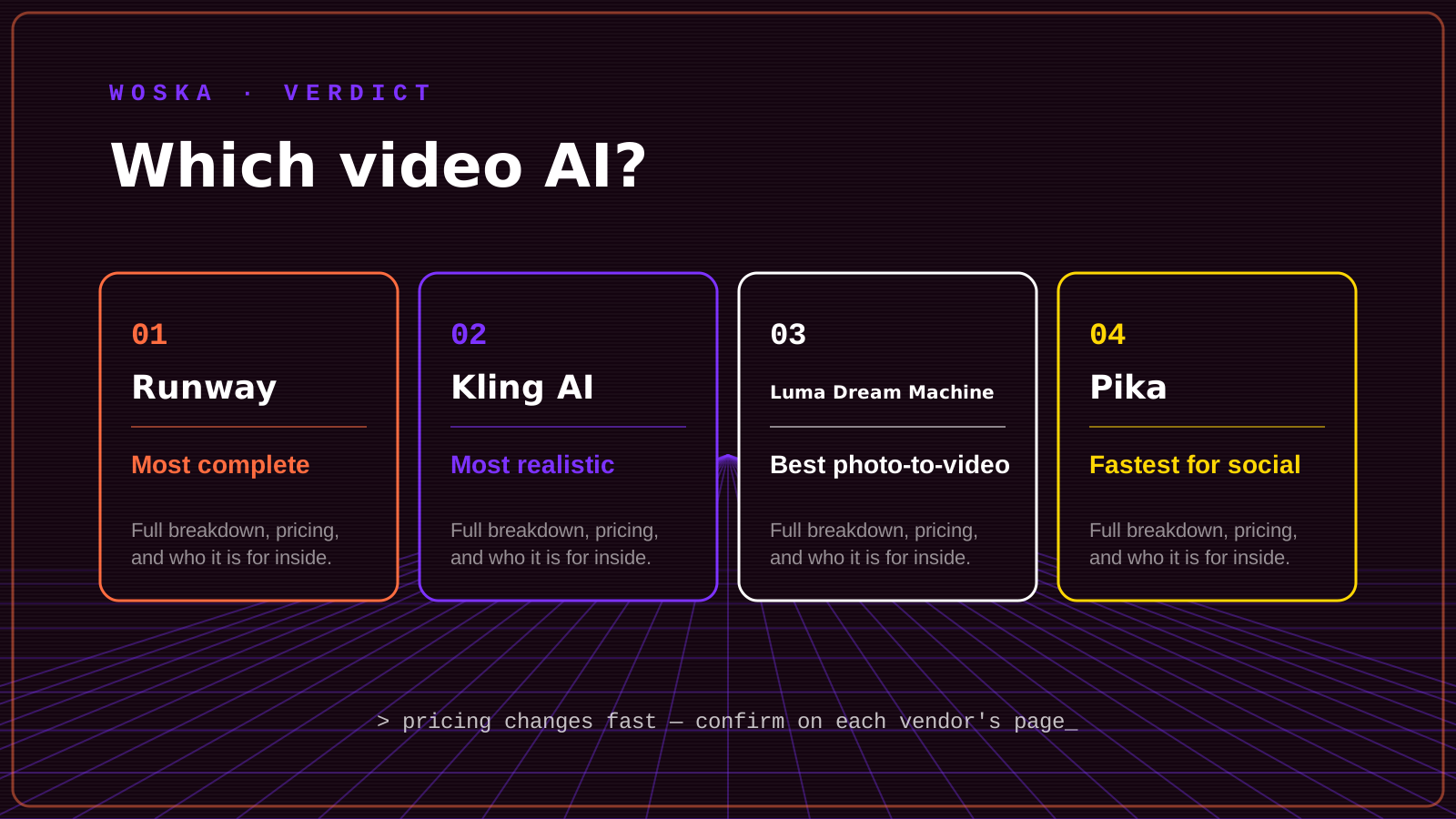
Quick comparison
| Tool | Starting price | Core job | Best fit |
|---|---|---|---|
| Runway | From $15/mo | Generation + full editing platform | Complete production workflows |
| Kling AI | Free / usage-based | Realistic motion | Scenes with people or complex movement |
| Luma Dream Machine | From $30/mo | Photo-to-video animation | Animating a single reference image |
| Pika | From $8/mo | Fast, effects-heavy clips | Social content, quick turnaround |
Which one should you use?
Use Runway if video generation is part of a bigger production job that also needs editing. Use Kling when motion realism matters more than speed. Use Luma Dream Machine specifically to animate an existing photo rather than generate from scratch. Use Pika when you need a shareable clip fast and don't need a production pipeline around it.
FAQ
Which of these is cheapest to try first? Kling and Pika both have low-cost or free entry points, making them the easiest to test before deciding whether AI video generation fits your workflow at all.
Can I animate a photo with any of these, or only Luma? Runway and Kling also support image-to-video, but Luma's specific strength and marketing focus is on that exact use case, which shows in how well it handles a single reference image.
Do these tools replace a video editor? Runway comes closest with built-in editing features, but Kling, Luma, and Pika are primarily generation tools — you'll likely still bring clips into a separate editor for final assembly.
Related guides
- Best AI Talking Avatar Video Generator in 2026
- Best AI Face Swap and Character Video Tool in 2026
- Best AI Photo-to-Video Tool in 2026
- Top 3 AI Tools for Video Editing
- Explore Video tools
*Ratings and pricing reviewed monthly. Last updated August 2026.*
Bogdex · Founder & editor, woska
Bogdex builds and curates woska, testing AI tools against real workflows to judge which ones actually save time rather than which have the longest feature list.