ChatPDF wins for the fastest way to upload one document and start asking it questions, Humata AI wins for research and due diligence across many long documents at once, and Adobe Acrobat AI Assistant wins if you already spend your day inside Acrobat and don't want another app. All three cite the page or section an answer came from, which is the feature that actually makes chatting with a document trustworthy instead of a novelty.
If the document itself needs summarizing rather than questioning interactively, Best AI Tool for Academic Research covers the adjacent research-paper use case.
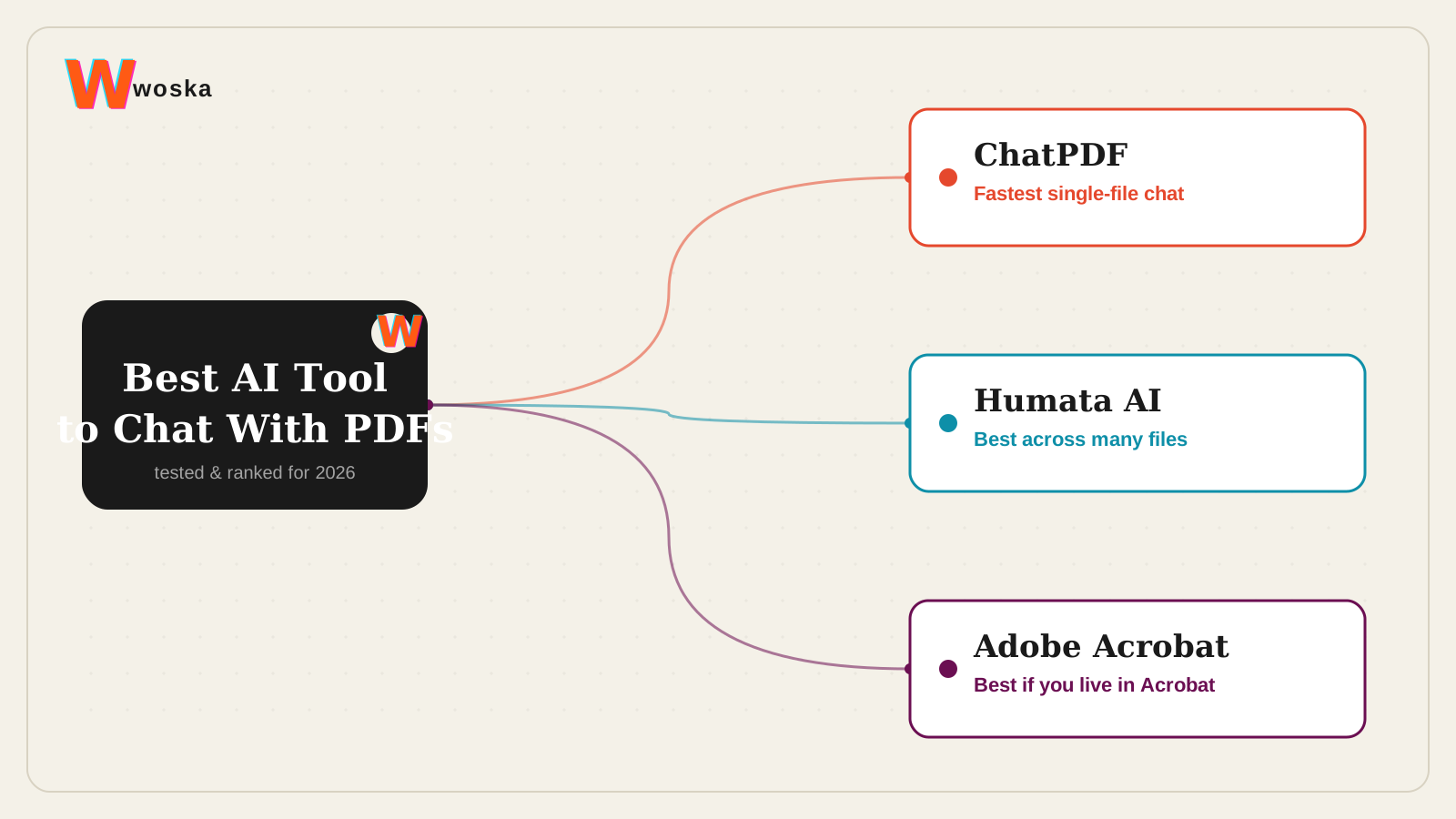
The three, in one line each
ChatPDF does one thing with almost no setup: upload a PDF, get a chat window, ask questions with page references pulled from the document itself.
Humata AI is built for chatting across many long documents at once — contracts, research papers, filings — which suits due diligence and research work more than a single quick question.
Adobe Acrobat AI Assistant adds the same summarize-and-query capability directly inside Acrobat, so there's no separate upload step for PDFs you're already opening there for editing or signing.
Open Adobe Acrobat AI Assistant →
Where each one actually wins
ChatPDF rewards the one-off use case: a single contract, report, or paper you need to quickly ask questions about without setting up an account for anything more elaborate. Humata AI rewards research and diligence work spanning many documents, where you need to ask questions across the whole set rather than one file at a time. Adobe Acrobat AI Assistant rewards people who already live in Acrobat for editing, signing, or annotating PDFs, since adding chat there beats opening yet another tool.
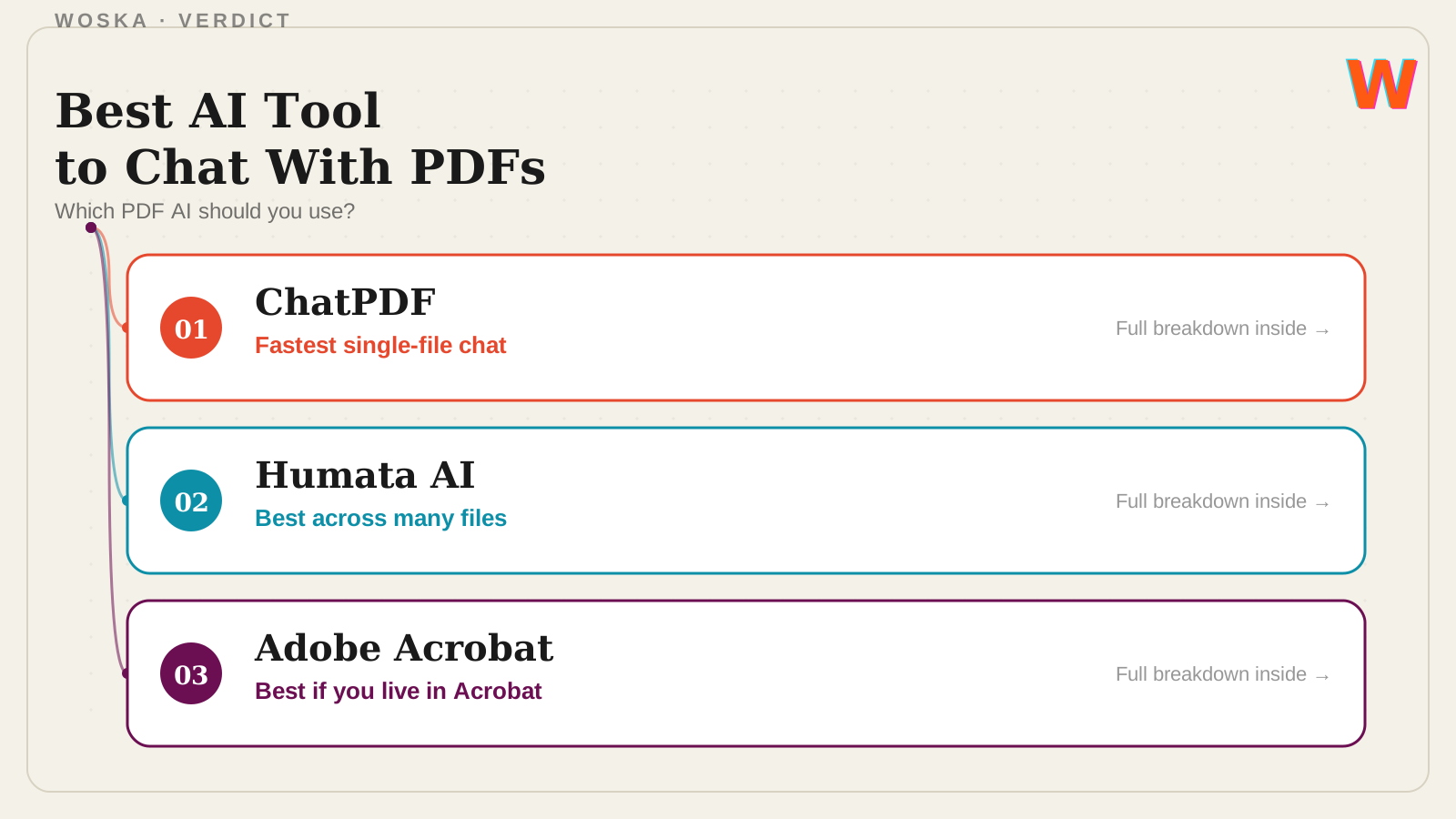
Quick comparison
| Tool | Starting price | Core job | Best fit |
|---|---|---|---|
| ChatPDF | Free tier, from ~$20/mo | single-document chat | Quick, one-off questions |
| Humata AI | Free tier (60 pages/mo), from $9.99/mo | multi-document chat | Research and due diligence across files |
| Adobe Acrobat AI Assistant | From ~$25/mo | AI layer inside Acrobat | Already working inside Acrobat daily |
Which one should you use?
Use ChatPDF for a fast, one-off question about a single document with no setup. Use Humata AI when the job spans many long documents and you need to ask questions across the whole set. Use Adobe Acrobat AI Assistant if you're already paying for and using Acrobat and don't want a second tool in the loop.
FAQ
How accurate are the answers, and do they ever make things up? All three cite the page or passage an answer is drawn from, which lets you verify quickly — but none are immune to misreading dense or poorly scanned documents, so treat answers on anything high-stakes (contracts, medical, legal) as a starting point to verify, not a final answer.
Can these tools handle scanned PDFs, not just text-based ones? Most handle scanned documents reasonably well through OCR, but accuracy drops on low-quality scans, handwriting, or unusual layouts — a clean, text-based PDF will always perform better than a phone photo of a printed page.
Is there a free way to try chatting with a PDF? Yes — ChatPDF and Humata AI both offer free tiers with page or document limits, which is enough to test whether the workflow fits before paying.
Do I need a different tool for spreadsheets or slides? Yes, these are built specifically for document-style PDFs. For spreadsheets, see Best AI Tool for No-Code Data Analysis; slides aren't a strong fit for any of the three.
Related guides
- Part of our complete guide: AI Productivity & Personal Tools
- Best AI Tool for Academic Research
- Best AI Browser Agent in 2026
- Best AI Contract Review Tool for Small Business
- Explore Productivity tools
*Ratings and pricing reviewed monthly. Last updated August 2026.*
Bogdex · Founder & editor, woska
Bogdex builds and curates woska, testing AI tools against real workflows to judge which ones actually save time rather than which have the longest feature list.