Both tools let you edit audio by editing a transcript — delete the word "um" from the text and the corresponding audio disappears, no timeline scrubbing required. Descript wins if the show also involves video or needs a fuller editing toolbox alongside filler-word removal. Adobe Podcast wins for an audio-only show that just needs clean, professional speech — its free tier handles filler-word removal and transcript editing for up to an hour a day at no cost, before you'd need to pay for Descript's broader (and pricier) feature set. For the single specific job of "get the ums and uhs out," Adobe Podcast's free tier is genuinely hard to beat.
The two, in one line each
Descript transcribes a recording and lets you edit the audio (or video) by editing the transcript text, with dedicated filler-word removal alongside a full multi-track editor, screen recording, and video capabilities.
Adobe Podcast (Enhance) is a free-to-start, browser-based audio tool combining AI noise enhancement, transcription-based editing, and filler-word removal, with a free tier covering up to 1 hour/day.
Where each one actually wins
Descript wins when filler-word removal is one part of a bigger editing job — a video podcast, a show that needs multi-track mixing with music and sound effects, or a creator who wants one tool handling the entire production rather than passing files between separate apps. Adobe Podcast wins when the job really is just "clean up the speech" for an audio-only show — its free tier's combination of Enhance Speech (noise and room-tone cleanup) plus transcript-based filler-word and pause removal covers the core job without paying for Descript's $24/month plan's broader toolkit if you're not using the rest of it.
Quick comparison
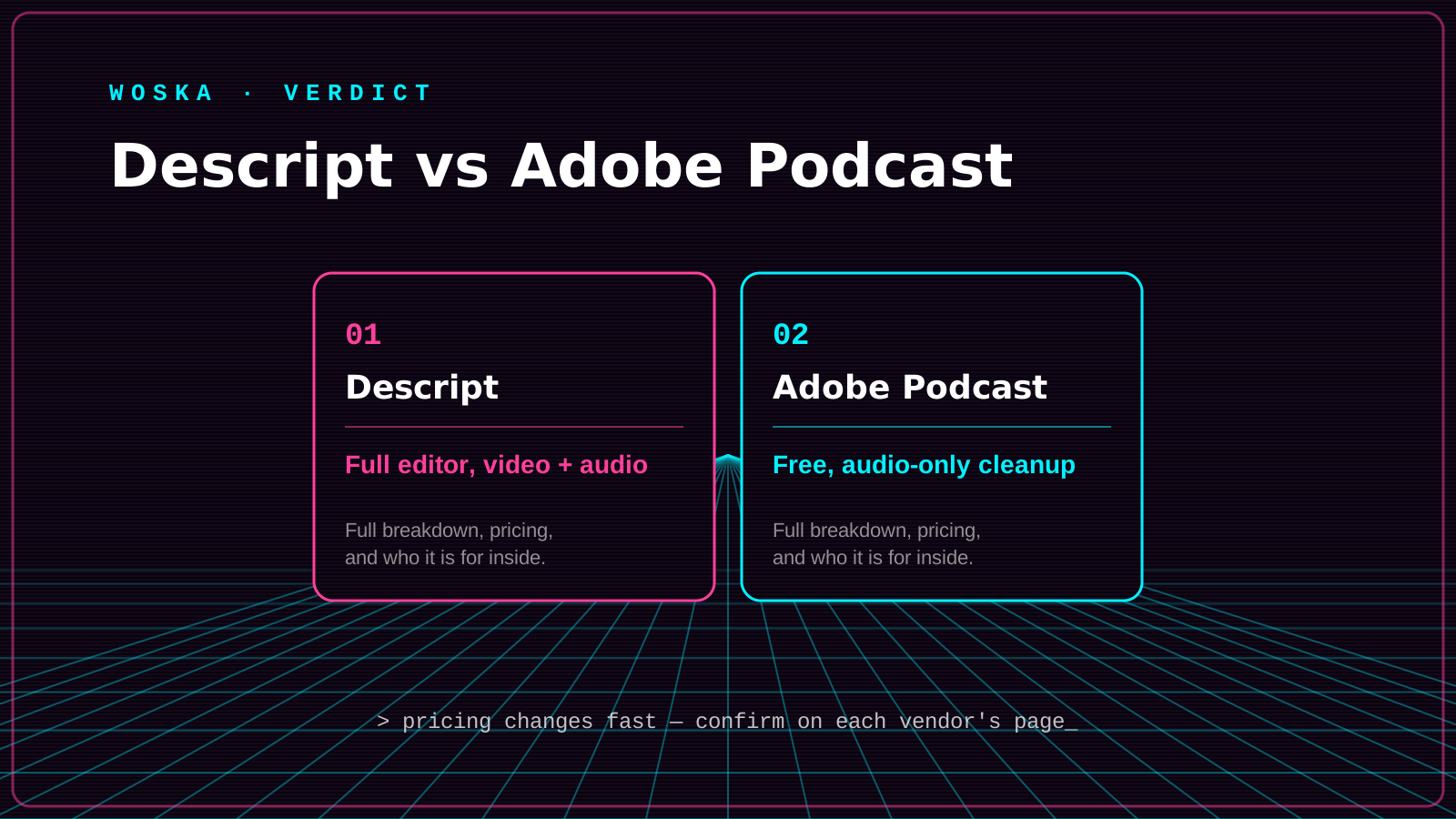
| Tool | Free tier | Best for | Starting paid price |
|---|---|---|---|
| Descript | Limited | Video or multi-track shows needing a full editor | $24/mo |
| Adobe Podcast | 1 hour/day, genuinely usable | Audio-only shows needing just clean speech | $9.99/mo |
Which one should you use?
Choose Adobe Podcast if your show is audio-only and the job is specifically getting clean, filler-free speech without paying for features you won't use. Choose Descript if you're producing a video podcast or need multi-track editing, sound effects, and filler-word removal together in one tool.
FAQ
Does removing filler words change the natural rhythm of speech noticeably? It can, if overused — both tools let you review removals before finalizing, and most editors recommend leaving occasional natural pauses rather than removing every single filler word for a result that still sounds human.
Is Adobe Podcast's free tier actually sufficient for a regular weekly podcast? For most episode lengths, yes — 1 hour/day of Enhance Speech processing covers a typical episode, though files are capped at 30 minutes and 500MB per session on the free tier, so a longer episode may need to be split for processing.
Can I use both tools in the same production pipeline? Yes — some creators run Adobe Podcast's Enhance Speech for noise cleanup first, then move into Descript for filler-word removal and any additional multi-track editing, though this adds a step versus using one tool end-to-end.
Does filler-word removal work reliably on multi-speaker recordings (interviews, panels)? Both tools handle multi-speaker audio, but accuracy on filler-word detection can vary more with overlapping speech or crosstalk — clean, non-overlapping audio gets the most reliable results either way.
Related guides
- Best AI Audio Noise Reduction Tool in 2026
- Top 3 AI Tools for Podcast Editing
- Descript Review 2026
- Explore Audio & Voice tools
*Ratings and pricing reviewed monthly. Last updated September 2026.*
Bogdex · Founder & editor, woska
Bogdex builds and curates woska, testing AI tools against real workflows to judge which ones actually save time rather than which have the longest feature list.