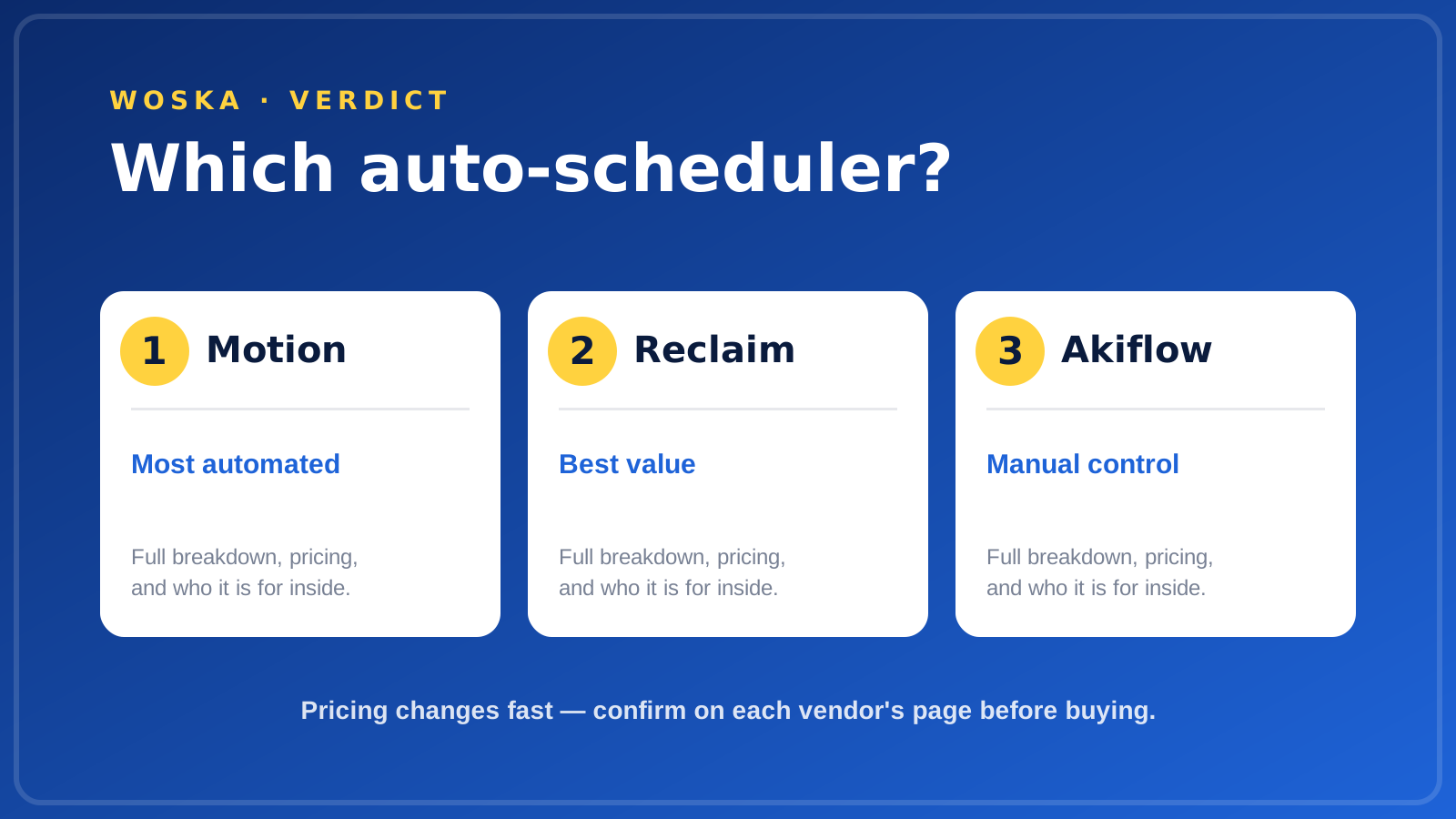
Reclaim is the best AI scheduling assistant for most people in 2026 because it auto-defends focus time and reschedules around your priorities at the lowest price of the three. Motion is the pick when you want tasks, projects, and calendar fully auto-planned, and Akiflow is for people who would rather drive their day manually from a command bar.
An AI scheduler earns its keep by making one decision you keep putting off: when, exactly, does each task happen? The three tools here answer that very differently, so the right choice depends on how much control you want to hand over.

Why Reclaim is the strongest starting point
Reclaim's model is simple: you set rules — protect two hours of focus time a day, keep lunch, cap meetings after 4pm — and it continuously rearranges your calendar to honour them. When a meeting lands on your focus block, the block moves rather than vanishes.
That is the highest-leverage part of scheduling for most people, and Reclaim does it at the lowest entry price of the three. It is now owned by Dropbox, which is worth noting for anyone cautious about where their calendar data lives.
Start here unless you specifically need full task-and-project planning.
Pricing: Freemium, with paid tiers around $10/mo. Always confirm the live vendor page before buying because AI products often change credits, limits, and plan names.
When Motion is the better choice
Motion goes further: it takes your tasks, deadlines, and projects and auto-schedules all of them into your calendar, re-planning automatically when something slips. It is the closest thing to an executive assistant that rebuilds your day every morning.
That power pays off when you carry a heavy, deadline-driven task load — think 30-plus tasks a week competing for the same hours. Below that volume, the automation is more than you need and the price is harder to justify.
When Akiflow belongs on the shortlist
Akiflow is the opposite philosophy. It is a command-bar daily planner that pulls tasks from 30-plus tools into one inbox, and you time-block them yourself with keyboard shortcuts. It recently added an AI assistant called Aki, but the DNA is manual control.
Choose Akiflow if auto-scheduling makes you uneasy and you would rather decide every block yourself, just faster. Many people pair it with Reclaim — Akiflow for the manual planning, Reclaim for the auto-defence of focus time.
What none of these fix
- A calendar fuller than the day. No scheduler creates time; it only arranges what exists. If your commitments exceed your hours, the tool surfaces the problem rather than solving it.
- Vague tasks. Auto-scheduling works on tasks with a duration and a deadline. "Work on strategy" with no estimate gets scheduled badly by any of them.
- Meeting overload. These tools defend focus time, but they cannot decline the meetings for you. That decision stays human.
Quick comparison
| Tool | Starting price | Core job | Use it when |
|---|---|---|---|
| Reclaim | Freemium, ~$10/mo | auto-defend focus time | You want the highest-value fix cheaply |
| Motion | From ~$19/mo | full task + project auto-planning | You have a heavy deadline-driven workload |
| Akiflow | From ~$19/mo | manual command-bar planning | You want speed but keep control |
How to choose
Start with Reclaim's free tier and see whether auto-defended focus time alone changes your week — for most people it does. Move to Motion only if you genuinely want tasks and projects planned for you and have the volume to justify it. Pick Akiflow if handing scheduling to an algorithm feels wrong and you want a faster manual system instead.
The honest test is a single busy week on each. The right scheduler is the one you stop fighting.
FAQ
Do AI schedulers actually save time? They save the decision cost of when to do things and protect focus blocks that meetings would otherwise eat. They do not add hours; on an overloaded calendar they mostly make the overload visible.
Reclaim or Motion for a solo founder or freelancer? Reclaim for most, because focus-time protection is the main win and it costs less. Move to Motion only when you are tracking dozens of deadline-bound tasks and want them all auto-planned.
Is auto-scheduling safe for client meetings? Set rules that lock external meetings in place so only your own tasks move around them. All three let you protect fixed events; configure that before trusting the automation.
Can I use two of these together? Yes, and many do — Akiflow for manual planning plus Reclaim for auto-defending focus time is a common pairing. Running two paid tools only makes sense if each solves a distinct problem for you.
Related guides
- Best AI Appointment Booking Tool in 2026
- Best AI Time Tracking Tool in 2026
- Part of our complete guide: AI Productivity & Personal Tools
- Best AI tools for job search
- Best AI tool for meeting transcription
- Explore Productivity tools
- All woska guides
*Ratings and pricing reviewed monthly. Last updated July 2026.*
Bogdex · Founder & editor, woska
Bogdex builds and curates woska, testing AI tools against real workflows to judge which ones actually save time rather than which have the longest feature list.