Overchat AI wins on pure capability — brush-based object removal with no signup, no watermarks, unlimited free generations, and notably accurate results even on partially obscured faces and hands, which is exactly where most object removers fall apart. Cleanup.pictures wins for a fast, free, in-browser fix when you just need to erase one thing from one photo and move on. Photoroom wins specifically for mobile marketplace sellers, since object removal sits inside a phone-first editor built around Amazon, eBay, and social listing templates rather than as a standalone tool. These tools use the same diffusion-model technology behind image generators like Midjourney, trained specifically for inpainting instead of generating from scratch — which is why the best ones can erase something and fill the gap convincingly rather than leaving an obvious smudge.
Where each one actually wins
Overchat AI offers brush-based object removal — paint over what you want gone — with no signup, no watermark, and unlimited free generations, and it holds up notably well on the harder cases most tools struggle with: a hand partially covering something, a face at an odd angle. For anyone who removes objects from photos regularly, the lack of any usage cap makes it the clear default.
Cleanup.pictures is the fastest way to fix one photo without creating an account: upload, brush over the object, download. It's free for standard resolution, with a small paid tier ($5/month) for processing full-size, high-resolution images — the right tool for an occasional, one-off fix rather than regular use.
Photoroom builds object removal into a phone-first editor designed around actual marketplace listings — Amazon, eBay, social selling templates — so removing a stray object from a product photo happens in the same app you're already using to stage and export the listing image itself.
Quick comparison
| Tool | Core strength | Starting price | Best fit |
|---|---|---|---|
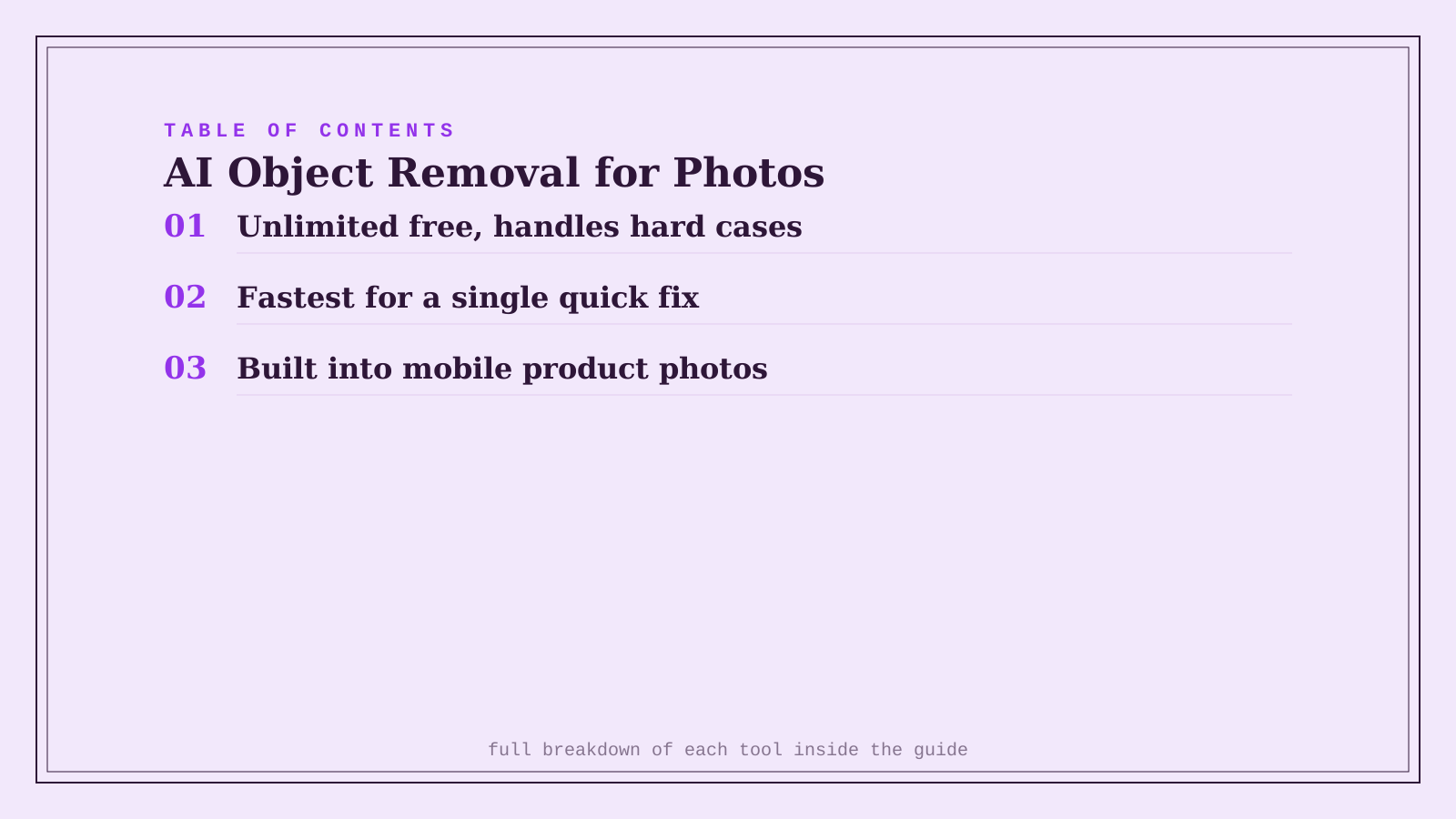
| Overchat AI | Unlimited free, handles hard cases well | Free | Regular object removal, no usage cap needed |
| Cleanup.pictures | Fastest for a single quick fix | Free; $5/mo for HD | An occasional, one-off fix |
| Photoroom | Built into a mobile product-photo workflow | Freemium, ~$8/mo | Removing objects from marketplace listing photos |
Which one should you actually use?
Start with Overchat AI if you remove objects from photos often enough that an unlimited free tier actually matters. Use Cleanup.pictures for a single quick fix when you don't want to install or sign up for anything. Choose Photoroom if the photo you're fixing is a product listing you're also staging and exporting from your phone.
FAQ
How well do these tools handle removing a person from a group photo? Reasonably well for a person standing apart from others, but removing someone overlapping other people or objects is the hardest case for all of these tools — expect to do a manual touch-up pass on complex overlaps regardless of which tool you use.
Can I use object removal for something more complex, like changing a background entirely? Object removal and background replacement are related but different jobs — Cleanup.pictures and Overchat AI focus on erasing a specific object, while Photoroom's broader toolkit includes full background replacement as a separate feature alongside object removal.
Is it obvious when an object has been AI-removed from a photo? Often not on a clean, simple background, but complex textures (patterned fabric, detailed foliage) can produce a visible artifact where the object used to be — zoom in on the fill area before publishing anything where it matters.
Do I need a paid plan if I only remove objects occasionally? No — Overchat AI's unlimited free tier and Cleanup.pictures' free standard-resolution tier both cover occasional use without paying anything; a paid tier mainly matters for high-resolution export or genuinely frequent use.
Related guides
- Best AI Photo Colorization Tool in 2026
- Best AI Video Background Removal Tool in 2026
- Explore Image tools
*Ratings and pricing reviewed monthly. Last updated September 2026.*
Bogdex · Founder & editor, woska
Bogdex builds and curates woska, testing AI tools against real workflows to judge which ones actually save time rather than which have the longest feature list.