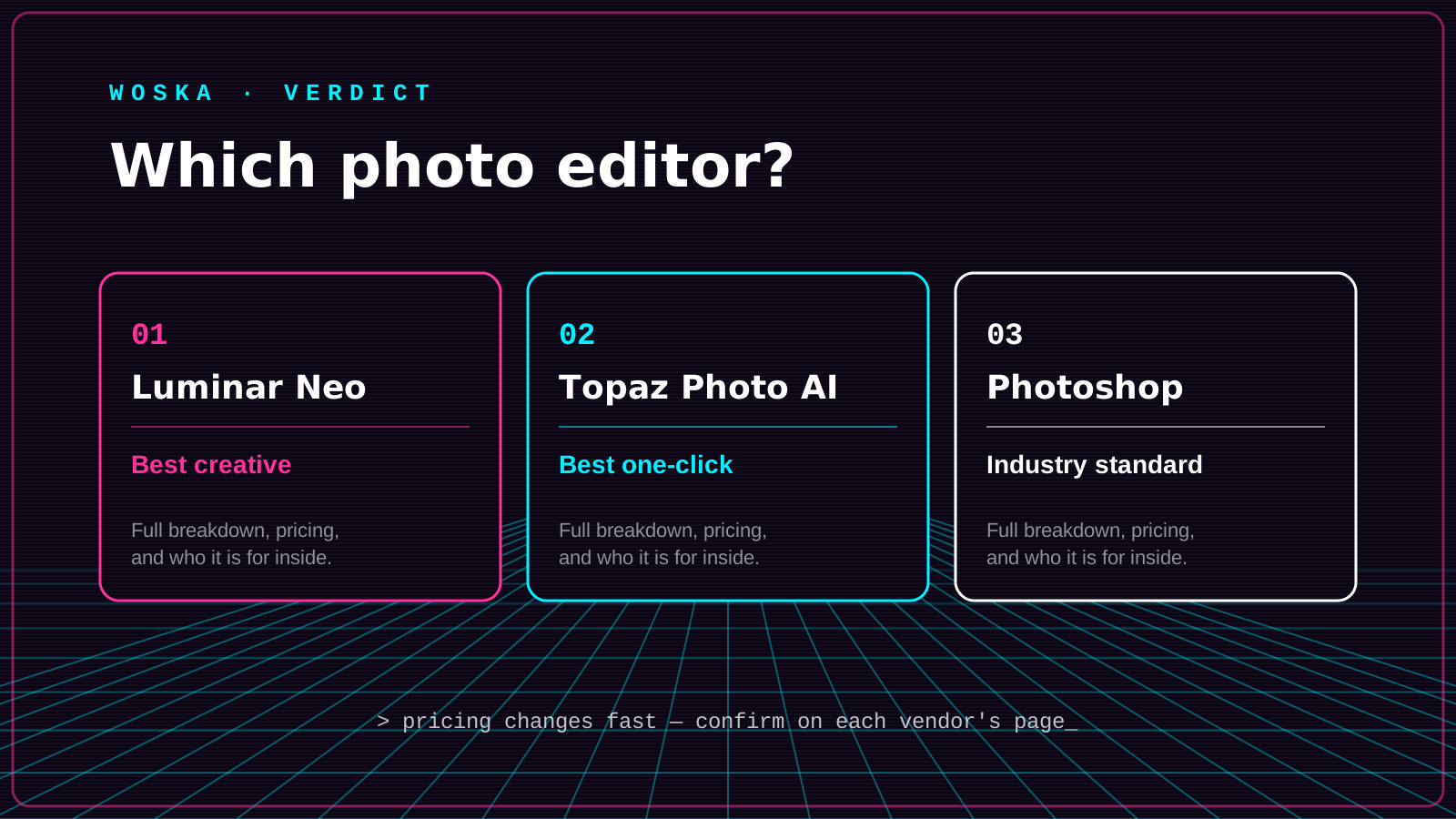
Luminar Neo wins as the most complete AI-powered creative editor for sky replacement, relighting, and portrait work, Topaz Photo AI wins for one-click technical fixes like noise, blur, and low resolution, and Adobe Photoshop wins if you need the industry-standard toolkit with AI generative features layered on top. These solve different problems: Luminar is for creative editing, Topaz is for technical repair, and Photoshop is for teams that need everything, including non-AI features, in one place.
If the photo just needs enlarging rather than editing, see Best AI Image Upscaler in 2026.
The three, in one line each
Luminar Neo is a full desktop photo editor built around AI tools — sky replacement, relighting, portrait enhancement, generative erase and expand — for photographers who want creative control without a steep learning curve.
Topaz Photo AI specializes narrowly: sharpen, denoise, and fix faces in one automated pass, aimed at photographers who need a technical fix rather than a stylistic edit.
Adobe Photoshop remains the industry-standard editor, now with generative fill and AI credits layered into the same subscription most creative teams already pay for.
Where each one actually wins
Luminar Neo rewards photographers who want a complete, mostly-AI-driven editing workflow without Photoshop's steeper learning curve — landscape and portrait work especially. Topaz Photo AI rewards anyone whose real problem is technical: a slightly soft focus, visible noise from low light, or a face that needs subtle fixing, where a single automated pass beats manual retouching. Photoshop rewards teams and professionals who need the full non-AI toolkit — layers, compositing, print production — with generative AI features available when useful rather than as the whole point.
Quick comparison
| Tool | Starting price | Core job | Best fit |
|---|---|---|---|
| Luminar Neo | From ~$79/year (or one-time license) | AI-driven creative editing | Landscape and portrait photographers |
| Topaz Photo AI | From $39/mo (or annual license) | one-click technical fixes | Noise, blur, and focus problems |
| Adobe Photoshop | From ~$23/mo | full professional toolkit + AI | Teams needing the complete standard editor |
Which one should you use?
Use Luminar Neo if you want a complete AI-first editor without committing to Photoshop's learning curve. Use Topaz Photo AI if your photos have specific technical problems — noise, softness, a blurry face — that need a fast, automated fix. Use Adobe Firefly if you're already in the Adobe ecosystem or need Photoshop's full non-AI feature set alongside generative tools.
FAQ
Do I need all three, or does one cover everything? Most photographers land on one primary editor (Luminar Neo or Photoshop) plus Topaz Photo AI as a specialist finishing pass for noise and sharpness — running all three isn't necessary unless you're doing professional retouching at volume.
Is Luminar Neo a real alternative to Lightroom, or just a plugin? It's a standalone editor that can work alongside or instead of Lightroom, with its own library and non-destructive editing, not just a plugin.
Which is cheapest for a casual photographer? Luminar Neo's perpetual license options avoid an ongoing subscription entirely, which is usually the cheapest long-term option if you don't need constant updates.
Can Topaz Photo AI replace manual retouching? For common technical issues — denoising, sharpening, basic face repair — yes, largely. For creative retouching (skin editing, object removal, compositing), it's not built for that job; Luminar Neo or Photoshop are the better fit.
Related guides
- Best AI Image Upscaler in 2026
- Best AI Photo Restoration Tool in 2026
- Best Free AI Tool for Image Generation
- Explore Image tools
*Ratings and pricing reviewed monthly. Last updated July 2026.*
Bogdex · Founder & editor, woska
Bogdex builds and curates woska, testing AI tools against real workflows to judge which ones actually save time rather than which have the longest feature list.