Expensify wins on pure expense-tracking strength — SmartScan receipt reading and automated categorization sync directly to QuickBooks or Sage, starting at a genuinely low per-user price. FreshBooks wins for freelancers who want expenses tracked in the same place they send invoices and get paid, rather than juggling a separate app. Wave wins as the free option, with expense tracking and invoicing both included at no cost for a solo operator who doesn't need Expensify's or FreshBooks's deeper features yet. All three snap a photo of a receipt and categorize it automatically — the real decision is whether expenses need to live next to invoicing (FreshBooks), sync into existing accounting software (Expensify), or just work for free (Wave).
Where each one actually wins
Expensify reads a receipt photo with SmartScan and categorizes the expense automatically, syncing cleanly into QuickBooks or Sage if you already use one of those for accounting. Its free plan covers Expensify Cards, reimbursement, and bill payments, with paid tiers starting around $5 per user per month for more control and approval workflows.
FreshBooks is built for freelancers and small businesses that would rather not run a separate expense app alongside their invoicing tool — snap a receipt and it syncs to your spending automatically, in the same place you're already sending invoices and tracking time. It costs more than Expensify's entry tier, but the tradeoff is one connected system instead of two.
Wave is free for basic bookkeeping, invoicing, and expense tracking, with a paid Pro plan adding automated transaction imports for around $16-19 a month. For a solo freelancer or very small operation not ready to pay for Expensify or FreshBooks, Wave covers the essentials at no cost.
Quick comparison
| Tool | Core job | Starting price | Best fit |
|---|---|---|---|
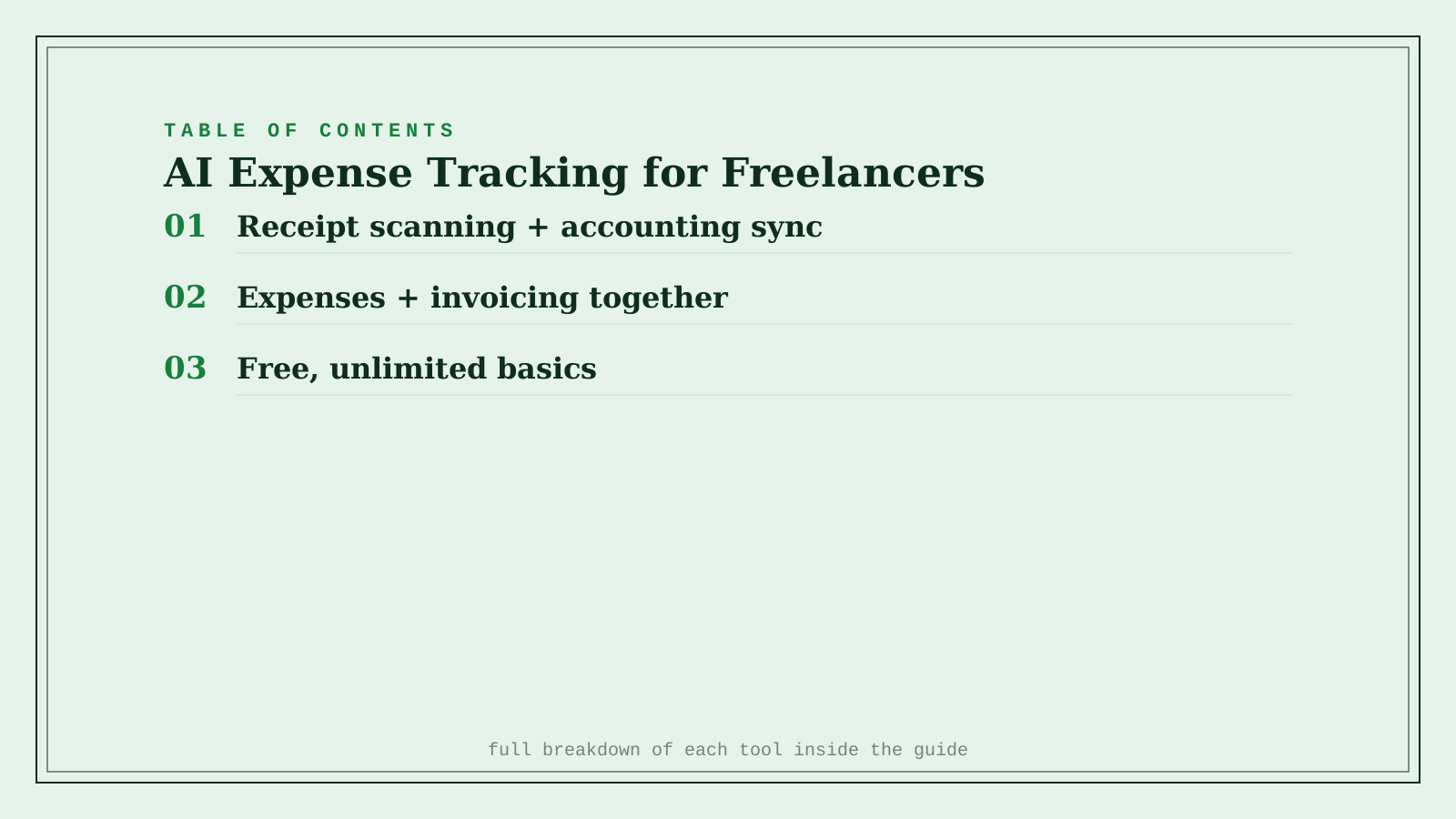
| Expensify | Receipt scanning + accounting sync | $5/user/mo | Already using QuickBooks or Sage |
| FreshBooks | Expenses + invoicing in one place | $23/mo | Freelancers who don't want two separate apps |
| Wave | Free expense tracking + invoicing | Free | Solo operators on a tight budget |
Which one should you actually use?
Start with Wave if you're a solo freelancer just getting your expense tracking organized and don't want to pay for it yet. Move to FreshBooks once you want expenses and invoicing genuinely unified in one workflow. Use Expensify if you already run QuickBooks or Sage and want expense tracking to sync directly into that existing system.
FAQ
Do I still need an accountant if I use one of these tools? For anything beyond straightforward freelance income and expenses, yes — these tools organize and categorize spending accurately, but they don't replace a professional's judgment on deductions, tax strategy, or filing, especially once a business gets more complex.
Can these tools handle mixed personal and business expenses on the same card? All three let you mark individual transactions as personal or business after the fact, but it's cleaner and reduces errors to use a dedicated business card from the start rather than relying on manual sorting every month.
How accurate is AI receipt scanning, really? Very accurate for clear, itemized receipts from most retailers, but faded thermal receipts or handwritten ones can still trip up automatic categorization — a quick monthly review catches anything miscategorized before it affects your books.
Is Wave's free plan actually sustainable, or is there a catch? Wave makes money primarily through its paid payment processing and payroll add-ons rather than the core bookkeeping and invoicing tools, so the free plan is a genuine long-term option, not a limited trial.
Related guides
- Best AI Bookkeeping & Accounting Tool in 2026
- Best AI Invoicing Tool for Freelancers in 2026
- Explore Business & Sales tools
*Ratings and pricing reviewed monthly. Last updated September 2026.*
Bogdex · Founder & editor, woska
Bogdex builds and curates woska, testing AI tools against real workflows to judge which ones actually save time rather than which have the longest feature list.