A commit history full of "fix," "updates," and "wip" is nearly useless six months later when someone's trying to figure out why a line of code exists — and writing a genuinely descriptive message for every commit is exactly the kind of small, constant friction most developers skip under deadline pressure. GitHub Copilot wins for the widest reach: it generates a commit message from your staged diff directly inside VS Code or a JetBrains IDE with one click, from $10/month. Cursor wins for messages informed by more context — since it already has your chat history and recent edits in view, its generated message can reflect the reasoning behind a change, not just the diff itself, from $20/month. Both replace the "fix" commit entirely.
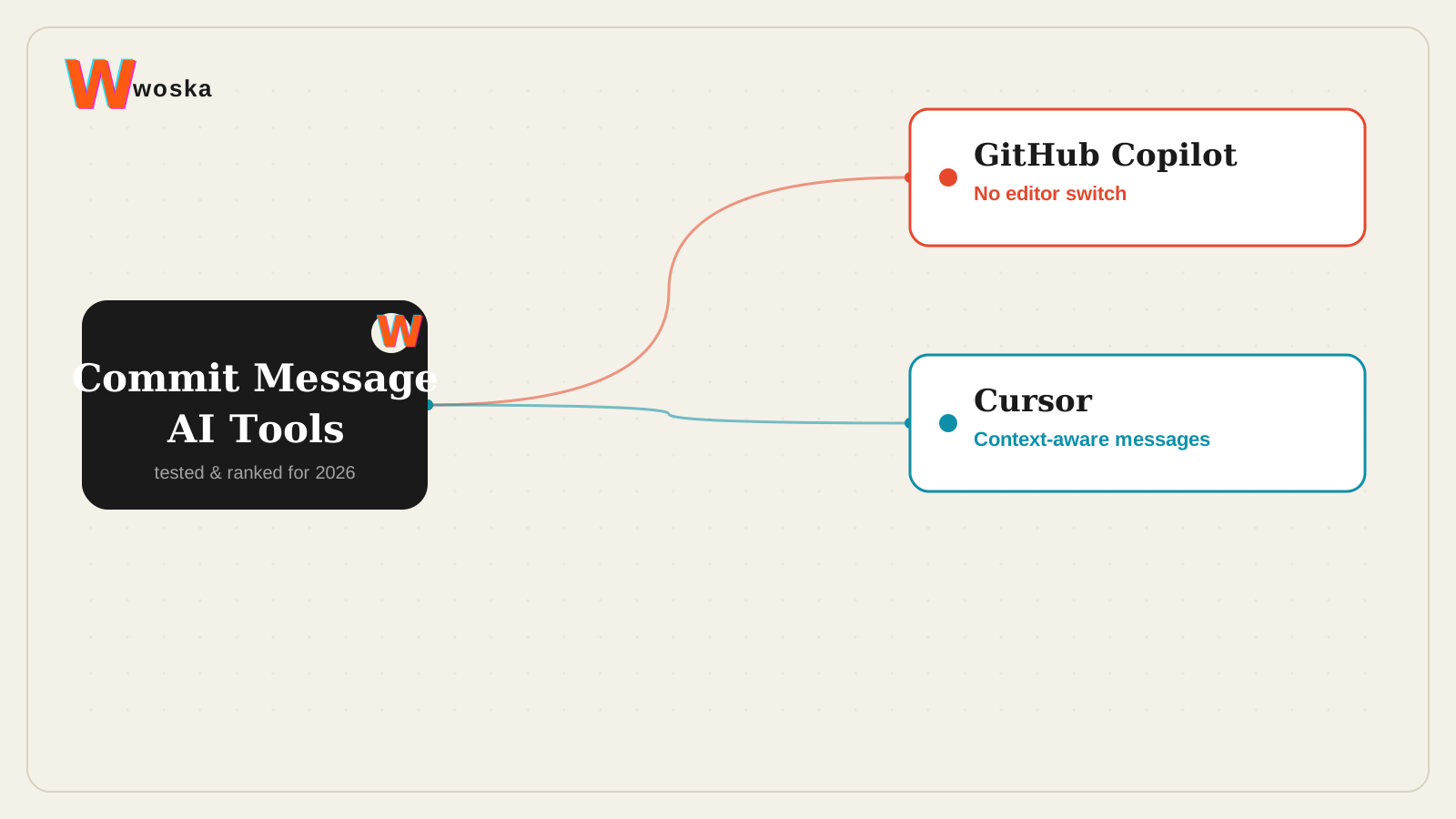
The two, in one line each
GitHub Copilot adds autocomplete, chat, and code suggestions directly inside the IDEs many engineering teams already use, from $10/month.
Cursor is a code editor built around repo-aware chat, inline edits, and fast refactors, from $20/month.
Where each one actually wins
GitHub Copilot wins for teams who don't want to switch editors — it works inside VS Code, JetBrains IDEs, and several others, generating a commit message from the staged diff with a single click in the same Git panel developers already use, which means zero workflow change to adopt it. Cursor wins for a message that captures more than the diff shows — because Cursor already holds the conversation and edit history that led to the change, its generated commit message can reference the actual reasoning ("switch to streaming response to fix timeout on large payloads") rather than just describing the lines that changed.
Quick comparison
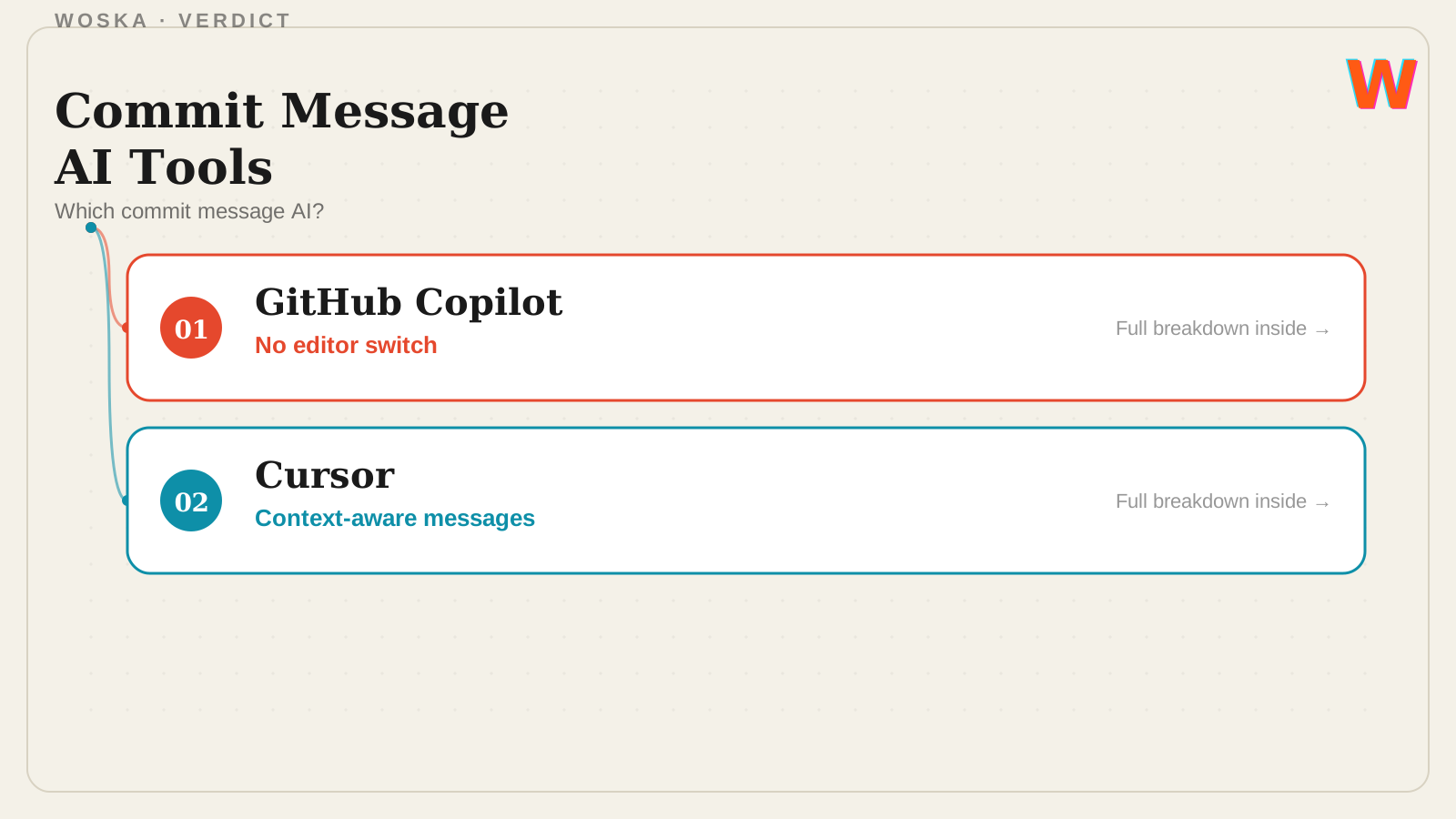
| Tool | Core strength | Starting price | Best fit |
|---|---|---|---|
| GitHub Copilot | Works inside your existing IDE | $10/mo | Teams not switching editors |
| Cursor | Messages informed by chat/edit context | $20/mo | Capturing the "why," not just the diff |
Which one should you use?
Choose GitHub Copilot if you want commit message generation added to your current IDE without switching tools. Choose Cursor if you're already using it as your editor and want commit messages that reflect the reasoning behind a change, not just the diff.
FAQ
Do these tools follow Conventional Commits or a specific format? Both can be steered toward a specific format (Conventional Commits, a custom template) through prompt or custom instructions, though the default output style varies — check your generated message against your team's convention before relying on it unedited.
Can I still edit the generated message before committing? Yes — both generate a draft you review and edit in the same commit dialog, not an auto-submitted message, so it's meant to save the first-draft effort rather than remove your final say.
Does this work for large, multi-file commits, or only small changes? Both handle multi-file diffs, though the summary quality tends to be clearer on focused, single-purpose commits — a commit mixing several unrelated changes still produces a vaguer message, which is itself often a sign the commit should be split up.
Is a good commit message actually worth the extra step? Yes for any team that revisits git history during debugging or code review — a clear message turns `git blame` and `git log` into a useful record instead of a wall of "fix" and "updates" that tells you nothing.
Related guides
- Cursor vs GitHub Copilot
- Best AI Coding Assistant in 2026
- Claude Code vs Cursor vs Codex vs GitHub Copilot in 2026
- Explore Coding & Dev tools
*Ratings and pricing reviewed monthly. Last updated September 2026.*
Bogdex · Founder & editor, woska
Bogdex builds and curates woska, testing AI tools against real workflows to judge which ones actually save time rather than which have the longest feature list.