Documentation rots the moment code changes and nobody updates the comment, docstring, or README that described the old behavior — which is why most codebases end up with docs nobody trusts and everyone ignores. Aider wins for documenting as you edit: a git-aware command-line pair programmer that reviews every diff, so docstrings and comments can be generated or updated in the same pass as the code change itself, free. Claude Code wins for broader documentation work — writing or refreshing a README, mapping out architecture notes across a whole repository — from $20/month. Both beat the alternative of writing documentation as a separate task nobody has time for.
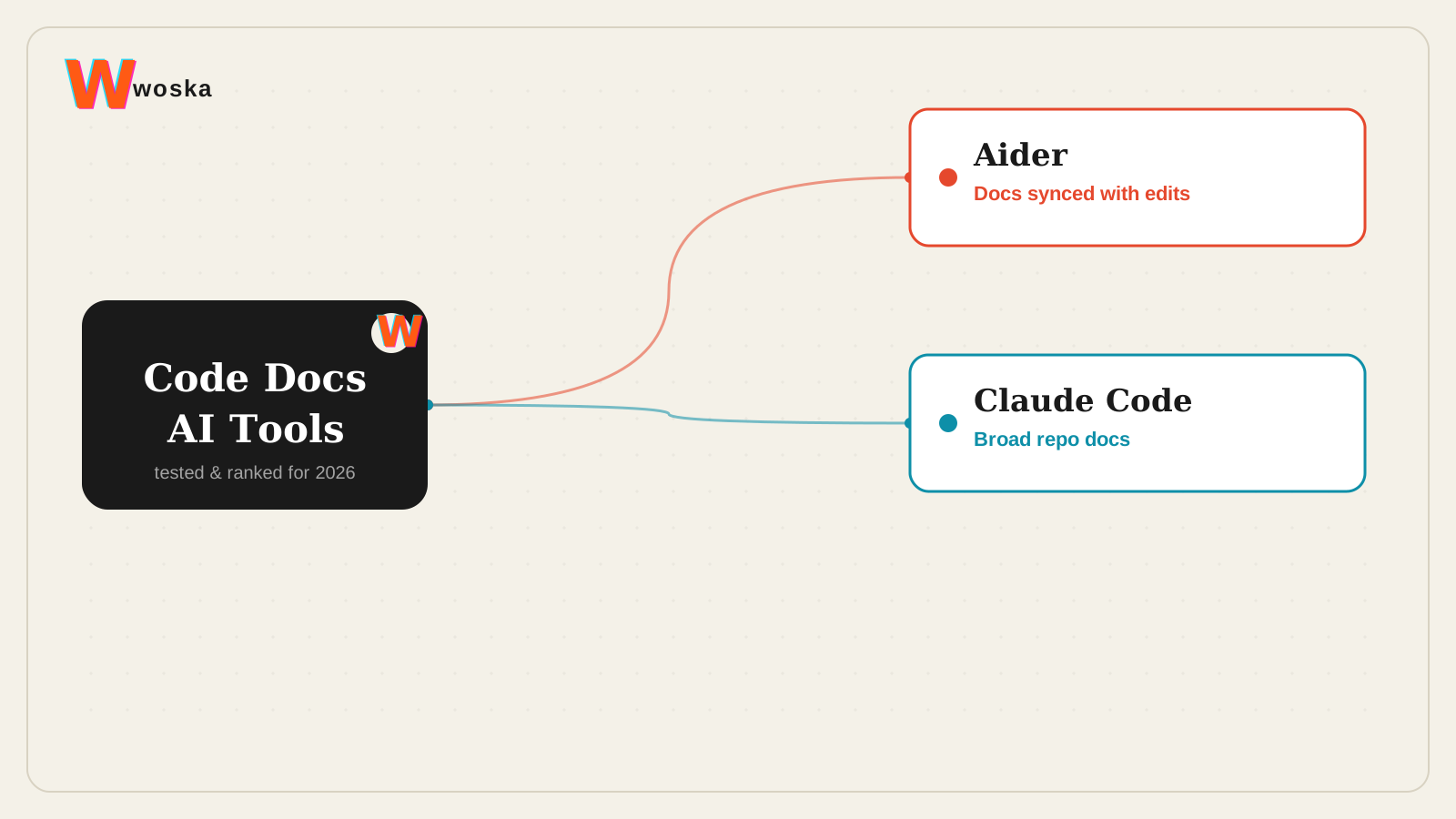
The two, in one line each
Aider is a git-aware command-line pair programmer for editing local codebases and reviewing diffs as you work, free.
Claude Code runs coding tasks from the terminal with repo context for edits, command execution, and implementation work, from $20/month.
Where each one actually wins
Aider wins for keeping documentation in sync with the actual change — because it's git-aware and reviews diffs as part of its normal workflow, asking it to update the docstring or inline comment for a function you just changed happens in the same session as the edit, rather than as a separate documentation pass that gets skipped under deadline pressure. Claude Code wins for the bigger documentation jobs — generating a README for a project that never had one, writing up how a system's pieces fit together, or auditing a whole repository for outdated comments — since it holds broader repo context and can work across many files in one coherent pass.
Quick comparison
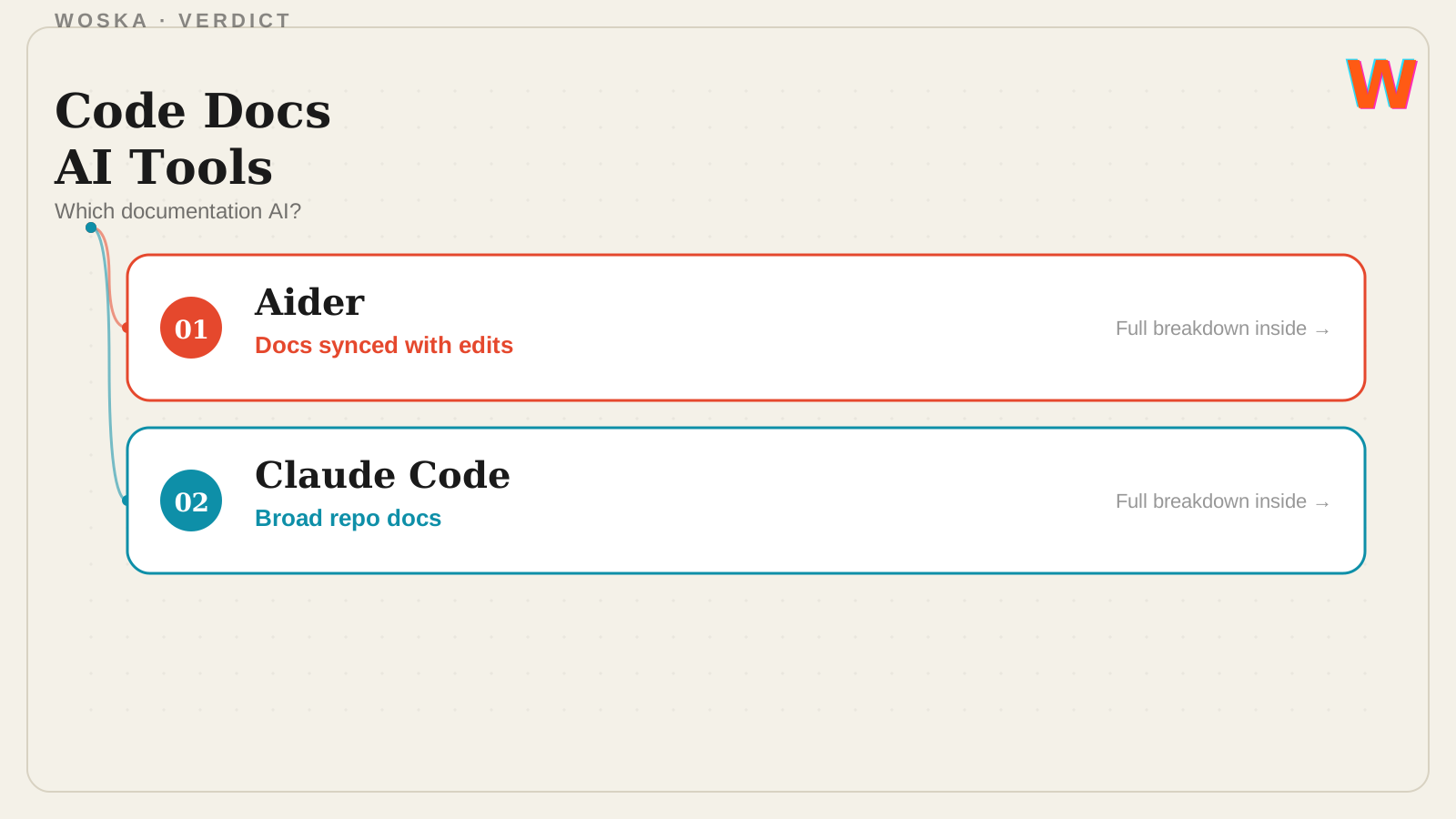
| Tool | Core strength | Starting price | Best fit |
|---|---|---|---|
| Aider | Docs updated in the same pass as edits | Free | Keeping docstrings/comments in sync |
| Claude Code | Broad documentation across a repo | $20/mo | Writing a README or architecture notes |
Which one should you use?
Choose Aider if you want documentation kept current as part of your normal edit-and-review loop. Choose Claude Code for a bigger, one-time documentation project spanning a whole repository.
FAQ
Will AI-generated documentation actually be accurate, or just plausible-sounding? Both work directly from the actual code rather than guessing, which makes the output far more reliable than a general chatbot description — but a human should still skim generated docs for anything that misrepresents intent the code alone doesn't fully capture.
Can these tools generate documentation in a specific format, like JSDoc or Google-style docstrings? Yes — both can be prompted to follow a specific documentation convention your team already uses; specifying the exact style up front gets more consistent results than leaving it to the tool's default.
Is it worth documenting old code that already works, or only new code? Old, working, undocumented code is often the highest-value target precisely because nobody remembers why it works that way — both tools make that retroactive documentation pass far cheaper than it used to be.
Do either of these tools write documentation for non-technical audiences, like end-user help docs? Both are oriented toward developer-facing documentation (code comments, READMEs, architecture notes) rather than end-user help content, which is a different writing job better suited to a general-purpose writing assistant.
Related guides
- Best AI Code Review Tool in 2026
- Best Open-Source AI Coding Agent in 2026
- Best AI Coding Assistant in 2026
- Explore AI Agents
*Ratings and pricing reviewed monthly. Last updated September 2026.*
Bogdex · Founder & editor, woska
Bogdex builds and curates woska, testing AI tools against real workflows to judge which ones actually save time rather than which have the longest feature list.