The seven AI website builders worth considering in 2026 split cleanly into two categories, and picking the wrong one costs more time than picking the wrong feature set. AI-native code generators — Lovable, Bolt.new, v0.dev — hand you real, exportable code and are the right call anywhere you need authentication, a database, or an API integration. AI-augmented no-code editors — Framer AI, 10Web, Wix AI, Durable — hand you a finished, hosted site and are the right call for marketing pages, portfolios, and small-business sites that don't need custom logic. Most "best AI website builder" lists compare all seven on the same axis; the honest answer is that they aren't competing for the same job.
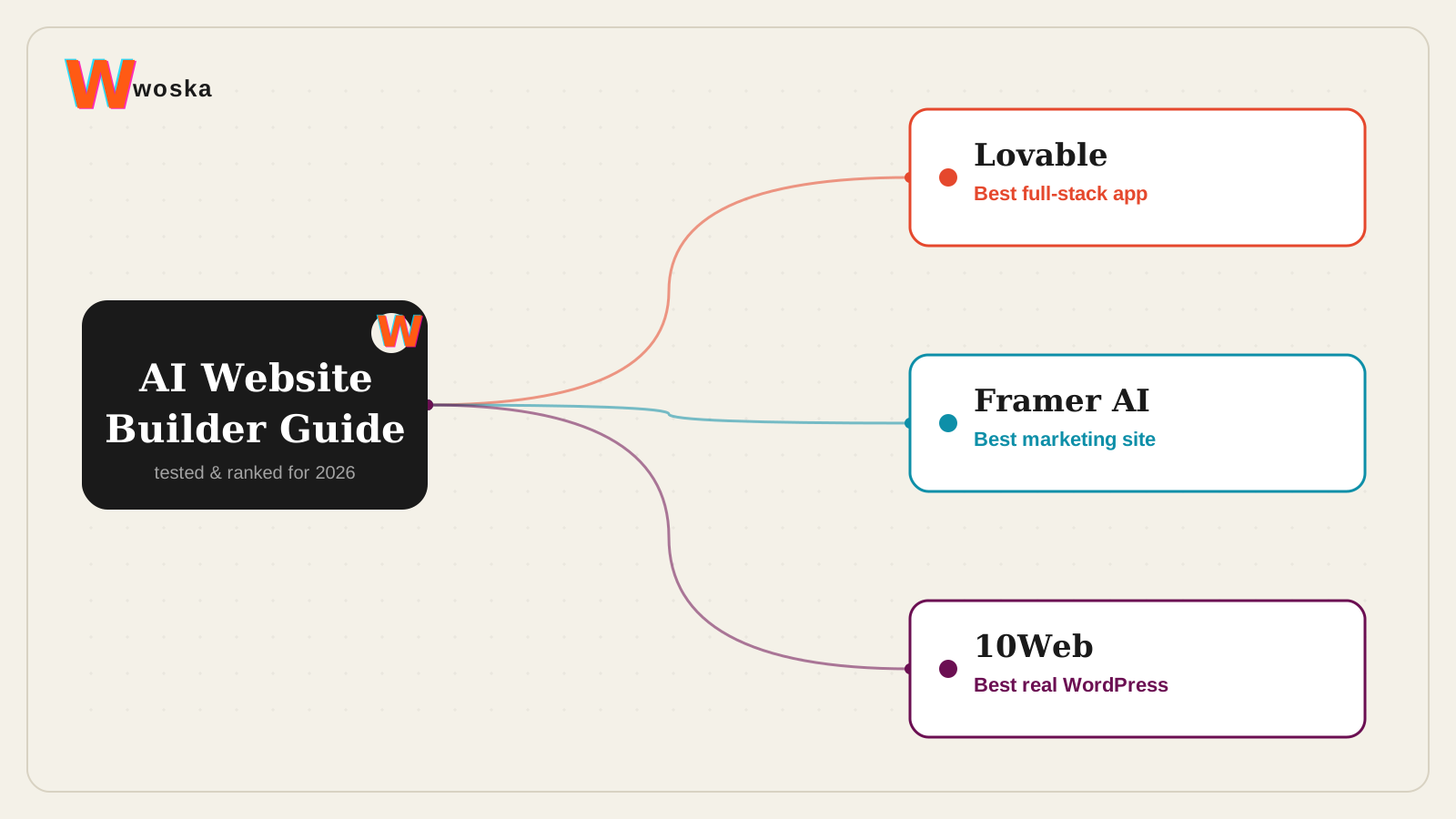
Start with one question: does the site need to *do* anything?
If the answer is no — it just needs to look good and exist — every no-code option below will get you there faster than a code generator will. If the answer is yes — logins, a database, payments, custom workflows — the no-code tier will eventually hit a wall that the code-generator tier was built to avoid.
The developer stack: Lovable, Bolt.new, v0.dev
Lovable produces the cleanest full-stack output of the three: exportable React code, Supabase authentication and database wiring handled automatically, and a working product from a single prompt. It's the most complete pick for a non-developer founder who still needs real functionality, not just a landing page.
Bolt.new offers the most framework flexibility and lets you start coding immediately in the browser, no local setup required — the best fit if you already know roughly what stack you want and just want AI to scaffold it fast.
v0.dev is narrower by design: it turns a product prompt into a React/Next.js UI draft, which makes it the best of the three for quick component exploration inside an existing codebase rather than a full standalone app.
The no-code tier: Framer AI, 10Web, Wix AI, Durable
Framer AI remains the strongest default when the goal is a beautiful marketing site, landing page, or portfolio — the cleanest balance of visual quality, speed, and low friction of any tool in this list, no-code or otherwise.
10Web is the one to pick if you want AI-generated speed now and real WordPress underneath later — genuine code export and a huge plugin ecosystem, without hand-building the WordPress site yourself.
Wix AI (the AI site generator now built into the main Wix editor — the old standalone "Wix ADI" product name was retired in November 2024) remains the most complete beginner platform: ecommerce, bookings, and a large app ecosystem, all included, at the cost of the most generic-looking output.
Durable wins on pure speed for a local service business that just needs to exist online today — a functional site, invoicing, and basic CRM tools generated in minutes, with the least customization of the group.
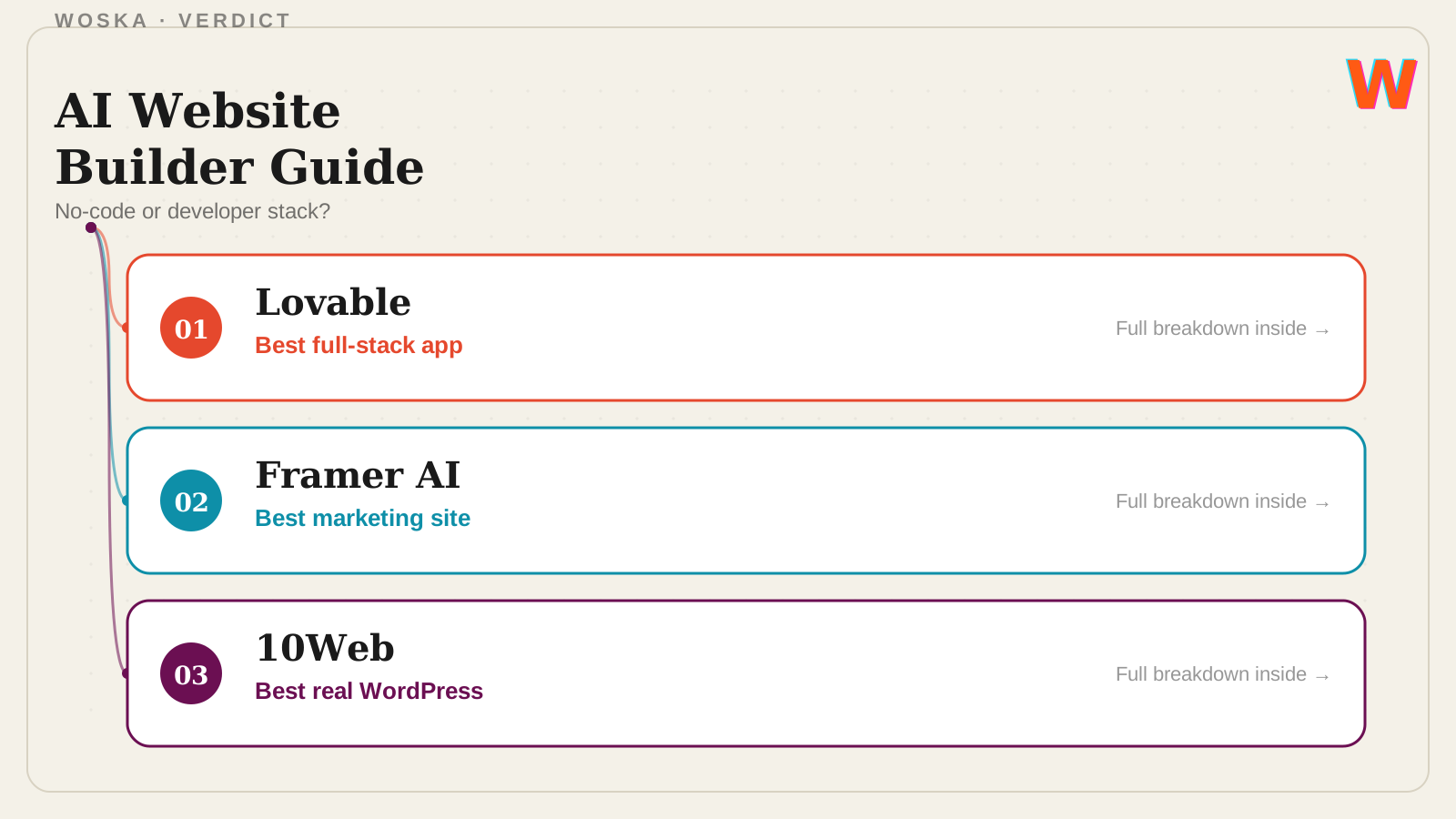
Quick comparison
| Tool | Tier | Starting price | Best fit |
|---|---|---|---|
| Lovable | Developer stack | Freemium, ~$25/mo | Full-stack app, non-developer founder |
| Bolt.new | Developer stack | Freemium | Framework flexibility, fastest start |
| v0.dev | Developer stack | Freemium | UI component drafts inside an existing app |
| Framer AI | No-code | Freemium | Design-led marketing site |
| 10Web | No-code | ~$10/mo | Real WordPress underneath |
| Wix AI | No-code | Freemium | Most complete beginner platform |
| Durable | No-code | Paid | Fastest local-business site |
Which stack should you actually use?
If the project needs a login, a database, or any custom logic beyond static pages, skip the no-code tier entirely and start with Lovable or Bolt.new — retrofitting that functionality onto a no-code site later is the single most common AI-website-builder regret. If the project is a marketing site, portfolio, or small-business presence with no custom logic, Framer AI is the strongest default, with 10Web as the pick when you specifically want WordPress underneath and Durable when speed matters more than anything else.
FAQ
Can I move from a no-code builder to real code later if the project grows? Only cleanly with 10Web, since it's genuine WordPress underneath. Wix AI, Framer, and Durable are hosted platforms without full code export — migrating off them later means rebuilding, not exporting.
Which of these actually needs no design or technical literacy at all? Wix AI and Durable require the least of any tool here. Framer assumes a bit more design sense to get the most out of its editor. The developer-stack tools assume you're comfortable reviewing generated code, even if you don't write it yourself.
Is v0.dev a full website builder or just a component tool? Functionally the latter — it's the right tool when you need a UI piece to drop into a larger Next.js/React project, not when you need a complete standalone site with hosting handled.
Do any of these have a real, native AI element beyond "AI wrote the first draft"? Bolt.new and Lovable both include agent-style behavior — iterating on their own output based on follow-up instructions — that goes beyond a one-shot generation, which matters if you'll be making a lot of post-launch changes conversationally rather than by hand.
Related guides
- Best AI App Builder for Non-Developers in 2026
- Best AI Website Builder 2026: Framer AI vs 10Web vs Wix AI vs Durable
- v0.dev Review 2026
- Why Bolt.new Is Everywhere in 2026
- Part of our complete guide: AI Coding & Developer Tools
- Explore Coding & Dev tools
*Ratings and pricing reviewed monthly. Last updated August 2026.*
Bogdex · Founder & editor, woska
Bogdex builds and curates woska, testing AI tools against real workflows to judge which ones actually save time rather than which have the longest feature list.