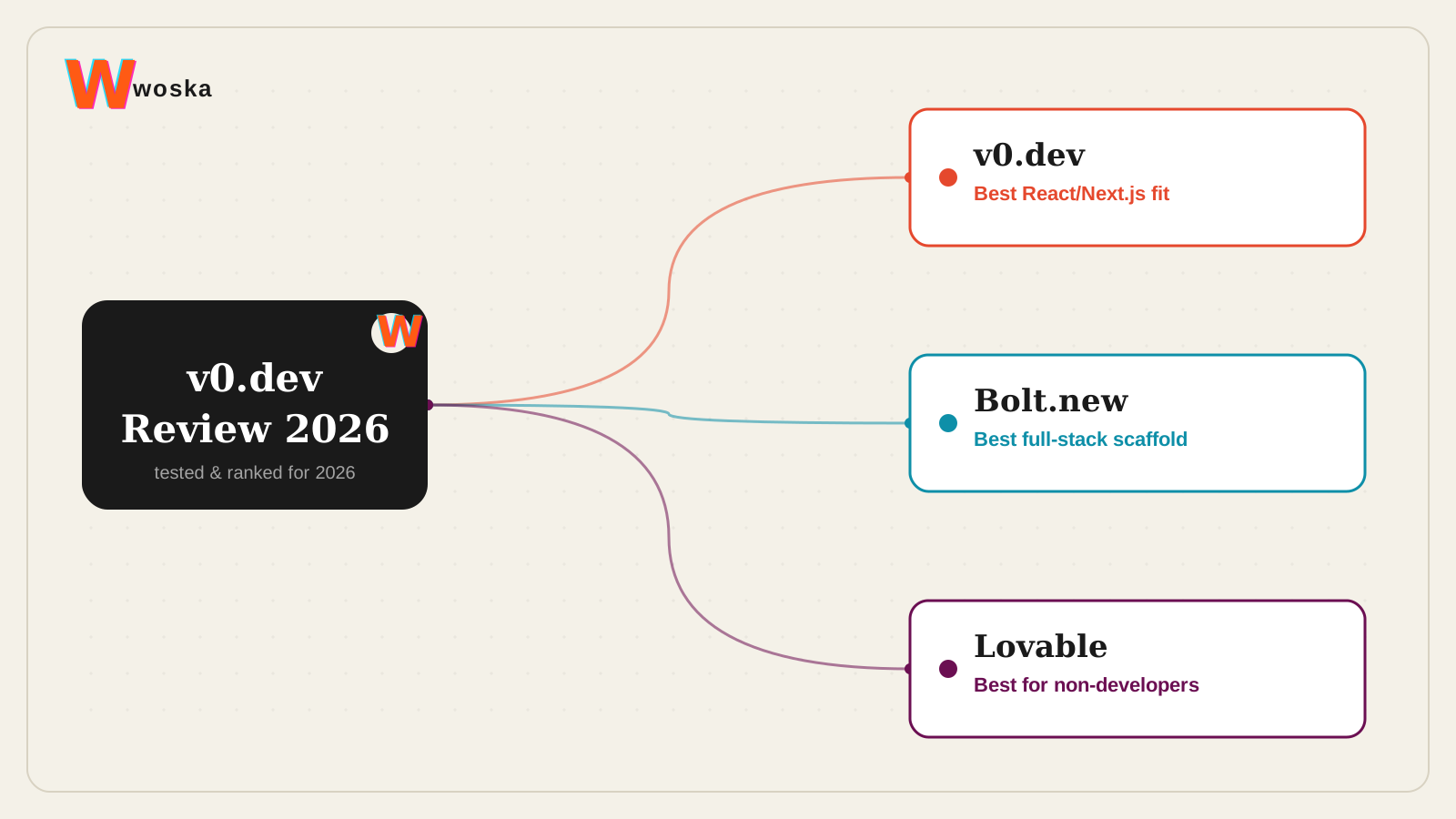
v0.dev is worth it specifically if you're building on React, Next.js, or shadcn/ui and want to deploy on Vercel — it leads competing tools on UI component quality and code quality in that stack, with a February 2026 update adding a sandbox runtime, GitHub integration, and support for API routes and databases. It's a narrower, deeper tool than Bolt.new or Lovable rather than a broader one — the tradeoff for being the best specifically at Next.js UI generation is that it's less suited to projects outside that ecosystem.
If you want the broader comparison across AI website and app builders, see Best AI Website Builder for the no-code end of that spectrum.
What v0.dev actually does
v0.dev turns a plain-language prompt into production-ready React, Next.js, Tailwind CSS, and shadcn/ui code, rather than a generic HTML mockup. The 2026 update pushed it further toward production readiness: a sandbox-based runtime that mirrors real environments, native GitHub integration for branches and pull requests, and the ability to import and work on an existing codebase instead of only starting fresh.
Where it wins, and where it doesn't
It wins clearly on UI component generation quality and React/Next.js code quality specifically — independent scoring puts it at the top of that narrower comparison, and the native fit with Vercel's deployment pipeline removes a step other tools require. If your stack is already React and Next.js, v0.dev produces code that looks like a developer wrote it, not a generic template.
It loses ground once the job is a full application outside that stack. Bolt.new wins for full-stack scaffolding across a wider range of frameworks and includes backend setup v0.dev leaves to you. Lovable wins for non-developers who want to describe an app in plain language and get a working full-stack product without touching code or a technical stack decision at all.
Open Bolt.new → · Open Lovable →
Quick comparison
| Tool | Starting price | Core job | Best fit |
|---|---|---|---|
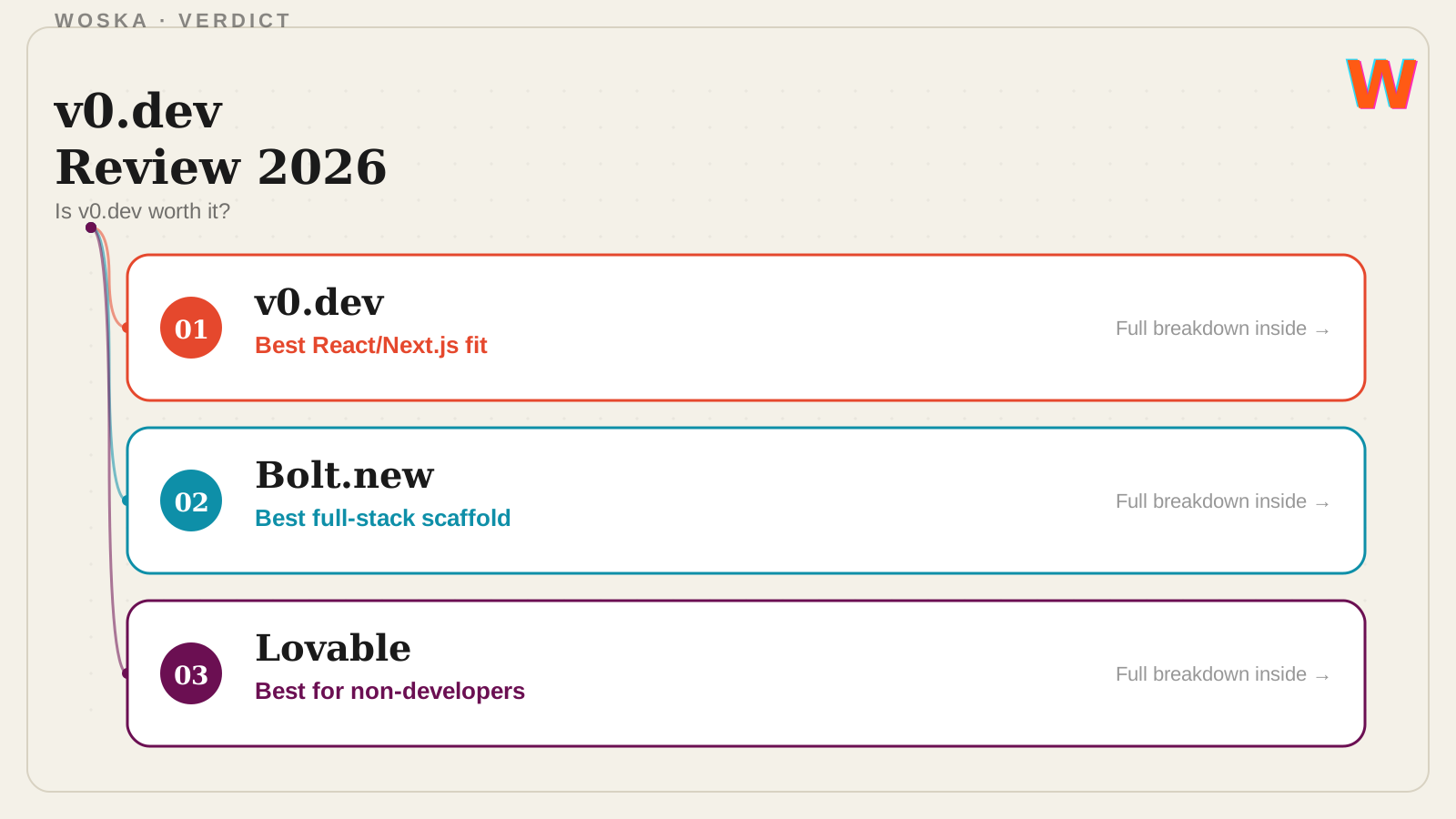
| v0.dev | Free tier, from $20/mo | React/Next.js UI generation | Building on Vercel's stack specifically |
| Bolt.new | Free tier, freemium | full-stack app scaffolding | Broader framework support, backend included |
| Lovable | Free tier, from $25/mo | plain-language full-stack apps | Non-developers wanting a working app fast |
Should you use it?
Use v0.dev if your project is already React/Next.js and you're deploying on Vercel — it's the best tool at exactly that job. Use Bolt.new if you want full-stack scaffolding without being tied to one framework or deployment target. Use Lovable if you're not a developer and want to describe an app and get something functional without making stack decisions yourself.
FAQ
Do I need to know React to use v0.dev? No, but you'll get more out of it if you do — v0.dev generates real React/Next.js code you can read and edit, which is more useful to someone who can verify and adjust it than someone who can't.
Can v0.dev build a full backend, or just the UI? The 2026 update added support for API routes, server actions, and database connections, so it's moved well past pure UI generation, though Bolt.new and Lovable still cover a broader range of backend scaffolding out of the box.
Is v0.dev free to try? Yes, there's a free tier; the Premium plan (around $20/month) unlocks higher usage limits and more advanced generation.
How does v0.dev compare to just using Cursor or GitHub Copilot directly? v0.dev is focused specifically on generating and iterating on UI from a prompt, closer to a design-to-code tool; Cursor and Copilot are general-purpose coding assistants for working across an entire codebase, not just interface generation.
Related guides
- Part of our complete guide: AI Coding & Developer Tools
- Best AI Website Builder in 2026
- v0.dev vs Bolt.new
- Best AI Coding Assistant in 2026
- Explore Coding & Dev tools
*Ratings and pricing reviewed monthly. Last updated August 2026.*
Bogdex · Founder & editor, woska
Bogdex builds and curates woska, testing AI tools against real workflows to judge which ones actually save time rather than which have the longest feature list.