FigJam collects structured feedback directly on the actual design instead of scattered across Slack threads and email replies nobody can trace back to a specific element, Whimsical maps out the decision when feedback conflicts so the team can see the actual tradeoff instead of arguing past each other, and Canva AI produces a quick alternate version to test a specific piece of feedback instead of just discussing it hypothetically. Most design review friction isn't a lack of feedback — it's feedback that's untethered from the specific element it's about and never resolved into an actual decision.
The workflow, step by step
Step 1 — collect feedback anchored to the actual design. FigJam lets reviewers leave comments pinned directly to a specific element of the design, so "this feels off" attaches to the actual button or layout in question instead of floating in a Slack thread that requires context nobody has by the time it's read.
Step 2 — map the decision when feedback conflicts. Whimsical turns conflicting feedback (one stakeholder wants A, another wants B) into a visual decision map showing the actual tradeoff, which resolves disagreements faster than a text thread where everyone just restates their preference.
Step 3 — test disputed feedback with a quick alternate version. Canva AI generates a fast alternate version of a specific disputed element, so the team can look at both options side by side rather than debating a hypothetical that only exists in someone's head.
Why unresolved feedback is the actual cost, not the volume of feedback
Teams rarely complain about not getting enough design feedback — the real cost is feedback that never resolves into a decision, so the same disagreement resurfaces at every subsequent review. Anchoring feedback to the specific element (Step 1) and forcing conflicting opinions into an explicit tradeoff (Step 2) is what actually closes a review loop instead of leaving it open indefinitely.
Quick comparison
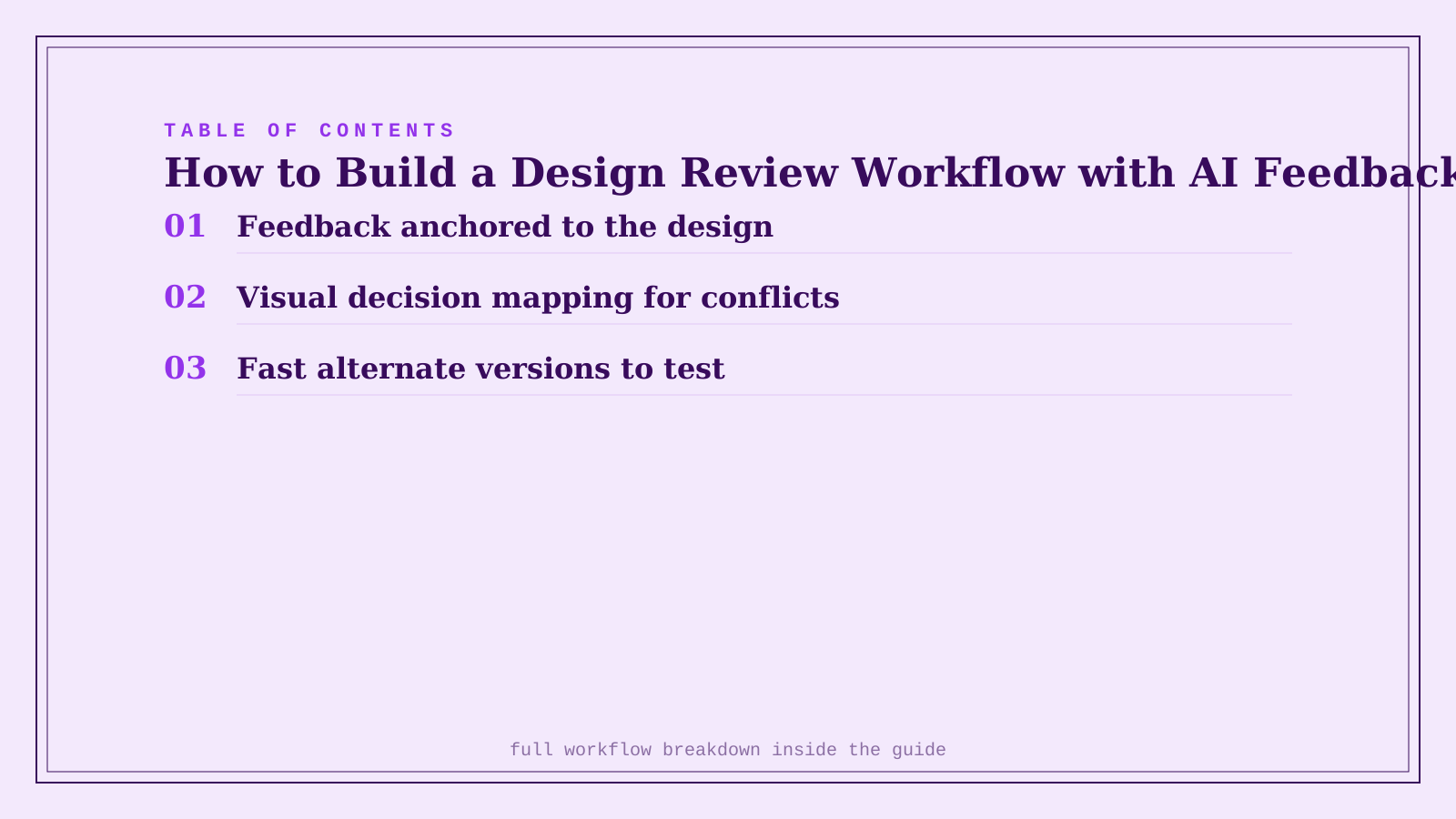
| Tool | Role in the workflow | Starting price | Job |
|---|---|---|---|
| FigJam | Feedback anchored to the design | Free, Professional from $3/editor/mo | Feedback that's traceable, not scattered |
| Whimsical | Visual decision mapping for conflicts | Free, Pro from $10/editor/mo | Resolving disagreement into an actual choice |
| Canva AI | Fast alternate versions to test | Freemium | Comparing real options instead of hypotheticals |
How to actually run this per review cycle
Set a hard rule that feedback left in Slack or email during a review cycle gets moved into FigJam comments before the next review, not left where it was originally posted — otherwise the anchored-feedback benefit erodes as people fall back on old habits. Reserve Whimsical's decision-mapping step for genuine, recurring disagreements, not every minor feedback item, since mapping every small comment adds more overhead than it resolves. Use Canva AI's quick alternates sparingly and specifically — generating five versions of everything defeats the purpose of testing one real disputed decision.
FAQ
Does this workflow slow down design review compared to just talking it through in a meeting? For straightforward feedback, a quick conversation is still faster — this workflow earns its keep specifically on feedback that would otherwise resurface unresolved across multiple reviews, not on every single comment.
Can FigJam's comments replace a real design critique meeting entirely? No — anchored async comments handle a lot of routine feedback well, but a live critique still adds value for genuinely open-ended discussion and reading a room's actual reaction, which async comments can't fully replace.
Who should have final say when Whimsical's decision map shows a real tradeoff with no clear winner? Whoever owns the design decision — a design lead, product owner, or whoever's role that is at your company — the map makes the tradeoff visible, but it doesn't replace having a designated decision-maker for cases where reasonable people genuinely disagree.
Is Canva AI good enough to test real design alternatives, or just rough mockups? It's strong for testing a specific, bounded piece of feedback (a color, a headline treatment, a layout variant) quickly — for a fully polished final alternative, most teams still move the winning direction into their primary design tool for final production.
Related guides
- Best AI Whiteboard and Brainstorming Tool in 2026
- Part of our complete guide: AI Tools for Design & Creative Teams
- Canva AI Review 2026: Is Magic Studio Worth It?
- Explore Image & Design tools
*Ratings and pricing reviewed monthly. Last updated September 2026.*
Bogdex · Founder & editor, woska
Bogdex builds and curates woska, testing AI tools against real workflows to judge which ones actually save time rather than which have the longest feature list.