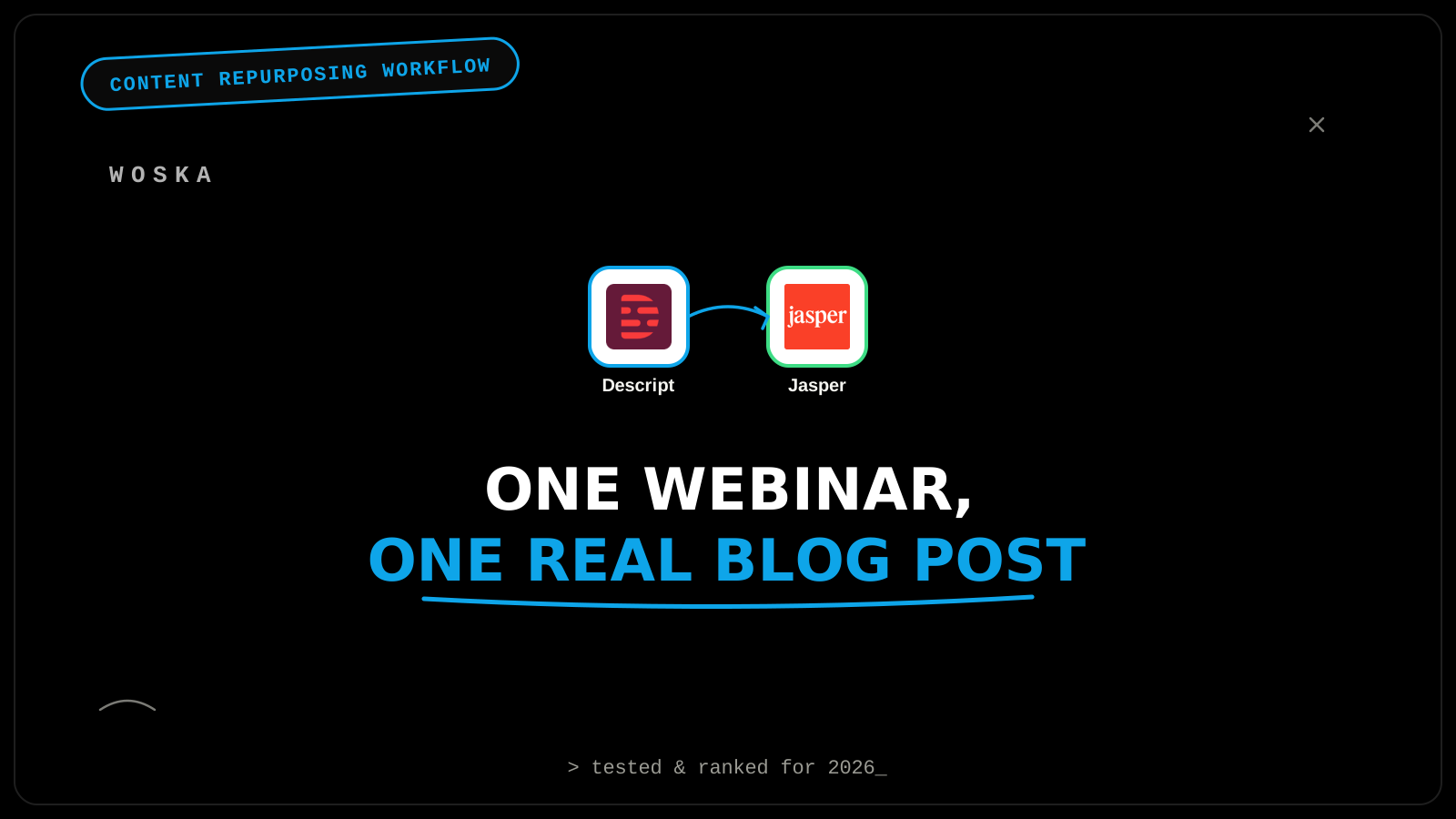
A webinar recording is a finished blog post's first draft, not a blog post itself — the difference is structure. Descript transcribes and cleans up the raw audio (removing filler words, false starts, and dead air), and a writing tool like Jasper then reorganizes that cleaned transcript into a structured article with real headings, a clear argument, and SEO-relevant framing. Skipping straight from transcript to "publish" is the most common mistake here — a transcript reads like a transcript, not an article, no matter how good the talk itself was.
The workflow, step by step
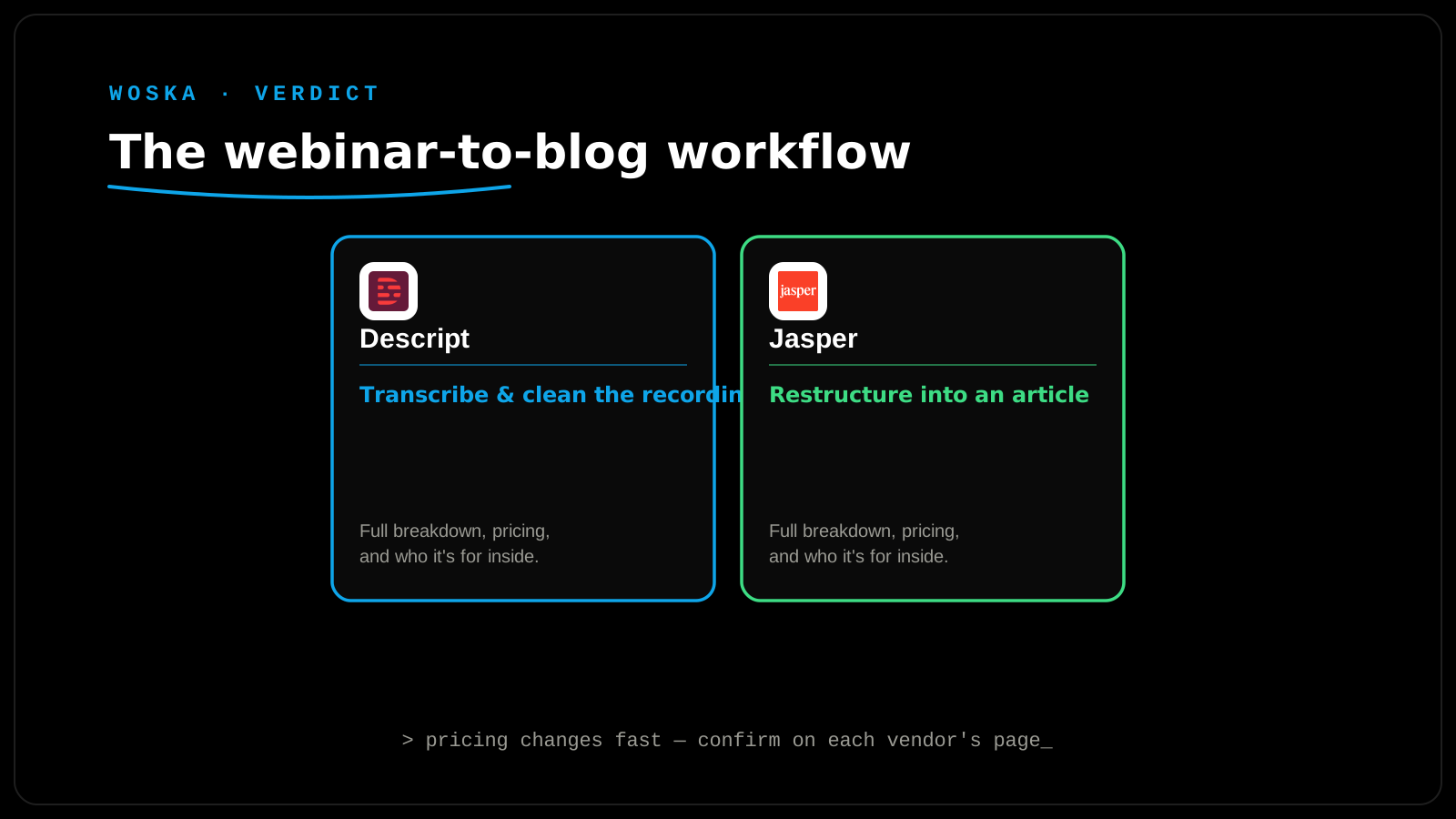
Step 1 — transcribe and clean the recording. Descript turns the raw webinar recording into an accurate, timestamped, speaker-labeled transcript, and its filler-word removal strips "um," "uh," and false starts automatically — editing the audio by editing the text, rather than scrubbing through a timeline by ear.
Step 2 — turn the cleaned transcript into a structured draft. Feed the cleaned transcript into Jasper with a specific instruction — something like "turn this into a structured blog post with H2 headings, pull out the concrete takeaways as a bulleted list, and write an SEO-friendly title and meta description" — rather than a generic "summarize this" prompt, which tends to produce something flatter and less useful.
Step 3 — edit for what only a human catches. Read the draft against the original recording once, specifically checking that no claim, statistic, or nuance got flattened or misattributed in the rewrite — AI restructuring is good at organization, not at verifying that what it organized is still accurate to what was actually said.
Why a transcript alone doesn't work as a blog post
A live talk is built for listening, not reading — it repeats itself for emphasis, digresses into asides, and relies on tone and pacing that don't survive being read cold on a page. A blog post pulled straight from a transcript, unedited, reads as rambling and unstructured even when the underlying content is genuinely good — which is exactly the gap Step 2 exists to close, and exactly why publishing a lightly-cleaned transcript as a "blog post" underperforms one built with real headings and a tightened argument.
Quick comparison
| Tool | Role in the workflow | Starting price | Job |
|---|---|---|---|
| Descript | Transcribe and clean the raw recording | $24/mo | Turning audio into an accurate, edited transcript |
| Jasper | Restructure transcript into a blog post | $49/mo | Making it read like an article, not a transcript |
Getting more out of one webinar recording
One well-run webinar can reasonably produce more than one blog post if it covered multiple distinct topics — don't force everything into a single article just because it came from a single recording. It's also worth pulling 2-3 short, self-contained clips from the same Descript project for social distribution alongside the blog post, since the transcription and editing work is already done at that point and the marginal cost of a second output is low.
FAQ
Does this work for a panel or multi-speaker webinar, or only a single presenter? It works for multi-speaker recordings — Descript's speaker labeling keeps attribution clear in the transcript, which matters when the resulting blog post needs to correctly credit who said what.
How long should the resulting blog post be relative to the webinar's length? There's no fixed ratio — prioritize covering the genuinely useful, specific points over hitting a word count, and it's fine (often better) for the article to be substantially shorter than a full transcript of the talk.
Can I skip Descript and paste a transcript straight into a writing tool? You can, but you'll be feeding the writing tool a transcript full of filler words, false starts, and unclear speaker attribution — Descript's cleanup step meaningfully improves the quality of what you're asking the writing tool to restructure.
Should the blog post include the original video, or replace it entirely? Embedding the original recording near the top of the post is generally a good idea — it gives readers who prefer watching an option, while the article itself serves people who'd rather scan and read.
Related guides
- How to Create a Multi-Language Video for Global Audiences with AI in 2026
- Best AI Tool for Meeting Transcription in 2026
- Best AI Podcast Show Notes Generator in 2026
- Explore Video tools
*Ratings and pricing reviewed monthly. Last updated September 2026.*
Bogdex · Founder & editor, woska
Bogdex builds and curates woska, testing AI tools against real workflows to judge which ones actually save time rather than which have the longest feature list.