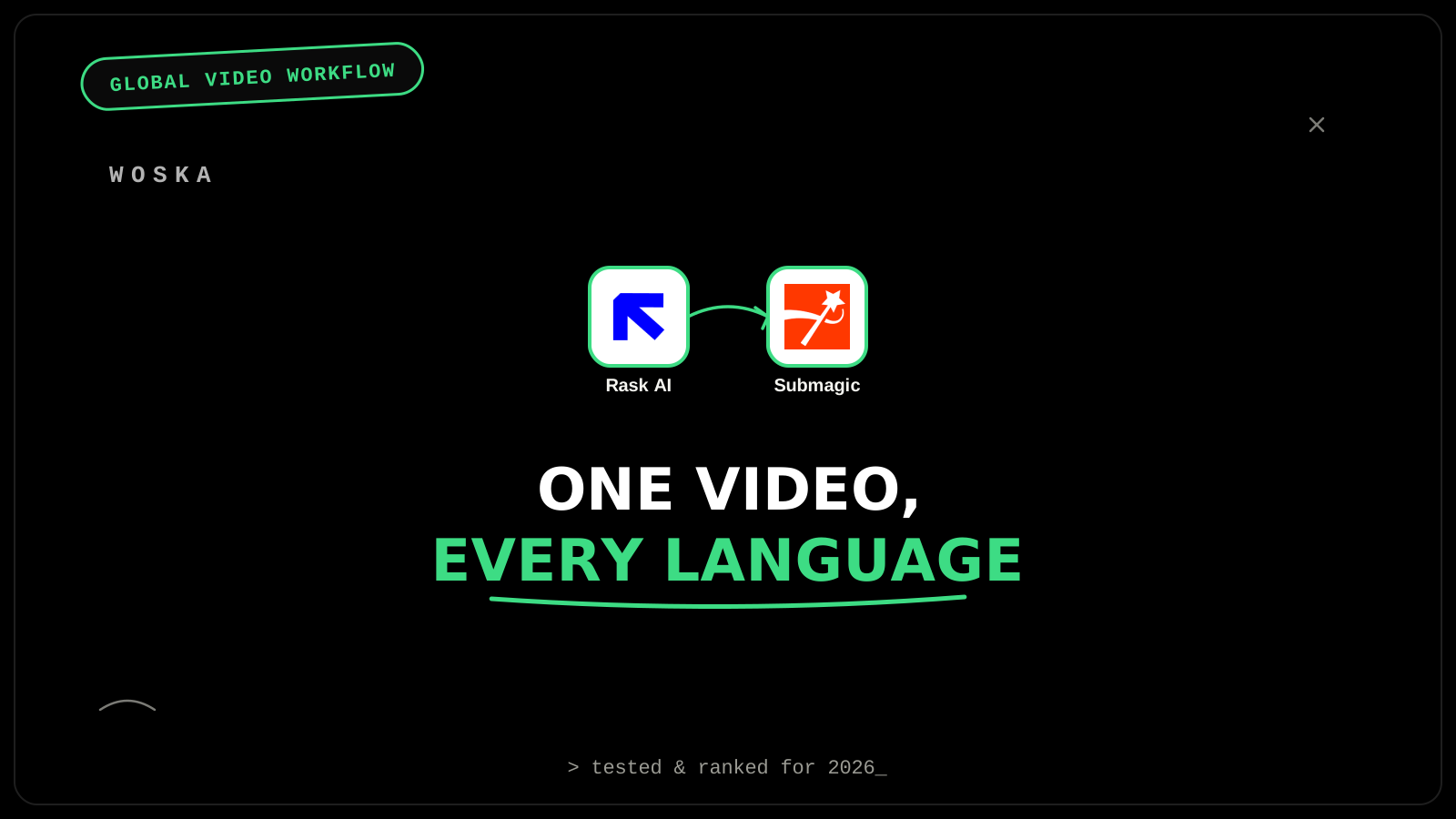
Rask AI dubs and translates a video into over 130 languages with voice cloning and lip-sync, so the speaker appears to actually speak each target language rather than just being subtitled over. Submagic then adds animated, auto-synced captions to each dubbed version, since social platforms default to sound-off viewing and a dubbed voice track alone still needs captions to actually get watched. Together they turn one recorded video into a real set of market-ready assets — not a single video with subtitles bolted on, but a version that sounds and reads natively in each target language.
The workflow, step by step
Step 1 — dub and translate with voice cloning. Rask AI translates and dubs a video into over 100 languages with voice cloning and lip-sync, billed by minutes processed — the voice cloning specifically matters because a dubbed track that sounds like a generic narrator reads as obviously translated, while a cloned voice in the original speaker's tone reads as native.
Step 2 — add captions to each dubbed version. Submagic adds animated, auto-synced captions built specifically for creators publishing to social feeds, where most viewing happens with sound off by default — running this per language version, not just on the original, is what makes each dubbed video actually watchable in its target market's typical viewing context.
Why dubbing alone isn't enough for social distribution
A perfectly dubbed video still underperforms on social platforms if it has no captions, because a large share of viewers watch with sound off regardless of language — dubbing solves the "does this sound native" problem, and captions solve the completely separate "can this be understood with the sound off" problem. Skipping Step 2 because a video is "already translated" via dubbing is a common and avoidable mistake — the two steps solve different, non-overlapping viewing scenarios.
Quick comparison
| Tool | Role in the workflow | Starting price | Job |
|---|---|---|---|
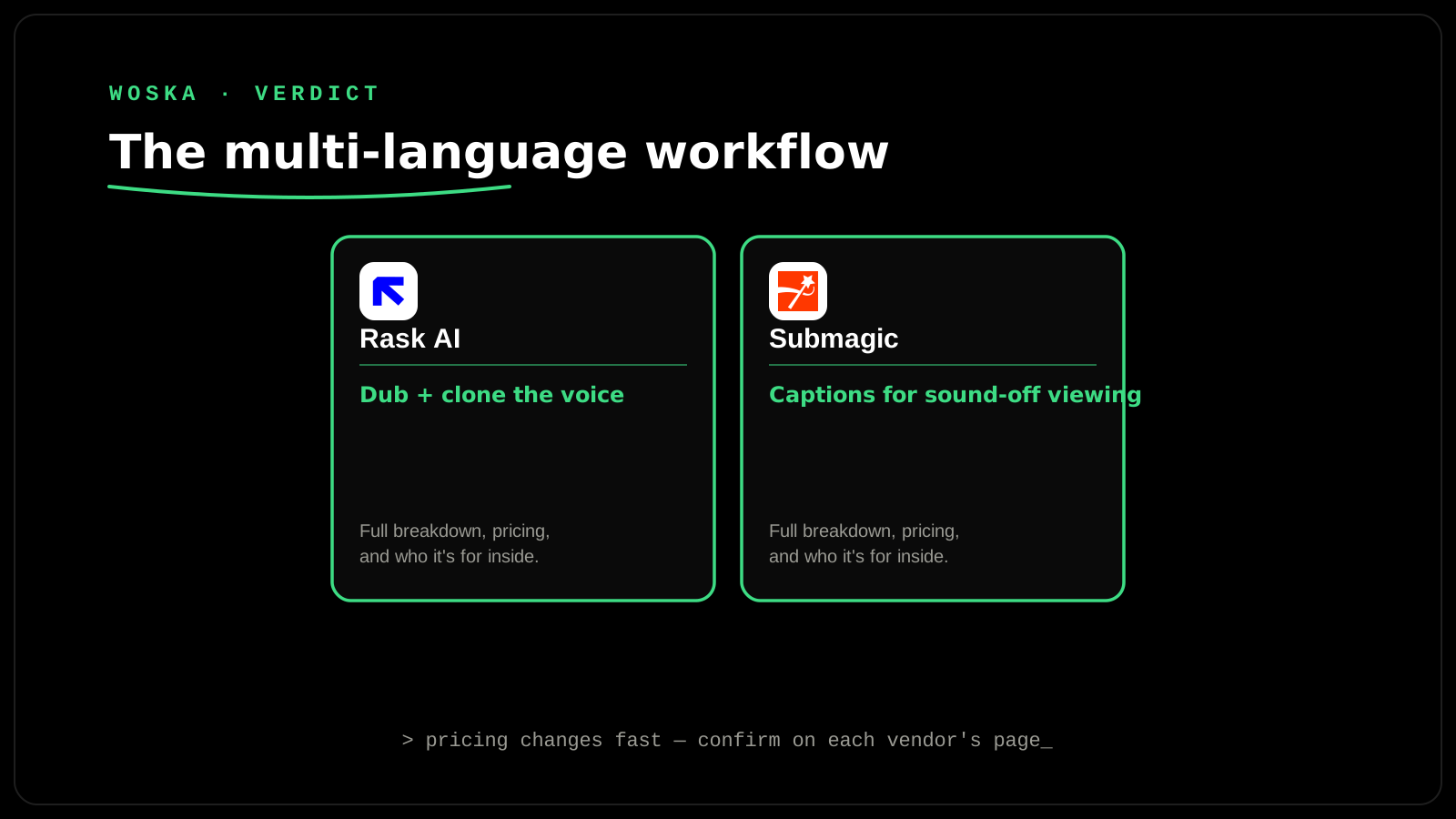
| Rask AI | Dub + translate with voice cloning | $60/mo (25 dubbed minutes) | Making the speaker sound native in each language |
| Submagic | Animated captions per language version | Freemium | Making it watchable with sound off |
How to actually run this per market
Budget for lip-sync specifically if it matters for your content — a 1-minute video with lip-sync consumes roughly 3 minutes of Rask AI's credit allowance, effectively tripling the real per-minute cost versus dubbing without lip-sync. Run captions on every language version separately rather than reusing the original-language caption file, since the dubbed audio timing and the translated text length both differ from the source. Prioritize your top 2-3 target markets first rather than dubbing into all 130+ supported languages at once — the workflow scales, but so does the cost, and most channels see returns concentrate in a handful of actual target markets.
FAQ
Does voice cloning for dubbing raise any consent or ethical concerns? Yes, worth taking seriously — only clone a voice you have clear rights to use (your own, or someone who has explicitly consented), since voice cloning technology can be misused, and reputable platforms require this by policy.
Is lip-sync worth the extra cost, or is dubbing alone enough? It depends on the content — for a talking-head video where the mouth is clearly visible, lip-sync noticeably improves how native the result feels; for voiceover-style content where the speaker isn't on camera throughout, plain dubbing without the lip-sync premium is often enough.
Can Submagic's captions be generated directly in the target language, or do they need separate translation? Submagic works from the audio or script you give it, so feed it the dubbed-language version specifically (not the original) to get captions that match what's actually being said in that language.
How many languages should a business actually start with? Start with 2-3 markets where you have real evidence of demand (analytics, existing audience geography, or a specific expansion goal) rather than dubbing broadly — it's easier and cheaper to add languages once you've validated the workflow than to have over-invested upfront.
Related guides
- Best AI Video Dubbing & Lip Sync Tool in 2026
- Best AI Auto-Caption Tool for Short-Form Video in 2026
- Best AI Translation Tool in 2026
- Explore Video tools
*Ratings and pricing reviewed monthly. Last updated September 2026.*
Bogdex · Founder & editor, woska
Bogdex builds and curates woska, testing AI tools against real workflows to judge which ones actually save time rather than which have the longest feature list.