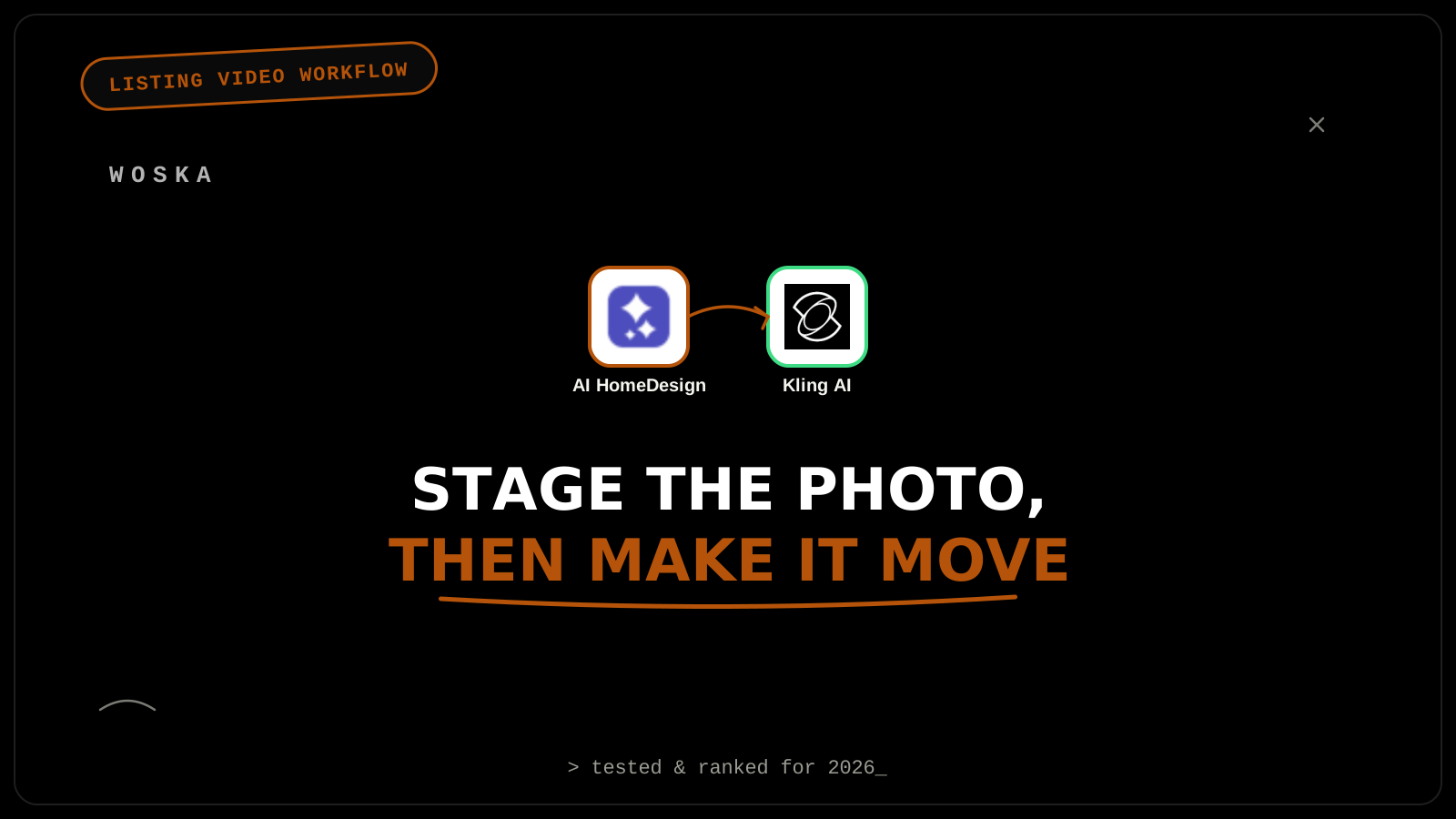
Most listings only get static photos because a real video shoot — a videographer, a gimbal, editing time — doesn't pencil out for every property. AI HomeDesign stages an empty room in under 5 seconds, MLS-compliant by default. Kling AI then turns that single staged still image into smooth, walkthrough-style motion, giving a listing video-style content without a second shoot. It's not a replacement for a real walkthrough on a flagship listing, but for the large majority of listings that would otherwise get photos only, it closes the gap for a fraction of the cost.
The workflow, step by step
Step 1 — stage the room. AI HomeDesign furnishes an empty listing photo across 8 design styles and 15 room types in under 5 seconds, with free regenerations if the first render misses the room's scale — pricing runs as low as $0.24/photo on the Enterprise tier, making it viable to stage every room in a listing rather than just the hero shots.
Step 2 — turn the staged still into motion. Feed the staged photo into Kling AI to generate a short, smooth camera-motion clip from it — a slow push into the room, or a gentle pan — turning what was a flat photo into something that reads as video content for a listing page or social post.
Step 3 — sequence the clips into a walkthrough. String several room clips together in basic video-editing software (or a text-based editor like Descript) in the order a real walkthrough would follow — entry, living space, kitchen, bedrooms — so the final result reads as one coherent tour rather than a set of disconnected motion photos.
Where this genuinely helps, and where it doesn't
This workflow is strongest for the volume of listings that would otherwise get photos only — a mid-market home, a rental, a listing on a tight timeline where a professional video shoot isn't in the budget. It's the wrong tool for a flagship or luxury listing where a real videographer's shot composition, lighting, and genuine walkthrough continuity are part of what justifies the listing's positioning — AI-generated motion from a still image is convincing at a glance, not indistinguishable from real footage under close inspection.
Quick comparison
| Tool | Role in the workflow | Starting price | Job |
|---|---|---|---|
| AI HomeDesign | Stage the empty room | $0.24–0.63/photo | Turning an empty room into a furnished one |
| Kling AI | Animate the staged photo | Credit-based, freemium | Turning a still into walkthrough-style motion |
FAQ
Is AI-generated motion from a staged photo disclosed to buyers, or does it need to be? Confirm current MLS and local real estate board disclosure rules directly — standards for AI-generated or virtually staged media vary by market and change as the technology becomes more common, and this is not something to guess at.
Does this replace hiring a real estate videographer entirely? For a lower-tier or time-constrained listing, often yes in practice; for a flagship listing, most agents still use it as a supplement (social teasers, early marketing) rather than the primary listing video.
How many rooms should actually get this treatment for one listing? Focus on the rooms that drive buyer interest most — living areas, kitchen, primary bedroom — rather than every room in the house, since the value is in showcasing the property's best features, not exhaustive coverage.
Can this workflow work for a property that's still under construction? Less reliably — both tools work best from a real, empty, finished room's photo; a construction site photo gives AI HomeDesign much less to work with for a convincing staged result.
Related guides
- Best AI Virtual Staging Tool in 2026
- Best AI Photo-to-Video Tool in 2026
- AI Tools for Property Managers in 2026
- Explore Video tools
*Ratings and pricing reviewed monthly. Last updated September 2026.*
Bogdex · Founder & editor, woska
Bogdex builds and curates woska, testing AI tools against real workflows to judge which ones actually save time rather than which have the longest feature list.