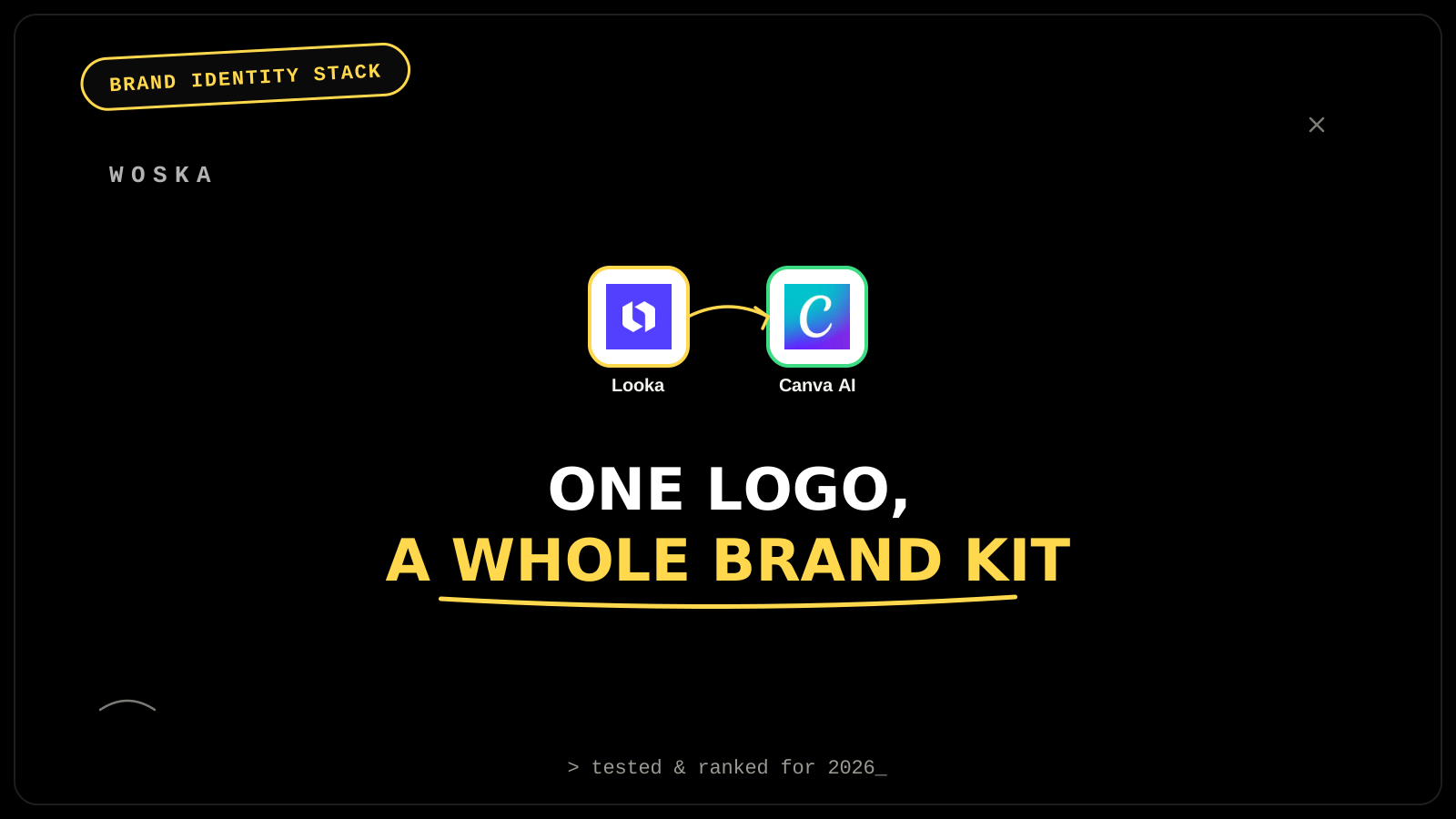
Looka generates a logo from your name, style, and color preferences, then its Brand Kit imports those exact colors and fonts into 300+ pre-generated templates — business cards, email signatures, social profile images, letterheads — so every asset matches from day one instead of being recreated by hand each time. Canva AI takes over once that foundation exists, extending the same brand identity into the ongoing marketing materials (posts, presentations, ads) a business actually produces week to week. The design phase in Looka is free — you only pay when you download, which makes it realistic to explore several directions before committing to one.
The workflow, step by step
Step 1 — generate and choose a logo, for free. Looka generates logo options from your business name, industry, and style preferences, and the design and exploration phase costs nothing — payment only triggers when you actually download files, so testing several directions before committing is realistic, not something you pay per attempt for.
Step 2 — lock the identity into a Brand Kit. Looka's Brand Kit imports your chosen logo's exact colors and fonts and applies them across 300+ templates — business cards, email signatures, social media profile images, letterheads — plus a brand guidelines document, so the identity is consistent everywhere from the start rather than drifting as different people create different assets.
Step 3 — extend the identity into ongoing marketing content. Canva AI picks up from there for the marketing materials a business produces continuously — social posts, presentations, ads — using the same locked-in brand colors and fonts so new content stays visually consistent with the original identity long after the initial kit is built.
Why locking the brand kit first prevents drift later
Building a logo without immediately locking its colors and fonts into a reusable kit is how brand identities quietly drift — one team member's version of "the brand blue" ends up slightly different from another's within a few months, and nobody notices until materials are side by side. Doing Step 2 (the Brand Kit) immediately after choosing a logo, rather than treating it as an optional later step, is what keeps every asset — from a business card to a year-later social post — actually matching.
Quick comparison
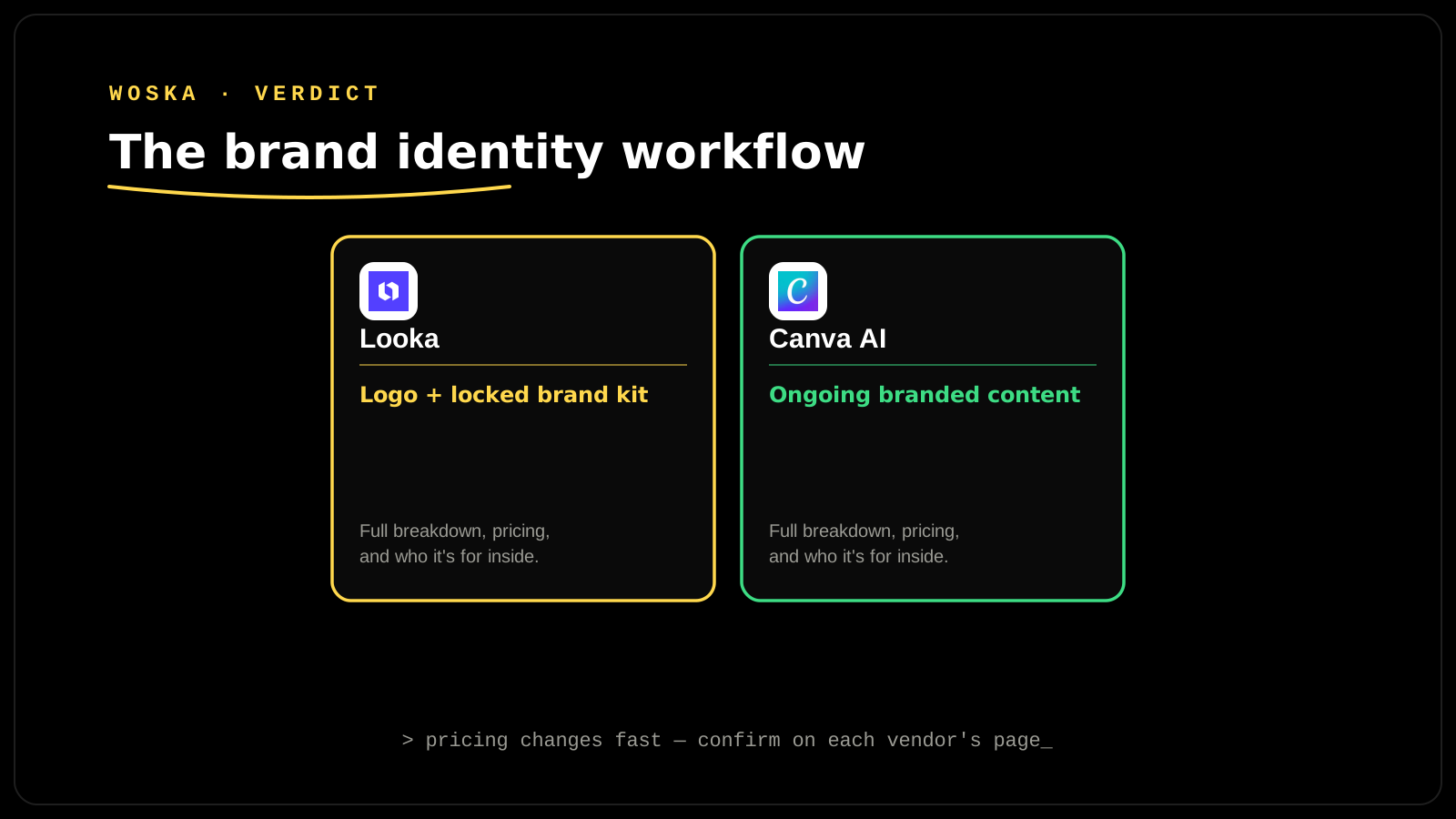
| Tool | Role in the workflow | Starting price | Job |
|---|---|---|---|
| Looka | Logo + locked-in Brand Kit | Free to design; $20 one-time logo, $96/yr Brand Kit | The foundational identity, done once |
| Canva AI | Ongoing brand-consistent content | Freemium | Everything produced after the kit exists |
How to actually run this for a new business
Explore several logo directions in Looka's free design phase before paying for anything — there's no cost penalty for changing your mind at this stage. Buy the Brand Kit subscription, not just the one-time logo file, if you'll be producing more than a handful of branded assets, since the templates and guidelines document are what actually prevent drift later. Set up a Canva AI brand kit using the same exact color codes and font choices from Looka, rather than eyeballing a visual match, so the two tools stay genuinely in sync.
FAQ
Is Looka's one-time logo purchase enough, or do I need the Brand Kit subscription? The one-time purchase ($20-65) gets you the logo files themselves; the Brand Kit ($96/year) is what actually generates the matched business cards, social templates, and guidelines that keep everything consistent — skip it only if you're confident you (or your team) won't need matched templates.
Can I import a Looka-generated brand kit directly into Canva? Not as a direct one-click import — you'll manually set up Canva's own brand kit feature using the same colors, fonts, and logo file Looka generated, which takes a few minutes but keeps both tools using an identical identity.
Do I need a designer if I use this workflow? For a small business or early-stage brand, this workflow covers the core identity and ongoing content needs without one — a designer becomes more valuable once the brand is established and needs more custom, one-off creative work than templates can provide.
How long does the whole process realistically take? The logo and Brand Kit setup (Steps 1-2) can reasonably be done in an afternoon; Canva AI (Step 3) is an ongoing tool you'll use for as long as the business produces marketing content, not a one-time setup step.
Related guides
- Best AI Logo Generator in 2026
- Canva AI Review 2026: Is Magic Studio Worth It?
- AI Tools for Design & Creative Teams: The Complete 2026 Guide
- Explore Image & Design tools
*Ratings and pricing reviewed monthly. Last updated September 2026.*
Bogdex · Founder & editor, woska
Bogdex builds and curates woska, testing AI tools against real workflows to judge which ones actually save time rather than which have the longest feature list.