Fyxer's three core features are the whole pitch: it sorts incoming email by priority automatically, drafts replies that genuinely learn and match your individual writing voice rather than sounding generically AI-written, and sits in on meetings to produce notes and action items afterward. Reviews consistently praise the drafting quality specifically — it's the feature most users say actually saves real time. The honest catches: there's no permanent free tier (just a 7-day trial), integrations and the AI chat assistant are locked behind the higher Professional tier, and a recurring complaint is emails getting mislabeled by the priority sorter.
What it actually does well
The voice-matched draft replies are Fyxer's standout feature by a clear margin in independent reviews — rather than generating a generic AI-sounding response, it learns from your actual sent emails and drafts replies that read like something you'd genuinely write, cutting real editing time versus a from-scratch AI draft. Automatic inbox sorting by priority reduces the daily triage overhead of scanning every incoming message manually. The AI meeting notetaker captures calls and summarizes action points automatically, and since August 2026, you can interact with Fyxer directly from team chat rather than only through email.
Pricing
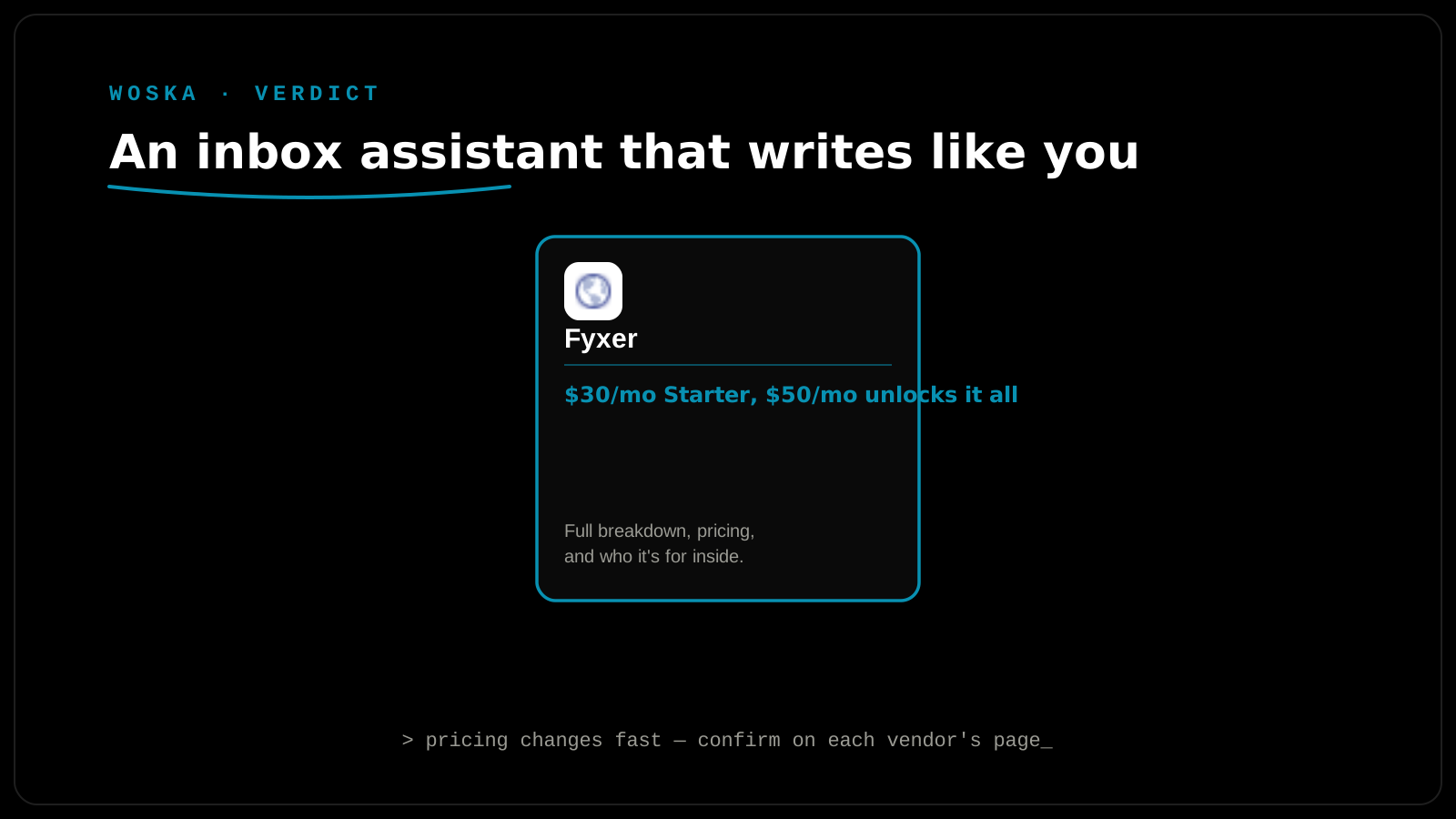
Starter runs $30/user/month ($22.50/month billed annually), and Professional runs $50/user/month ($37.50/month billed annually) — the meaningful gap being that integrations, deeper automation, and the AI chat assistant are all locked behind Professional specifically, not included on Starter. Larger deployments of 50+ seats scale per-seat with custom, sales-negotiated pricing. There's no permanent free plan; new users get a 7-day free trial to evaluate before committing to either paid tier.
The honest limitation
The drafting and meeting-notes features earn genuine praise, but the recurring complaint across reviews is mislabeled emails from the priority-sorting feature — it doesn't always get the triage call right, which undercuts trust in the automation if you're relying on it to actually skip reading lower-priority mail. The other consistent friction point: surprise charges after the 7-day trial closes, catching users who didn't realize the trial was converting to a paid subscription automatically. Set a calendar reminder before the trial ends if you're evaluating it, and treat the priority sorting as a helpful triage assist rather than something to blindly trust without spot-checking for the first few weeks.
Quick comparison
| Plan | Price | Integrations & automation | Best for |
|---|---|---|---|
| Starter | $30/user/mo | Not included | Basic drafting and sorting |
| Professional | $50/user/mo | Included | Teams wanting full automation + AI chat |
FAQ
How long does it take for Fyxer's draft replies to actually sound like me? Most reviews describe the voice-matching as noticeably good early on, improving further as it processes more of your sent mail — expect a short learning period rather than instant perfection from day one.
Is the priority-sorting feature reliable enough to trust without checking? Not entirely, based on recurring review feedback — spot-check its sorting decisions for the first few weeks rather than assuming it never misclassifies an important email as low priority.
Does Fyxer work with tools beyond email, like Slack or Teams? Since August 2026, yes — you can interact with Fyxer from team chat directly, expanding it beyond a purely email-based tool, though this and deeper integrations require the Professional tier.
What happens if I forget to cancel after the 7-day trial? It converts to a paid subscription automatically, which has generated real complaints about surprise charges — set a reminder to evaluate and decide before the trial period ends.
Related guides
- Best AI Email Assistant in 2026
- Jace vs Howie in 2026
- Demi AI vs Regie AI vs Fyxer in 2026
- Explore Productivity tools
*Ratings and pricing reviewed monthly. Last updated September 2026.*
Bogdex · Founder & editor, woska
Bogdex builds and curates woska, testing AI tools against real workflows to judge which ones actually save time rather than which have the longest feature list.