Fyxer is the best AI email assistant for most people in 2026 because it drafts replies in your voice, organises the inbox, and works natively in both Gmail and Outlook without asking you to switch clients. Superhuman is the premium pick if you want the fastest dedicated email app, and Shortwave is the strongest choice for Gmail power users who live in chat-style search.
There are two different products hiding under "AI email." One replaces your email app; the other layers AI onto the inbox you already use. That split is the first decision, so treat it as one.
Why Fyxer is the strongest starting point
Fyxer does not ask you to abandon your email client. It sits on top of Gmail or Outlook and does two things well: it drafts replies that match your tone by reading your past emails, and it organises the inbox so the messages that need you surface first. When you take a video meeting, it can join, take notes, and draft the follow-up.
For most people the win is not a new app — it is not writing the same fifteen replies from scratch every day. Fyxer is also the most complete option for anyone on Outlook, where Shortwave does not go.
Start here unless you specifically want to change email clients.
Pricing: Paid, from around $18/mo. Always confirm the live vendor page before buying because AI products often change credits, limits, and plan names.
When Superhuman is the better choice
Superhuman is a full email client built for speed — keyboard-first, fast, and polished, working with both Gmail and Outlook. Its AI drafts, summarises, and triages inside that experience.
Choose Superhuman if the app itself is the point: you process a lot of email and want the fastest possible interface. Note the real cost is higher than the headline, because the strongest AI features sit on the more expensive Business tier.
When Shortwave belongs on the shortlist
Shortwave, built by ex-Google engineers, reimagines Gmail with a chat-like interface and an assistant that drafts in your style, summarises threads, and searches your inbox by natural-language question.
It is the strongest pick for Gmail power users — but only for them: Shortwave is Gmail-only. If you or your team are on Outlook, this one is off the table before features even matter.
What to check before you commit
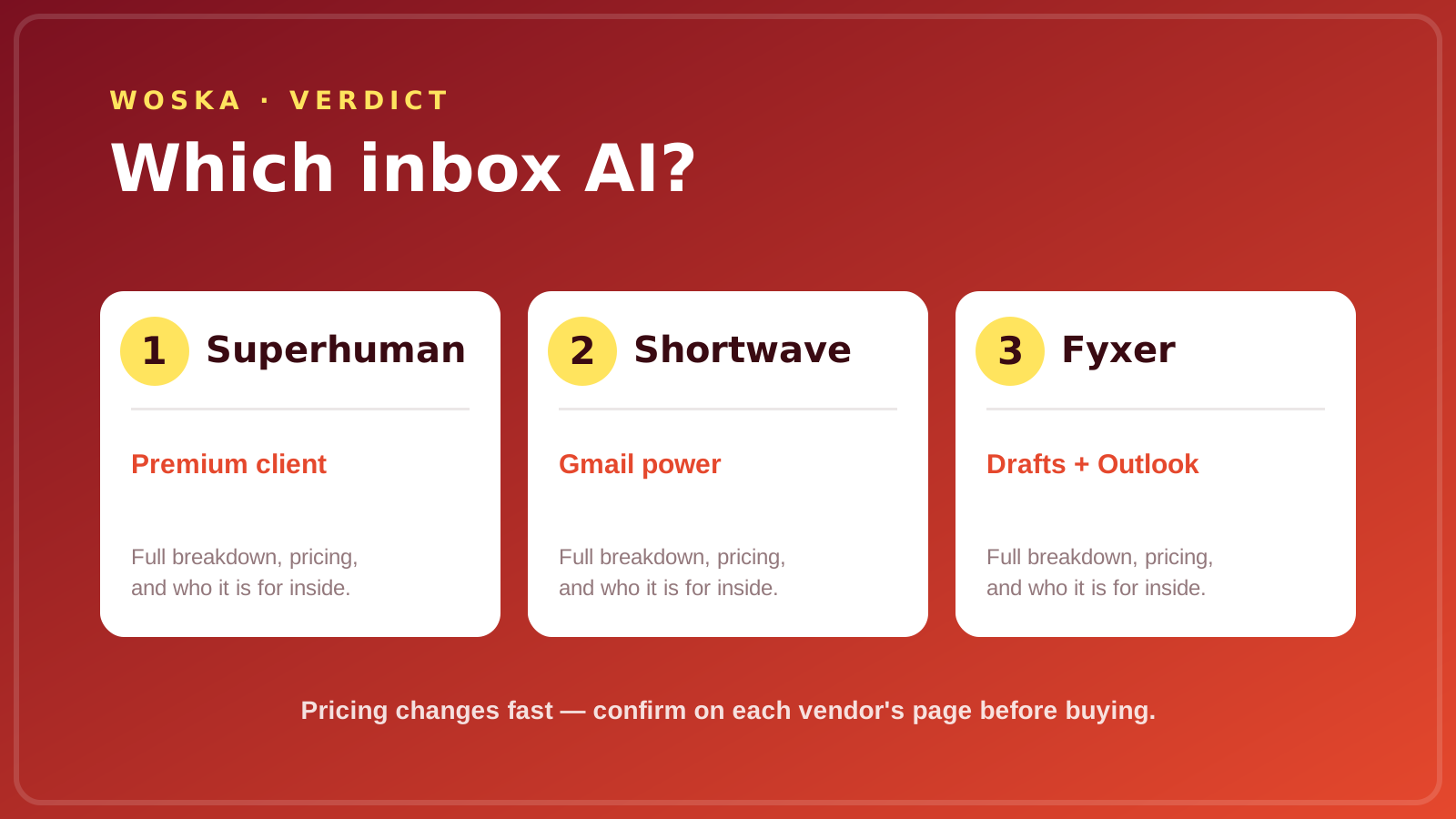
- Which mail provider you are on. Gmail-only (Shortwave) versus Gmail-and-Outlook (Fyxer, Superhuman) eliminates options faster than any feature.
- Assistant versus client. Fyxer adds AI to your current inbox; Superhuman and Shortwave ask you to move into a new one. Switching clients has a real cost in habits and muscle memory.
- Where drafts come from. All three learn your tone from past mail, so give each a week of real replies before judging the quality.
- What the AI tier actually costs. Headline prices can hide the fact that the best features sit one tier up. Price the plan you would actually use.
Quick comparison
| Tool | Starting price | Core job | Use it when |
|---|---|---|---|
| Fyxer | From ~$18/mo | AI drafts + triage on your inbox | You want AI without switching clients |
| Superhuman | From ~$30/mo | fast premium email client | The app speed itself is the point |
| Shortwave | Freemium to ~$100/mo | AI-native Gmail experience | You are a Gmail power user |
How to choose
Answer the provider question first: on Outlook, it is Fyxer or Superhuman. Then decide whether you want to keep your client (Fyxer) or move into a faster one (Superhuman, Shortwave). Run your real inbox through the shortlist for a week and judge the drafts on how little you edit them.
The best AI email tool is the one whose replies you send with the fewest changes.
FAQ
Can AI email assistants send emails without me? Most default to drafting, not sending, so a human approves before anything leaves. Keep it that way: an AI that auto-sends is one bad draft away from an awkward message you cannot unsend.
Do they work with Outlook or only Gmail? Fyxer and Superhuman support both Gmail and Outlook; Shortwave is Gmail-only. Confirm current support on the vendor page, since providers add and drop integrations.
Will the drafts actually sound like me? All three learn tone from your past emails and improve over a week or two of real use. Expect to edit heavily at first and less over time; if you are still rewriting every draft after two weeks, it is the wrong tool for your voice.
Is a dedicated email client worth switching to? Only if you process enough email that interface speed genuinely compounds. For most people, adding AI to the inbox they already know beats relearning a new client.
Related guides
- Part of our complete guide: AI Productivity & Personal Tools
- Best AI scheduling assistant
- Best AI tool for cold email outreach
- Explore Productivity tools
- All woska guides
*Ratings and pricing reviewed monthly. Last updated July 2026.*
Bogdex · Founder & editor, woska
Bogdex builds and curates woska, testing AI tools against real workflows to judge which ones actually save time rather than which have the longest feature list.