Cursor is the best pick for a full AI-native editor built around repo-aware chat and inline edits, Claude Code is the best pick for terminal-based agentic work that runs commands and edits across a whole repo, and GitHub Copilot is the best pick for teams that want AI assistance without leaving the IDE they already use. All three write real code from real context; the difference is where you sit while it happens and how much control you hand over at once.

Where Cursor wins
Cursor is a full editor — a VS Code fork — built from the ground up around AI: repo-aware chat, inline edits, and multi-file changes all live inside the same window you'd normally code in. It's the strongest pick for developers who want AI as a constant presence in their editor rather than a separate tool they switch to.
Where Claude Code wins
Claude Code runs from the terminal and works agentically across a whole repository: it can read files, run commands, execute tests, and make multi-step changes with less hand-holding than an inline suggestion tool. It's the better fit when the task is "get this done across the codebase" rather than "help me write this function."
Where GitHub Copilot wins
Copilot adds autocomplete, chat, and suggestions directly inside the IDEs teams already use — VS Code, JetBrains, and others — without asking anyone to switch editors. It's the practical choice for larger teams where standardizing on a new editor is a bigger organizational cost than the tool itself.
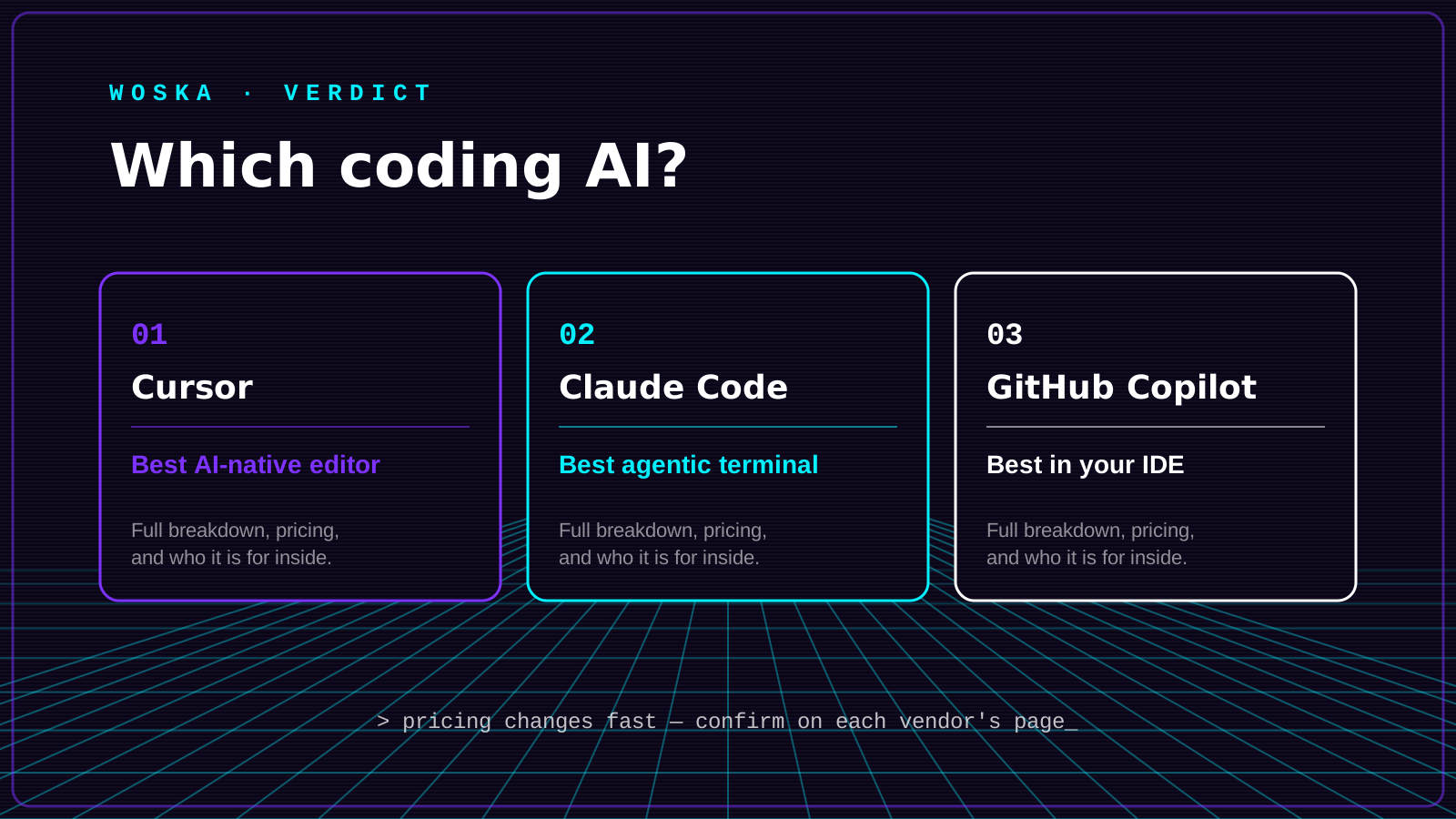
Quick comparison
| Tool | Starting price | Core job | Best fit |
|---|---|---|---|
| Cursor | From $20/mo | AI-native code editor | Developers who want AI built into the editor itself |
| Claude Code | From $20/mo | Terminal-based agentic coding | Multi-step changes across a whole repo |
| GitHub Copilot | From $10/mo | In-IDE autocomplete & chat | Teams standardized on existing IDEs |
Which one should you use?
Choose Cursor if you're willing to switch editors for a deeper AI-native experience. Choose Claude Code if you want an agent that can run commands and make changes across a repo with less manual step-by-step guidance. Choose GitHub Copilot if the priority is adding AI assistance without disrupting the editor your team already standardized on.
FAQ
Can I use more than one of these together? Yes, and many developers do — Copilot for everyday autocomplete inside a familiar IDE, with Claude Code or Cursor brought in for larger, multi-file tasks.
Which one is best for a large, messy legacy codebase? Claude Code's ability to read across many files and run tests before making changes tends to handle unfamiliar, poorly documented codebases better than inline-suggestion tools, which work best when you already know roughly what needs to change.
Is switching to Cursor worth it if my team already uses Copilot in VS Code? Only if the team is hitting real limits with inline suggestions — needing deeper multi-file edits or repo-wide chat context. If Copilot is meeting the need, the switching cost of a new editor usually isn't worth it yet.
Related guides
- Best AI Coding Assistant in 2026
- Claude Code vs Cursor vs Codex vs GitHub Copilot
- Explore Coding & Dev tools
*Ratings and pricing reviewed monthly. Last updated August 2026.*
Bogdex · Founder & editor, woska
Bogdex builds and curates woska, testing AI tools against real workflows to judge which ones actually save time rather than which have the longest feature list.