The pricing crossover is the whole story here: ClickUp is cheaper until you add real AI usage, then Asana becomes the better value. ClickUp's base plans start lower ($7/user vs Asana's $10.99/user), but its AI layer — relaunched as Brain 2 in June 2026 — is a separate paid add-on (Brain MAX, roughly $9/user/month). Asana bundles its AI Teammates into every paid plan at no extra charge. Beyond price, the deeper difference is philosophy: ClickUp gives you more views, more customization, and more depth for teams willing to configure it; Asana stays cleaner and more structured for teams that want AI and project tracking to work well without much setup.
Where each one actually wins
ClickUp wins on raw feature depth and integration breadth — over 1,000 integrations versus Asana's roughly 400, plus native time tracking, built-in Docs, and deeper sprint tooling that Asana doesn't match at a comparable price point. Brain 2, its June 2026 AI relaunch, adds workspace-wide knowledge retrieval (ask questions across your tasks, docs, and comments in one place), automated standup reports, and "Super Agents" — AI coworkers you can @mention, assign tasks to, and put on a recurring schedule. The tradeoff is real configuration overhead: ClickUp's depth means more setup decisions before a team actually gets value from it.
Asana wins on time-to-value — it's consistently described as cleaner to set up and easier to onboard a team into without configuration overhead, which matters more than raw feature count for teams that just want structure without a learning curve. Asana Intelligence bundles Smart Summaries (project and portfolio-level), a no-code AI Studio for building workflow automations, and AI Teammates that can be assigned structured, ongoing work like risk prediction, portfolio reporting, and managing recurring processes like marketing campaigns or IT ticketing — all included in paid plans rather than sold separately.
The pricing crossover, explained
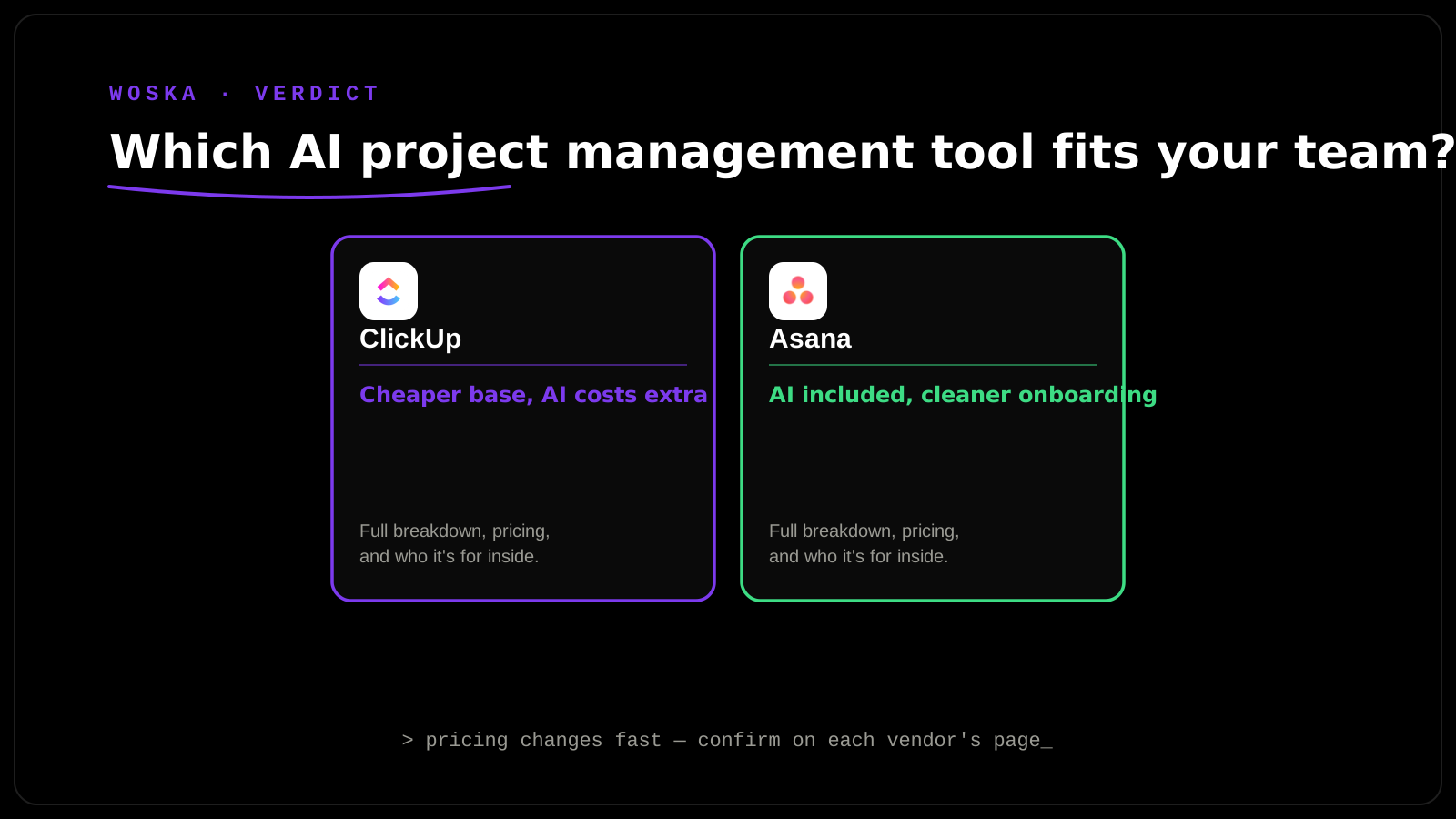
At the base tier, ClickUp's $7/user/month Unlimited plan undercuts Asana's $10.99/user/month Starter plan meaningfully. Add real AI usage and that gap narrows or reverses: ClickUp's Brain MAX AI layer costs roughly $9/user/month on top of the base plan, while Asana's AI Teammates and Smart Summaries are already included in what you're paying for the base plan itself. For a team that will genuinely use AI features daily, run the total cost including add-ons before assuming ClickUp is the cheaper option — it often isn't, once AI is actually part of the calculation.
Quick comparison
| ClickUp | Asana | |
|---|---|---|
| Starting price | $7/user/mo (Unlimited) | $10.99/user/mo (Starter, min. 2 seats) |
| AI pricing | Separate add-on (~$9/user/mo, Brain MAX) | Included in paid plans |
| Integrations | 1,000+ | ~400 |
| Best for | Teams wanting depth and willing to configure it | Teams wanting structure without setup overhead |
| AI standout feature | Super Agents (assignable AI coworkers) | AI Teammates (structured, ongoing workflows) |
Which one should you actually pick?
Choose ClickUp if your team already knows it wants deep customization — multiple view types, native time tracking, extensive integrations — and is willing to spend setup time getting AI value out of it, factoring the Brain MAX add-on into your real budget. Choose Asana if your priority is a team that can start using both project tracking and AI assistance productively within days, not weeks, and you'd rather pay a bit more upfront for that simplicity than pay a lower base price plus an AI add-on.
FAQ
Is ClickUp actually cheaper than Asana overall? Only if you don't need the AI layer — factor in ClickUp's Brain MAX add-on (~$9/user/month) before comparing base prices, since Asana's AI is already included in its higher base price.
Which tool has better AI features in 2026? They're built for different jobs — ClickUp's Brain 2 excels at workspace-wide knowledge retrieval and assignable "Super Agent" coworkers, while Asana's AI Teammates are stronger for structured, recurring workflow ownership (reporting, risk prediction). Neither is unconditionally "better."
Is ClickUp genuinely harder to onboard a team onto than Asana? Most comparative reviews describe it that way — ClickUp's depth and view-count come with more initial configuration decisions, while Asana's more opinionated structure gets a team productive faster with less setup.
Can I migrate an existing Asana or ClickUp workspace to the other platform later? Both platforms offer import tools for migrating from the other, though a large existing workspace with heavy customization will require real cleanup time rather than a fully automatic one-click migration — budget for that if switching.
Related guides
- Best AI Project Management Tool in 2026
- Best AI SOP & Process Documentation Tool in 2026
- How to Turn Resolved Support Tickets into a Help Center with AI in 2026
- Explore Productivity tools
*Ratings and pricing reviewed monthly. Last updated September 2026.*
Bogdex · Founder & editor, woska
Bogdex builds and curates woska, testing AI tools against real workflows to judge which ones actually save time rather than which have the longest feature list.